22 June 2026
Mastering Check-In Footage Edits on Your iPad
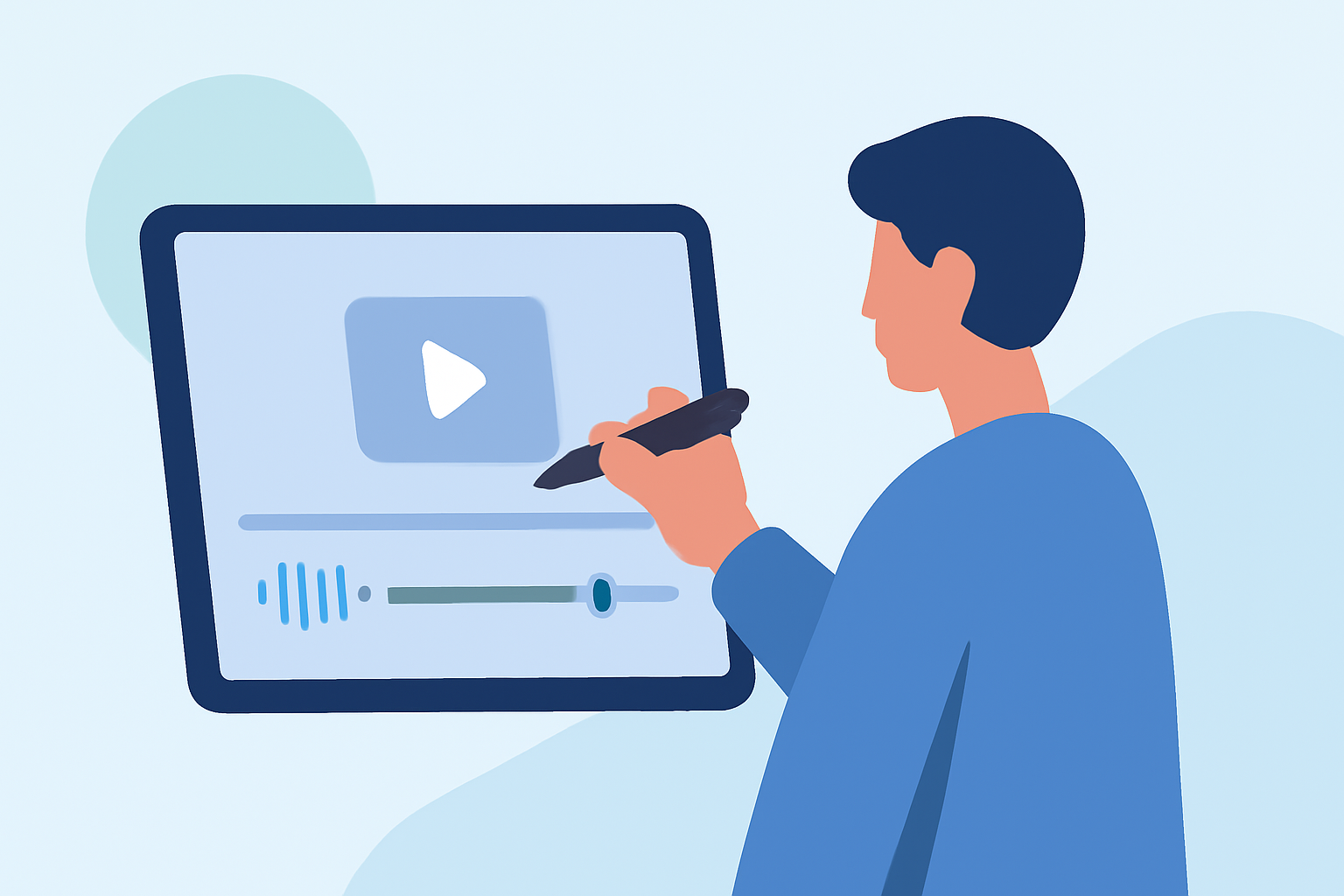
Editing check-in footage on your iPad can be both efficient and enjoyable with the right tools and techniques. Here's a step-by-step guide to help you create polished videos directly from your device.
1. Choose the Right Video Editing App
Selecting an intuitive and feature-rich app is crucial. One highly recommended option is Planes Live, which offers a user-friendly interface and a suite of tools tailored for video editing.
2. Import Your Footage
Open your chosen app and import the check-in footage you wish to edit. Most apps support direct import from your iPad's gallery or cloud storage services.
3. Trim and Arrange Clips
Use the app's trimming tools to remove unnecessary sections and arrange your clips in the desired sequence. This step ensures your video flows smoothly and maintains viewer engagement.
4. Enhance with Transitions and Effects
Add transitions between clips to create a seamless viewing experience. Incorporate effects to highlight key moments or add visual interest. Ensure that these enhancements complement the content without overwhelming it.
5. Incorporate Text and Annotations
Adding text overlays can provide context or emphasize important points. Some apps offer annotation features, allowing you to draw or write directly on the video, which can be particularly useful for tutorials or presentations.
6. Adjust Audio Levels
Ensure that the audio levels are balanced throughout the video. Most apps allow you to adjust volume, add background music, or include voiceovers to enhance the narrative.
7. Export and Share
Once satisfied with your edits, export the video in your preferred resolution and format. Share it directly from the app to social media platforms, cloud storage, or via email.
Tips for Effective Editing:
-
Keep It Concise: Aim for a video length that maintains viewer interest without unnecessary filler.
-
Maintain Consistency: Use consistent fonts, colors, and styles to create a cohesive look.
-
Preview Before Finalizing: Always preview your video to catch any errors or areas for improvement before sharing.
By following these steps and utilizing the capabilities of your chosen app, you can create professional-quality check-in footage edits directly from your iPad.