22 June 2026
Mastering City Break Recap Montages: Essential Techniques and Tools
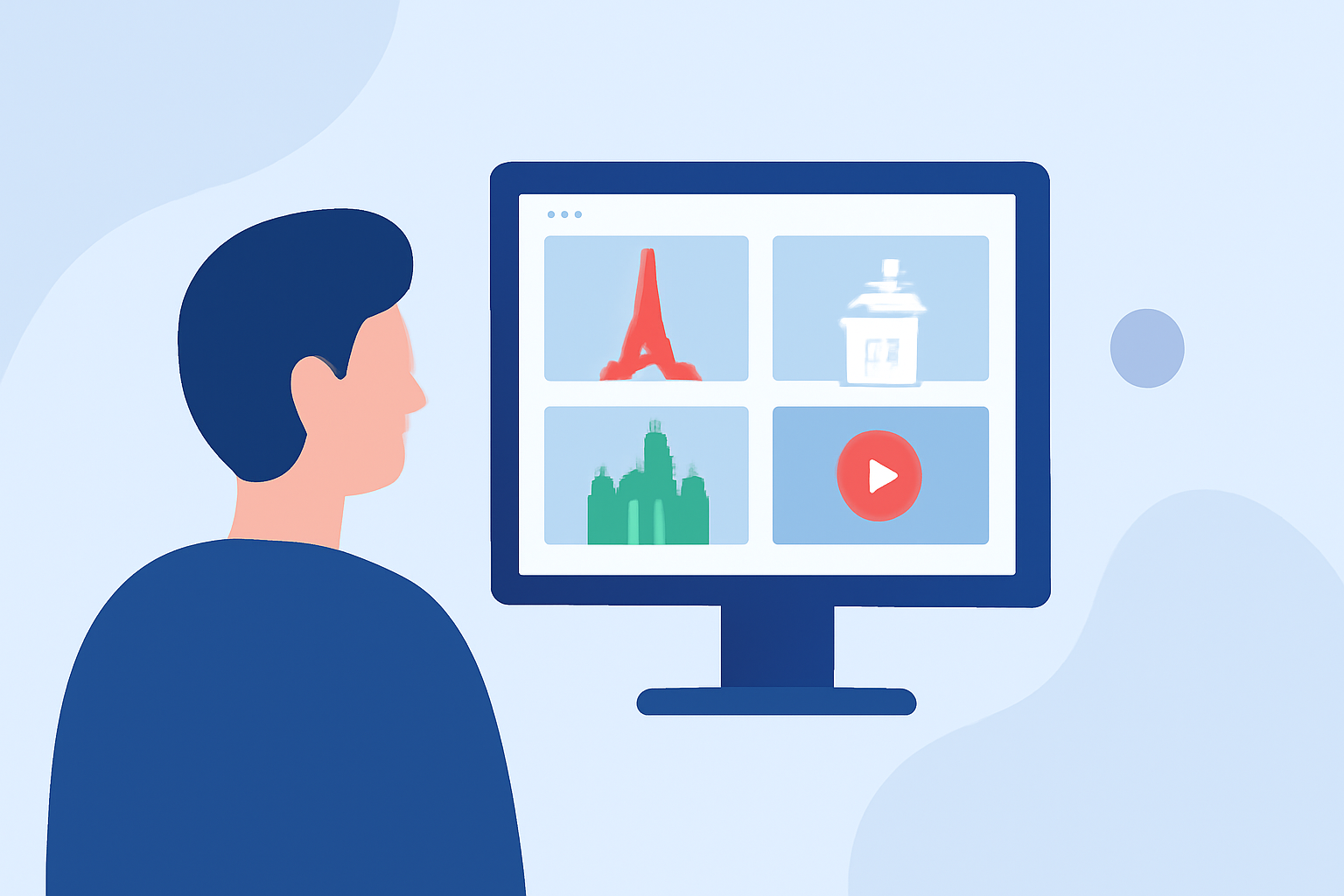
Capturing the essence of a city break through a montage allows you to relive and share your experiences in a dynamic and engaging way. Whether you're a seasoned traveler or a casual explorer, crafting a compelling recap video can be both rewarding and straightforward.
1. What Is a City Break Recap Montage?
A city break recap montage is a short video that encapsulates the highlights of your trip, showcasing memorable moments, iconic landmarks, and the unique atmosphere of the city. Typically lasting between 60 to 90 seconds, these montages serve as a visual diary, allowing you to relive your adventures and share them with others.
2. Why Create a Recap Montage?
- Preserve Memories: Transform your photos and videos into a cohesive narrative that captures the essence of your trip.
- Share Experiences: Engage friends, family, or a broader audience by presenting your journey in an entertaining format.
- Enhance Storytelling: A well-edited montage can convey emotions and stories that individual photos might miss.
3. Essential Steps to Crafting a Compelling Recap Montage
a. Plan Your Narrative
Before diving into editing, outline the story you want to tell. Decide on the theme, whether it's a day-by-day account, a focus on specific activities, or an emotional journey. This planning will guide your selection of footage and the overall flow of the montage.
b. Select and Organize Your Footage
- Review Your Media: Go through all your photos and videos, marking the best shots that align with your narrative.
- Categorize Clips: Group similar shots together (e.g., landmarks, food, street scenes) to streamline the editing process.
- Choose the Best Moments: Opt for clips that are visually appealing and emotionally resonant.
c. Choose the Right Music
Music sets the tone for your montage. Select a track that complements the mood of your trip—be it upbeat, relaxed, or contemplative. Ensure you have the rights to use the music, or opt for royalty-free options.
d. Edit with Rhythm and Purpose
- Pacing: Match the tempo of your edits to the music, creating a rhythm that keeps viewers engaged.
- Transitions: Use smooth transitions to maintain flow, avoiding jarring cuts that can disrupt the viewing experience.
- Color Grading: Apply consistent color correction to unify the look of your footage.
4. Common Mistakes to Avoid
- Overloading with Footage: Including too many clips can overwhelm viewers. Focus on quality over quantity.
- Ignoring Audio Quality: Ensure that ambient sounds and music levels are balanced to enhance the viewing experience.
- Neglecting Storytelling: Even in a montage, a clear narrative or theme helps maintain viewer interest.
5. How Can Planes Live Enhance Your Editing Process?
Planes Live offers a suite of features designed to streamline the creation of high-quality montages:
- User-Friendly Interface: Intuitive tools that simplify the editing process, making it accessible for both beginners and experienced editors.
- Advanced Editing Capabilities: Features like multi-layer editing, color correction, and audio mixing allow for professional-grade edits.
- Cloud Integration: Access your projects from any device, ensuring flexibility and convenience.
- Collaboration Tools: Share your projects with team members or friends for collaborative editing and feedback.
By leveraging Planes Live, you can efficiently craft montages that not only showcase your travels but also tell a compelling story that resonates with your audience.
FAQs
-
How long should my city break recap montage be?
Aim for a duration of 60 to 90 seconds to maintain viewer engagement and effectively convey your trip's highlights.
-
Can I create a montage using only photos?
Yes, combining photos with motion effects and music can result in a dynamic and engaging montage.
-
What type of music is best for a travel montage?
Choose music that reflects the mood of your trip, whether it's energetic, relaxed, or contemplative.
-
How do I avoid common editing mistakes in my montage?
Focus on quality footage, maintain balanced audio levels, and ensure your montage has a clear narrative or theme.
-
What are the benefits of using Planes Live for editing my montage?
Planes Live offers an intuitive interface, advanced editing tools, cloud integration, and collaboration features to enhance your editing experience.
By following these guidelines and utilizing the capabilities of Planes Live, you can create a captivating city break recap montage that not only preserves your memories but also shares the unique essence of your journey with others.