22 June 2026
Mastering City-From-Above Clip Editing in 2026
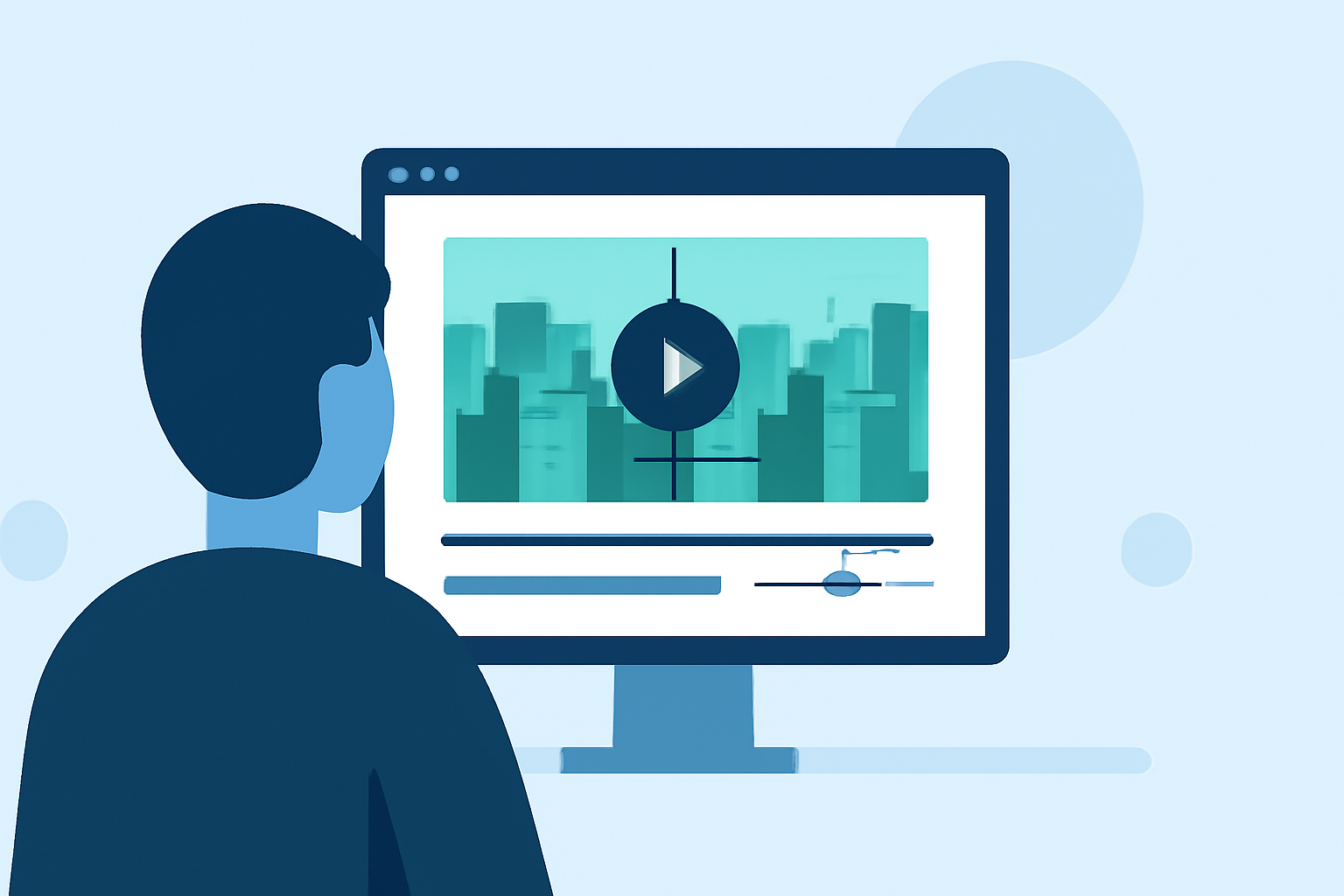
Capturing breathtaking aerial views of cityscapes has become a hallmark of modern videography. In 2026, advancements in technology and editing software have made it more accessible than ever to produce high-quality city-from-above clips. This guide explores the latest techniques and introduces Planes Live as a powerful tool to elevate your editing projects.
What Are City-From-Above Clips?
City-from-above clips showcase urban landscapes from an elevated perspective, offering viewers a unique and expansive view of city layouts, architecture, and bustling streets. These shots are commonly used in documentaries, promotional videos, and cinematic sequences to convey the scale and vibrancy of urban environments.
How Have Aerial Videography Techniques Evolved in 2026?
In 2026, aerial videography has seen significant advancements:
-
Drone Technology: Modern drones offer enhanced stability, longer battery life, and higher-resolution cameras, enabling smoother and more detailed aerial footage.
-
AI Integration: Artificial intelligence assists in automatic subject tracking, obstacle avoidance, and real-time image stabilization, improving the quality and safety of drone operations.
-
Post-Processing Software: Advanced editing software provides tools for color correction, stabilization, and 3D modeling, allowing editors to refine footage with precision.
What Are the Key Steps in Editing City-From-Above Clips?
Editing city-from-above footage involves several critical steps:
-
Footage Review: Assess all captured clips to select the most compelling shots.
-
Stabilization: Use software to correct any shakiness or motion artifacts in the footage.
-
Color Grading: Adjust colors to enhance the mood and ensure consistency across shots.
-
Sound Design: Incorporate ambient sounds, music, and voiceovers to complement the visuals.
-
Rendering and Exporting: Finalize the project by rendering it in the desired format and resolution.
How Can Planes Live Enhance Your Editing Workflow?
Planes Live is a cutting-edge editing software designed to streamline the post-production process:
-
Real-Time Collaboration: Work simultaneously with team members, regardless of location, to expedite the editing process.
-
Cloud Integration: Access and edit your projects from any device with internet connectivity, ensuring flexibility and convenience.
-
Advanced Editing Tools: Utilize a suite of professional-grade tools for color correction, audio mixing, and visual effects to enhance your footage.
-
AI-Powered Features: Leverage AI to automate repetitive tasks, such as scene detection and tagging, allowing you to focus on creative aspects.
What Are Some Tips for Capturing High-Quality Aerial Footage?
To ensure your aerial footage is of the highest quality:
-
Plan Your Shots: Scout locations and determine optimal times for shooting to capture the best lighting and weather conditions.
-
Check Local Regulations: Familiarize yourself with drone laws and obtain necessary permits to ensure legal compliance.
-
Use Manual Settings: Adjust camera settings manually to maintain consistent exposure and focus throughout the shoot.
-
Monitor Battery Life: Keep an eye on drone battery levels to avoid unexpected shutdowns during critical moments.
How Can Planes Live Support Your Aerial Videography Projects?
Planes Live offers features tailored for aerial videography:
-
Geospatial Mapping: Integrate GPS data to map out flight paths and ensure precise editing of aerial sequences.
-
Stabilization Tools: Apply advanced stabilization algorithms to smooth out footage affected by wind or minor drone movements.
-
Weather Simulation: Simulate different weather conditions to visualize how your footage would appear under various scenarios.
What Are the Benefits of Using Planes Live for City-From-Above Editing?
Incorporating Planes Live into your editing workflow offers several advantages:
-
Efficiency: Automated features reduce manual work, speeding up the editing process.
-
Collaboration: Cloud-based tools facilitate seamless teamwork, enhancing productivity.
-
Quality: Advanced tools and AI integration ensure professional-grade results.
By mastering the art of city-from-above clip editing and utilizing advanced tools like Planes Live, you can create compelling and visually stunning aerial videos that captivate audiences.