22 June 2026
Mastering City-From-Above Clips for Instagram Reels
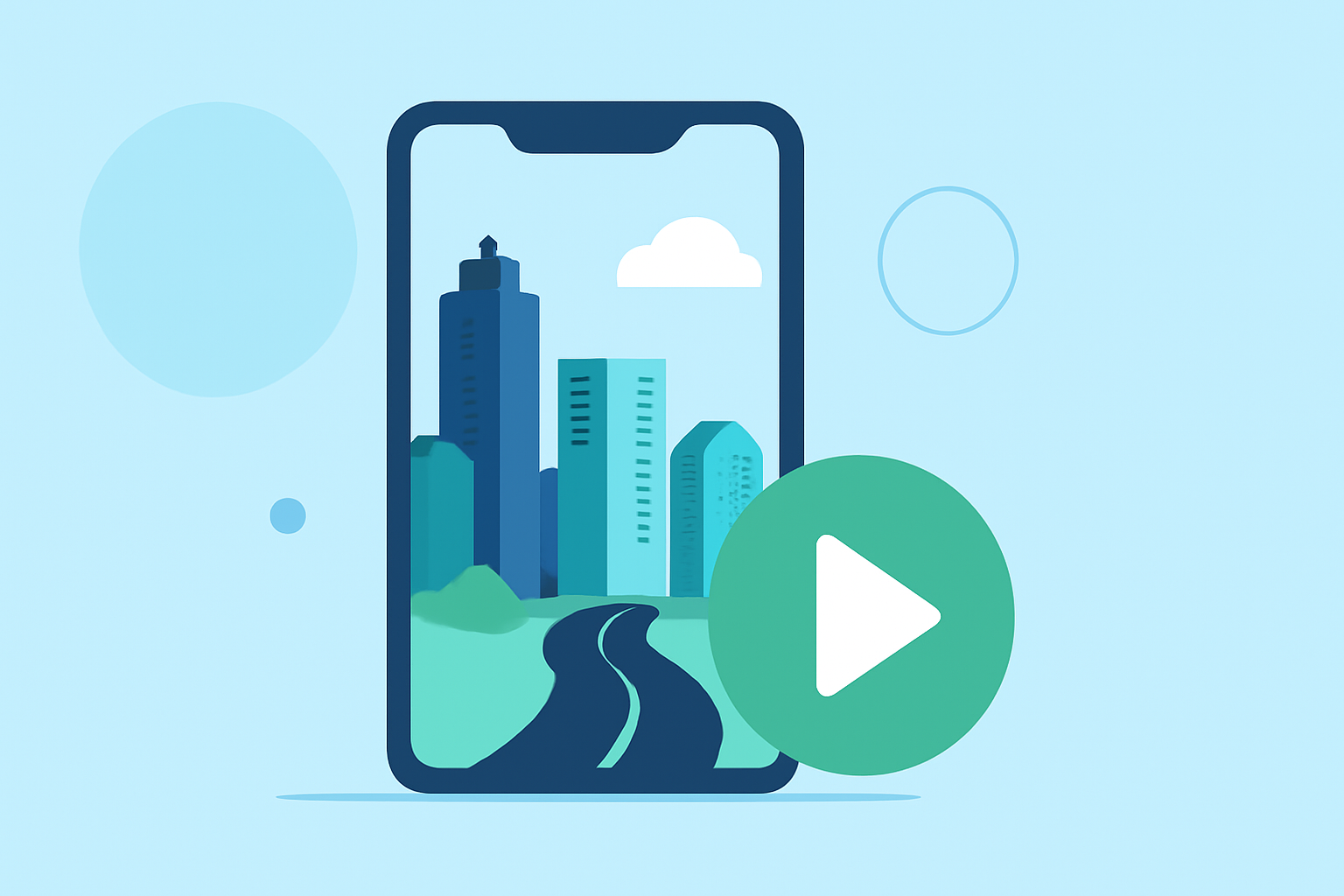
Creating engaging city-from-above clips for Instagram Reels can significantly enhance your content's appeal. These aerial shots offer unique perspectives, showcasing urban landscapes in dynamic ways. Here's how you can craft compelling cityscape videos:
1. Capture High-Quality Aerial Footage
Begin by obtaining clear and steady aerial footage of the city. Utilize drones or high-rise vantage points to capture expansive views. Ensure the footage is well-lit and free from obstructions to highlight the city's architecture and layout.
2. Edit for Vertical Format
Instagram Reels require a 9:16 aspect ratio. Use video editing software to crop and adjust your footage accordingly. This format optimizes your video for mobile viewing, providing a full-screen experience.
3. Enhance Visual Appeal with Filters and LUTs
Applying filters and Look-Up Tables (LUTs) can dramatically improve the visual quality of your clips. For instance, the "Skyline Cinema" LUT offers a clean, cinematic contrast with neutral colors and a subtle teal hue, ideal for panoramic skyline shots. (filmora.wondershare.com)
4. Incorporate Dynamic Transitions
Smooth transitions between clips can maintain viewer engagement. Instagram Reels provides built-in transitions like Zoom, Blur, and Spin. To add these, tap the "Edit Clips" button, select "Transitions," and choose your preferred effect. (flexclip.com)
5. Add Captions and Text Overlays
Including captions ensures your message reaches viewers even without sound. Tools like Kapwing allow you to upload your video, auto-generate an accurate transcript, and edit it to create the perfect Instagram Reel. (kapwing.com)
6. Optimize Audio and Music
Select background music that complements the urban theme of your video. Ensure the audio levels are balanced, allowing any spoken content to remain clear. Adjust the volume of the music to enhance the overall mood without overpowering the visuals.
7. Export and Share
Once editing is complete, export your video in the highest possible quality. Ensure the file size and format are compatible with Instagram's requirements. Upload your video to Instagram Reels, add relevant hashtags, and share it with your audience.
By following these steps, you can create captivating city-from-above clips that resonate with your audience and elevate your Instagram Reels content.