22 June 2026
Mastering Control Tower B-Roll Edits on Your iPhone
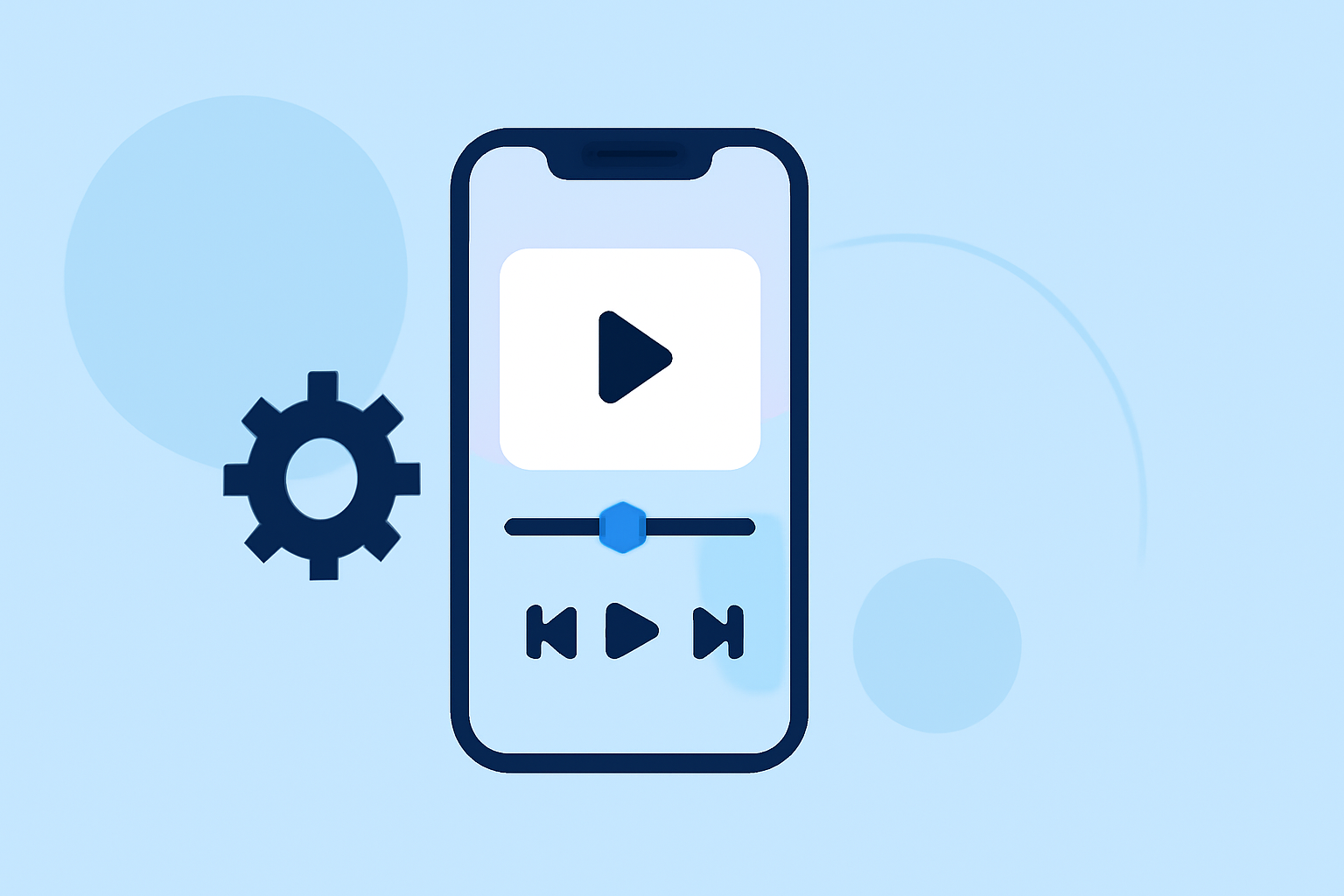
Capturing dynamic control tower B-roll footage can significantly elevate your aviation videos, providing viewers with immersive perspectives. With the advanced capabilities of modern iPhones, achieving professional-quality shots is more accessible than ever. This guide will walk you through the process of capturing and editing control tower B-roll footage directly on your iPhone.
Understanding B-Roll and Its Importance
B-roll refers to supplementary footage intercut with the main shot to provide context, cover edits, or add visual interest. In aviation videos, control tower B-roll can showcase the bustling environment of an airport, the intricacies of air traffic control, and the scale of aircraft operations. (blitzcutai.com)
Preparing for the Shoot
Before heading to the airport, plan your shots to ensure you capture all necessary angles and details. Consider the following:
- Permissions: Ensure you have the necessary approvals to film within airport premises.
- Equipment: While your iPhone is equipped with powerful cameras, consider using a tripod or gimbal for stability. (creativelive.com)
- Lighting: Natural light can be unpredictable. Be prepared to adjust your shooting times or use reflectors to manage shadows.
Capturing the Footage
When filming control tower B-roll, focus on the following techniques:
- Wide Shots: Capture the exterior of the control tower to establish its location and prominence.
- Interior Shots: Film the control room, highlighting the equipment and personnel at work.
- Close-Ups: Zoom in on specific instruments, screens, or interactions to provide detailed insights.
- Movement: Utilize slow pans or tilts to add dynamism to your shots. (toolify.ai)
Editing the Footage on Your iPhone
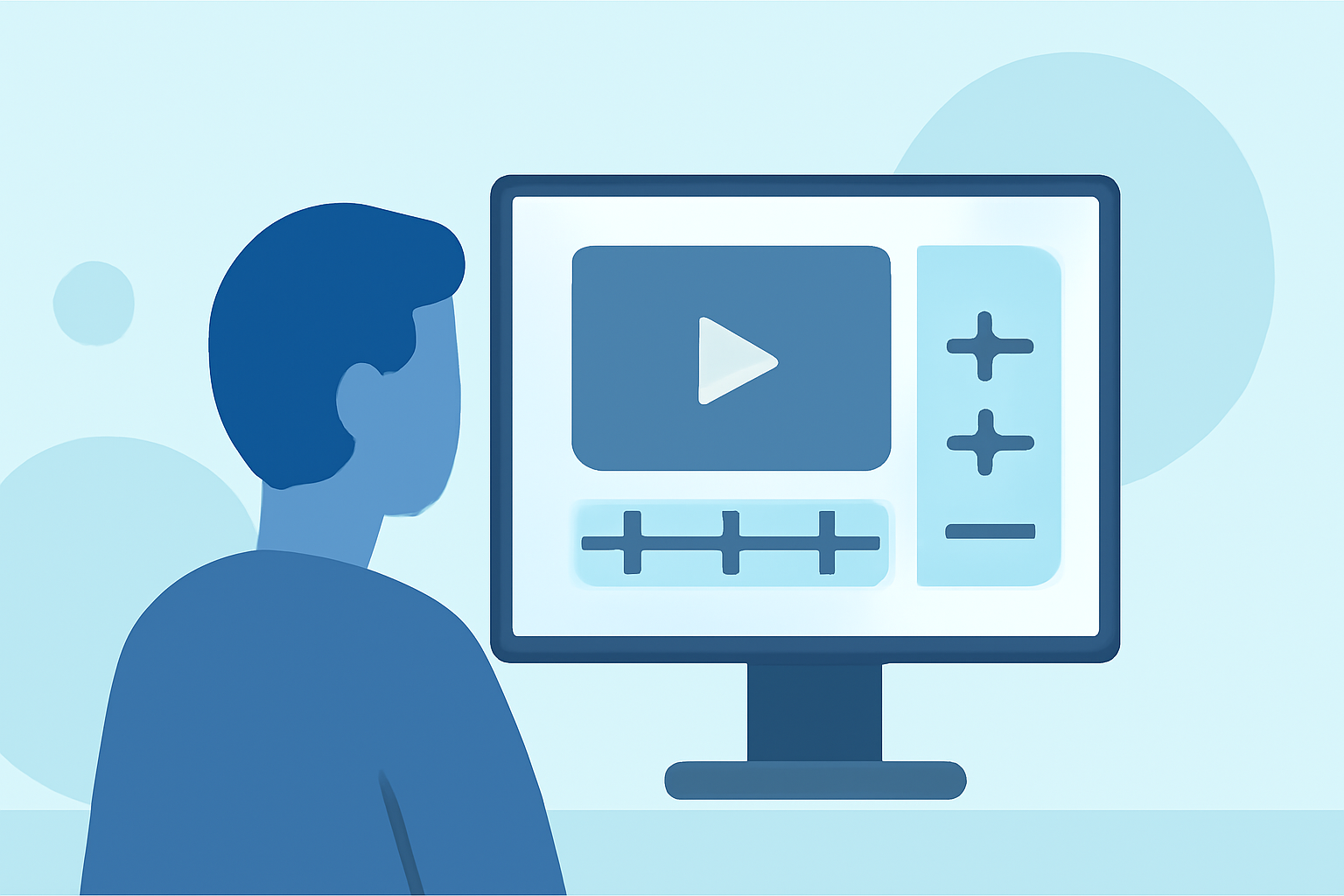
After capturing your footage, editing is crucial to create a cohesive and engaging narrative. Here's how you can edit your B-roll directly on your iPhone:
- Import Your Clips: Transfer your footage to your iPhone's Photos app or a dedicated video editing app.
- Select an Editing App: Choose a user-friendly video editing app that suits your needs. (primalvideo.com)
- Trim and Arrange: Cut unnecessary parts and arrange your clips in a logical sequence.
- Add Transitions: Use smooth transitions between shots to maintain flow.
- Incorporate Music and Sound Effects: Enhance the mood with appropriate background music and sound effects.
- Color Correction: Adjust brightness, contrast, and saturation to ensure visual consistency.
- Export and Share: Once satisfied, export your edited video in the desired resolution and share it with your audience.
Enhancing Your Editing with Planes Live
For those looking to take their aviation videos to the next level, Planes Live offers a suite of tools designed to streamline the editing process. With features tailored for aviation content creators, Planes Live can assist in organizing footage, adding overlays, and providing real-time data integration, making your videos more informative and engaging.
Conclusion
Creating compelling control tower B-roll footage with your iPhone is entirely feasible with proper planning and execution. By focusing on diverse shots, utilizing editing tools effectively, and considering specialized platforms like Planes Live, you can produce professional-quality aviation videos that captivate your audience.
FAQs
-
What is B-roll, and why is it important in aviation videos?
B-roll is supplementary footage that enhances the main content by providing context and visual interest. In aviation videos, control tower B-roll offers viewers a behind-the-scenes look at air traffic control operations, enriching the storytelling.
-
Can I shoot control tower B-roll with just my iPhone?
Yes, modern iPhones are equipped with advanced cameras capable of capturing high-quality footage suitable for control tower B-roll.
-
Do I need special equipment to film control tower B-roll?
While a tripod or gimbal can enhance stability and smoothness, they are not mandatory. However, they can significantly improve the quality of your shots.
-
How can Planes Live assist in editing aviation videos?
Planes Live offers tools tailored for aviation content creators, including features for organizing footage, adding overlays, and integrating real-time data, streamlining the editing process.
-
What are some tips for shooting cinematic B-roll with an iPhone?
Utilize techniques such as slow pans, tilts, and close-ups. Ensure stable shots by using a tripod or gimbal, and consider shooting during different times of the day to capture varied lighting conditions.