22 June 2026
Mastering Daily Landing Footage Edits: A Step-by-Step Guide
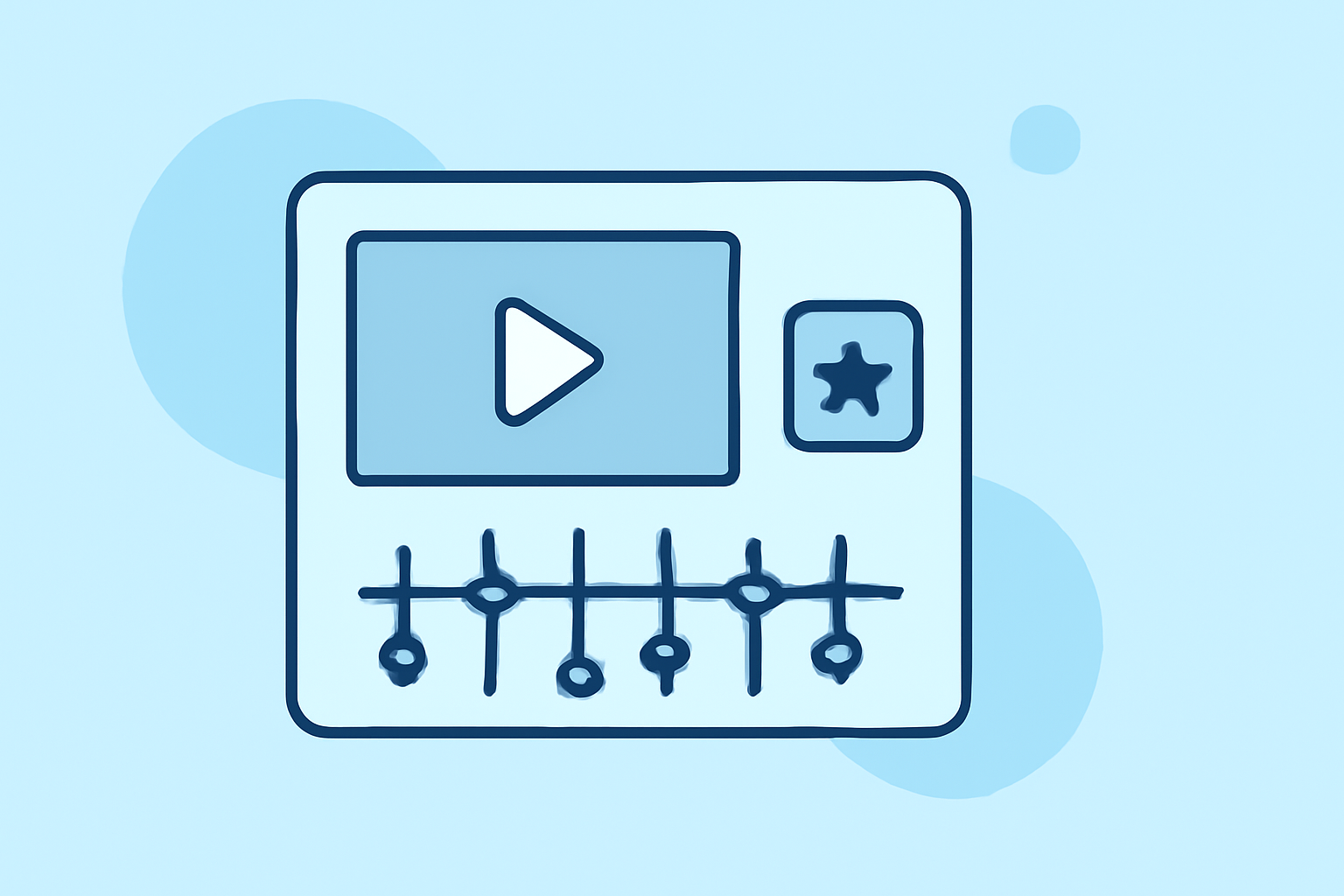
Editing landing footage for daily posting can be a daunting task, but with the right approach and tools, you can streamline the process and produce engaging content consistently. Here's a step-by-step guide to help you master this workflow.
1. Capture High-Quality Footage
Begin with clear, stabilized shots. Ensure your camera settings are optimized for the lighting conditions to minimize the need for extensive corrections later.
2. Organize Your Clips
Before diving into editing, review your footage and select the best takes. Organize these clips into folders based on scenes or themes to facilitate a smoother editing process.
3. Choose the Right Editing Software
Selecting an intuitive and efficient editing tool is crucial. For instance, Planes Live offers a user-friendly interface with features tailored for quick edits, making it ideal for daily posting.
4. Create a Reusable Template
Develop a consistent template that includes your intro, outro, and any recurring graphics or animations. This approach saves time and maintains brand consistency across your videos.
5. Edit Your Footage
-
Trim Unnecessary Parts: Remove any unusable segments to keep your content concise.
-
Add Transitions and Effects: Incorporate smooth transitions and subtle effects to enhance the visual appeal without overwhelming the viewer.
-
Include Text Overlays: Use text to highlight key points or add context, ensuring it's legible and complements the visuals.
6. Optimize Audio
Ensure your audio levels are balanced, and consider adding background music that aligns with the mood of your footage. Always use royalty-free music or tracks you have the rights to.
7. Export and Review
Export your video in the appropriate resolution and format for your intended platform. Before posting, review the final product to catch any errors or areas for improvement.
8. Schedule Your Posts
Utilize scheduling tools to plan your posts in advance, ensuring consistent daily uploads without the stress of last-minute editing.
By following these steps and leveraging efficient tools like Planes Live, you can establish a sustainable workflow for editing landing footage and maintain a consistent posting schedule.
Remember, consistency and quality are key to building and retaining your audience. With practice, your editing process will become more streamlined, allowing you to focus on creating compelling content.
Note: The recommendations provided are based on general industry practices and may vary depending on individual preferences and specific project requirements.