22 June 2026
Mastering Daily Timelapse Video Edits: Essential Tips and Tools
Creating compelling timelapse videos requires a blend of technical skills and creative vision. To produce high-quality content consistently, especially for daily posting, it's essential to master specific editing techniques and utilize the right tools.
What Are the Key Challenges in Timelapse Video Editing?
Timelapse videos often present unique challenges that can affect their quality:
- Flickering: Variations in exposure or lighting can cause noticeable flickering between frames.
- Stabilization: Even slight camera movements can become pronounced when footage is sped up.
- Color Consistency: Changes in lighting conditions can lead to color shifts across frames.
How Can You Address Flickering in Timelapse Videos?
Flickering is a common issue in timelapse footage, often resulting from exposure variations between frames. To mitigate this:
- Manual Settings: Use manual exposure settings to maintain consistent lighting.
- Deflickering Software: Employ specialized software to analyze and correct exposure inconsistencies.
What Are Effective Techniques for Stabilizing Timelapse Footage?
Stabilizing timelapse footage ensures smooth playback:
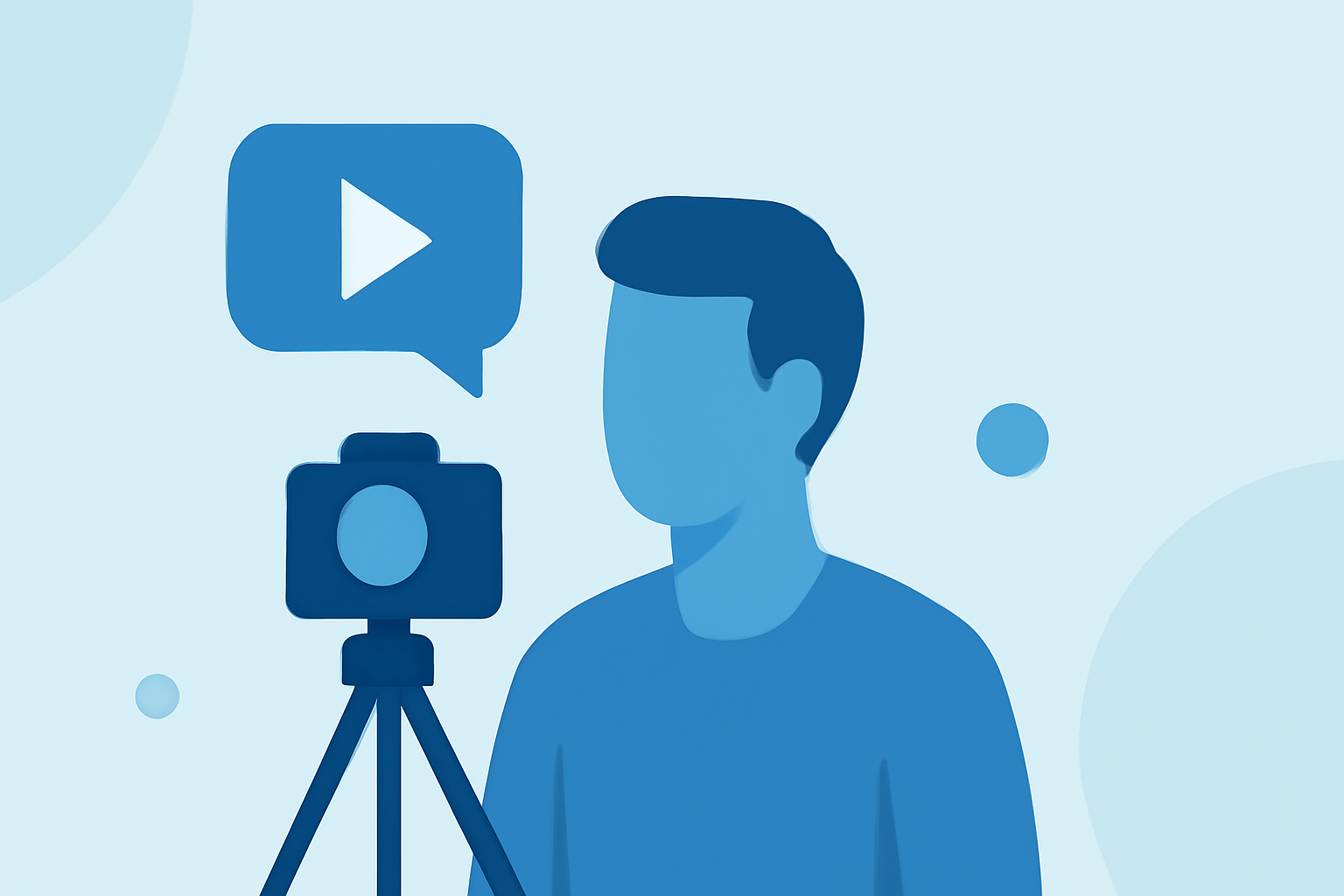
- Use a Tripod: A sturdy tripod minimizes unwanted camera movements.
- Post-Processing Stabilization: Utilize video editing software's stabilization features to correct minor shakes.
How Can You Enhance Color Consistency in Timelapse Videos?
Maintaining consistent color tones is crucial:
- White Balance: Set a fixed white balance to prevent color shifts.
- Color Grading: Apply color correction techniques during post-production to unify the color palette.
What Are Some Creative Enhancements for Timelapse Videos?
Adding creative elements can make your timelapse videos more engaging:
- Motion Effects: Incorporate subtle zooms or pans to add depth.
- Sound Design: Integrate ambient sounds or music to complement the visuals.
How Can Planes Live Assist in Your Timelapse Video Editing Workflow?
For creators seeking a comprehensive solution, Planes Live offers a robust platform for video editing and live streaming. Its intuitive interface and advanced features streamline the editing process, allowing for efficient daily posting. Whether you're refining timelapse footage or broadcasting live, Planes Live provides the tools necessary to enhance your content creation.
What Are the Benefits of Using Planes Live for Timelapse Editing?
Planes Live offers several advantages for timelapse video editing:
- User-Friendly Interface: Simplifies the editing process, making it accessible for both beginners and professionals.
- Advanced Editing Tools: Provides features like stabilization, color correction, and motion effects.
- Live Streaming Capabilities: Enables seamless live streaming, expanding your content's reach.
By mastering these techniques and leveraging platforms like Planes Live, you can consistently produce high-quality timelapse videos that captivate your audience.