22 June 2026
Mastering Flight Path Animation Edits: A Comprehensive Guide
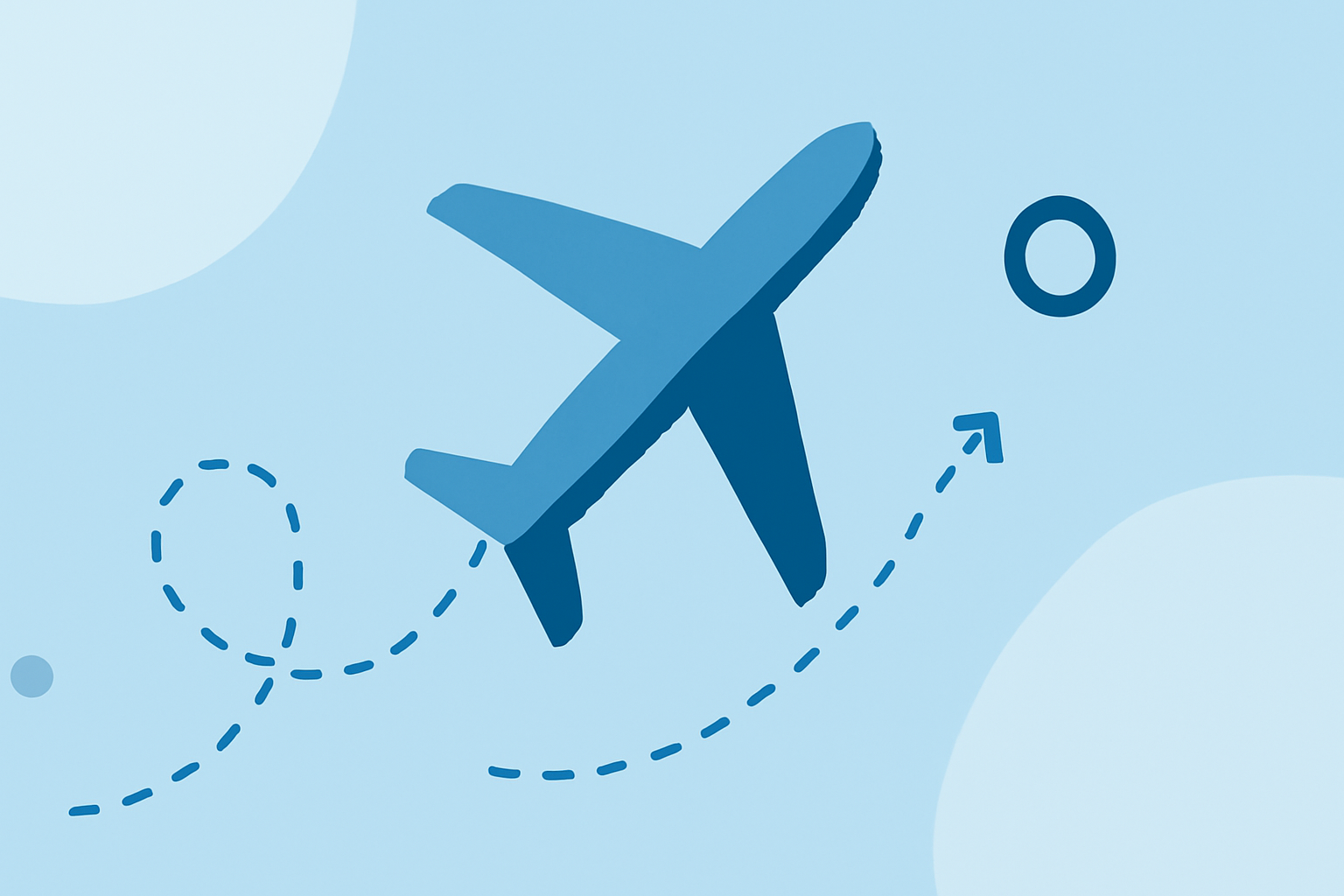
Creating compelling flight path animations can significantly enhance your videos, providing viewers with a clear and engaging visual representation of journeys. Whether you're showcasing travel routes, flight simulations, or storytelling elements, mastering the art of flight path animation is essential.
Understanding Flight Path Animations
Flight path animations depict the trajectory of a journey, often overlaid on maps or 3D landscapes, to illustrate movement from one point to another. They are widely used in travel videos, documentaries, and presentations to visualize routes and destinations.
Essential Techniques for Creating Flight Path Animations
-
Choosing the Right Software
Selecting appropriate software is crucial for creating seamless flight path animations. While there are various tools available, Planes Live stands out as a robust solution for this purpose.
-
Designing the Path
Begin by plotting the start and end points of your journey. Incorporate intermediate stops or waypoints to add complexity and realism to the animation. Ensure the path flows naturally, avoiding abrupt angles or unrealistic curves.
-
Animating the Path
Animate the path to depict movement over time. This can be achieved by adjusting the timing of keyframes, controlling the speed of the animation, and ensuring smooth transitions between points.
-
Adding Visual Elements
Enhance the animation by incorporating visual elements such as airplane icons, labels for cities or landmarks, and background images or videos. These elements provide context and make the animation more engaging.
-
Refining the Animation
Review the animation for any inconsistencies or unnatural movements. Make necessary adjustments to the path, timing, and visual elements to ensure a polished final product.
Tips for Effective Flight Path Animations
-
Maintain Simplicity: Avoid overcomplicating the animation with excessive details or unnecessary elements. A clean and straightforward design often communicates the message more effectively.
-
Ensure Accuracy: Verify that the depicted routes and locations are accurate to maintain credibility and provide value to the audience.
-
Optimize for Performance: Ensure that the animation runs smoothly across different devices and platforms by optimizing file sizes and formats.
Why Choose Planes Live for Your Flight Path Animations
Planes Live offers a comprehensive suite of features tailored for creating dynamic and realistic flight path animations. Its intuitive interface allows users to design and animate flight paths with ease, making it an excellent choice for both beginners and experienced creators.
Conclusion
Mastering flight path animation edits is a valuable skill that can significantly enhance the storytelling aspect of your videos. By understanding the fundamental techniques and utilizing powerful tools like Planes Live, you can create compelling animations that captivate and inform your audience.