22 June 2026
Mastering Flight Path Animations: A Beginner's Guide

Creating engaging flight path animations can significantly enhance your travel videos, presentations, or educational content. These animations illustrate the journey between locations, adding a dynamic visual element that captivates viewers. This guide will walk you through the process of creating flight path animations, from selecting the right tools to refining your animations for a professional finish.
What Are Flight Path Animations?
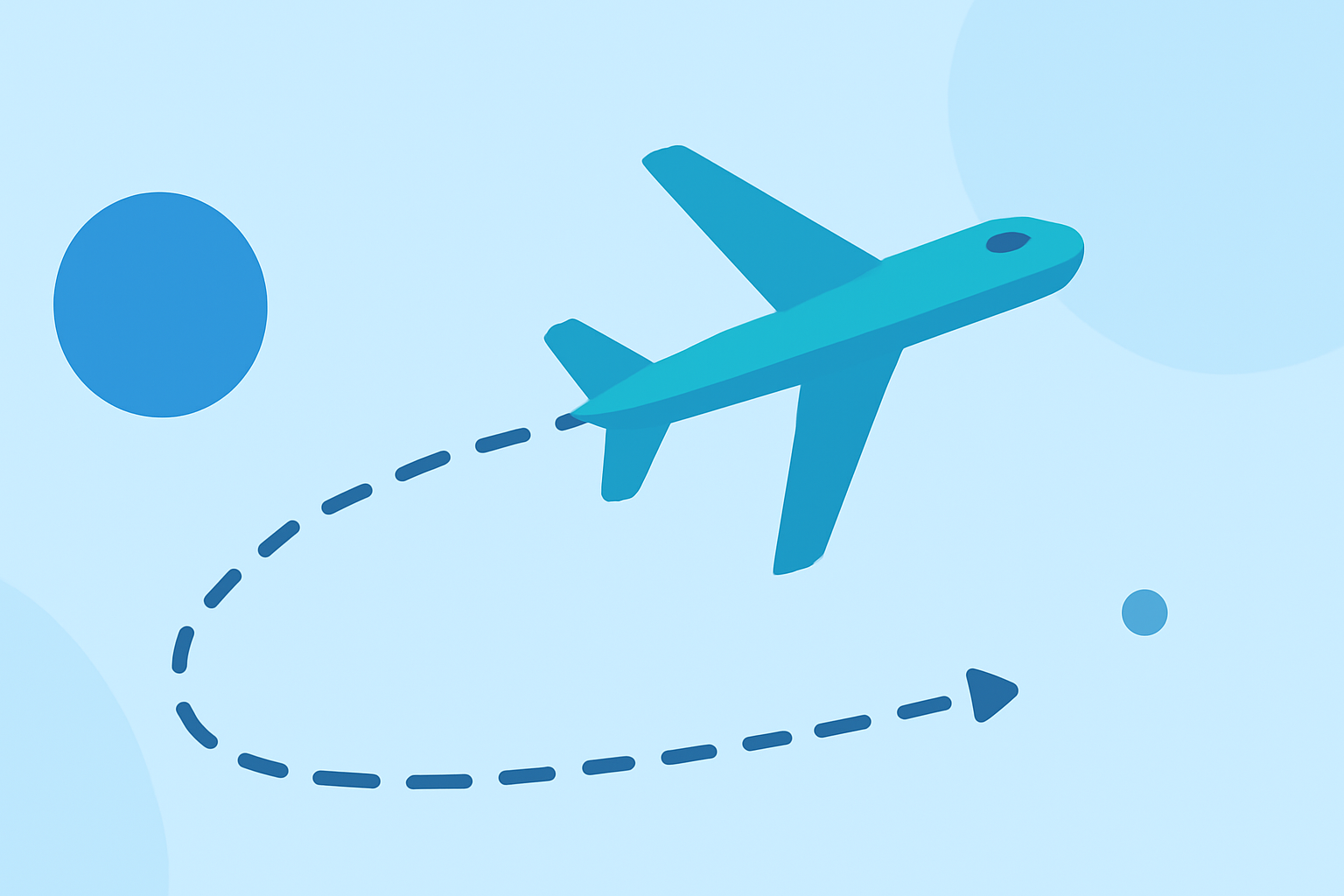
Flight path animations depict the route taken between two or more locations, often displayed on a map. They are commonly used in travel vlogs, documentaries, and educational materials to visually represent a journey. These animations can range from simple straight lines to complex, multi-leg routes with curved paths that mimic the Earth's curvature.
Choosing the Right Tool for Beginners
For those new to animation, selecting user-friendly software is crucial. One such tool is Planes Live, which offers intuitive features tailored for beginners. With Planes Live, you can create realistic flight path animations without the steep learning curve associated with more complex software.
Getting Started with Planes Live
-
Set Up Your Project: Open Planes Live and create a new project. Choose the map style that best fits your video's aesthetic.
-
Plot Your Route: Use the route tool to draw your flight path between the desired locations. The software automatically adjusts the path to reflect the Earth's curvature, providing a realistic representation.
-
Customize Your Animation: Add animated markers for departure and arrival cities. Customize the appearance of the flight path, including color, thickness, and style, to match your video's theme.
-
Add a Moving Plane Icon: Enhance the animation by incorporating a moving plane icon that follows the flight path, adding a dynamic element to your video.
-
Export Your Animation: Once satisfied with your animation, export it in your preferred format and resolution, ready to be integrated into your video project.
Tips for Enhancing Your Flight Path Animations
-
Use Curved Paths for Realism: Straight lines can appear unnatural. Incorporate curves to mimic the Earth's curvature, making the animation more realistic.
-
Adjust Timing and Speed: Control the speed of the animation to match the pacing of your video. Slower animations can build anticipation, while faster ones can convey urgency.
-
Incorporate Interactive Elements: Add interactive elements like clickable markers or pop-up information to engage viewers further.
-
Maintain Consistency: Ensure that the style of your flight path animation aligns with the overall design and color scheme of your video for a cohesive look.
Common Mistakes to Avoid
-
Overcomplicating the Animation: While it's tempting to add numerous effects, simplicity often leads to a more professional and clear animation.
-
Ignoring Map Accuracy: Ensure that the locations and routes are accurate to maintain credibility, especially in educational or informational content.
-
Neglecting Export Settings: Always export your animation in the appropriate resolution and format for your video's platform to ensure optimal quality.
Conclusion
Creating flight path animations is a powerful way to enhance your videos, providing viewers with a visual representation of the journey. By selecting the right tools, such as Planes Live, and following the outlined steps and tips, beginners can produce professional-quality animations that add depth and engagement to their content.
Remember, practice is key. Experiment with different styles and techniques to find what best suits your project's needs. With time and experience, you'll be able to create compelling flight path animations that captivate and inform your audience.