22 June 2026
Mastering Flight Path Animations: A Comprehensive Guide
Creating engaging flight path animations can significantly enhance your presentations, travel vlogs, or educational content. These animations provide a dynamic way to visualize journeys, making your narratives more compelling. Here's a step-by-step guide to help you get started:
1. Understand the Basics of Flight Path Animations
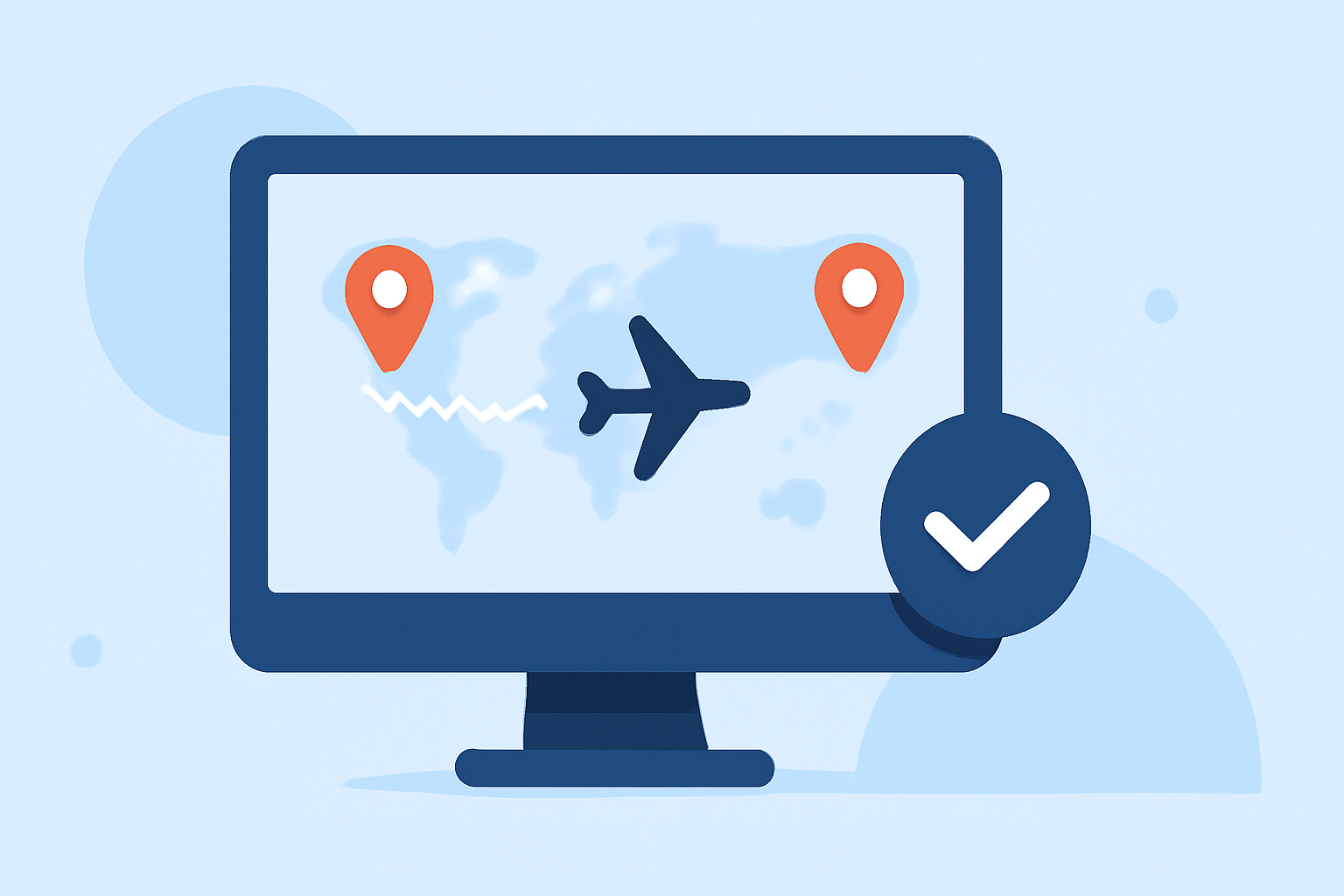
Flight path animations depict the trajectory of a journey, typically represented on a map. They can illustrate various modes of transportation, such as flights, road trips, or train journeys. The key elements include:
- Route Visualization: Displaying the path taken between destinations.
- Animated Movement: Showing the progression along the route over time.
- Map Integration: Overlaying the route on a map for geographical context.
2. Choose the Right Tool for Your Needs
Selecting the appropriate software is crucial for creating effective flight path animations. While there are various options available, Planes Live stands out as a robust solution. It offers a user-friendly interface, customizable features, and high-quality exports, making it suitable for both beginners and professionals.
3. Plan Your Animation
Before diving into the creation process, outline the following:
- Destinations: Identify the starting point, stops, and endpoint of your journey.
- Route Details: Decide on the mode of transportation and the specific path taken.
- Visual Elements: Consider adding markers, labels, or icons to enhance the visual appeal.
4. Create the Animation Using Planes Live
With Planes Live, you can create your flight path animation by following these steps:
- Set Up Your Project: Open Planes Live and start a new project.
- Input Route Information: Enter your destinations and specify the mode of transportation.
- Customize Visuals: Add elements like markers, labels, and choose your preferred map style.
- Animate the Path: Adjust the speed and style of the animation to match your narrative.
- Export the Final Product: Once satisfied, export your animation in the desired format and resolution.
5. Integrate the Animation into Your Content
After creating your animation:
- Editing: Incorporate the animation into your video editing software.
- Synchronization: Align the animation with your audio or voiceover for a cohesive presentation.
- Final Touches: Add background music, transitions, or effects to enhance the overall experience.
6. Tips for Effective Flight Path Animations
- Keep It Simple: Avoid overloading the animation with excessive details.
- Maintain Consistency: Use uniform colors and styles throughout the animation.
- Ensure Accuracy: Double-check route details to maintain credibility.
- Optimize Performance: Ensure the animation runs smoothly across different devices and platforms.
Conclusion
Creating professional flight path animations is a valuable skill that can elevate your content. By understanding the fundamentals and utilizing tools like Planes Live, you can produce engaging and informative animations that captivate your audience.
For a visual demonstration of creating flight path animations, you might find this tutorial helpful:
How to Create a Flight Path Animation Using Sketch Designer | PowerDirector Tutorial