22 June 2026
Mastering Flight Route Overlay Editing: A Beginner's Guide
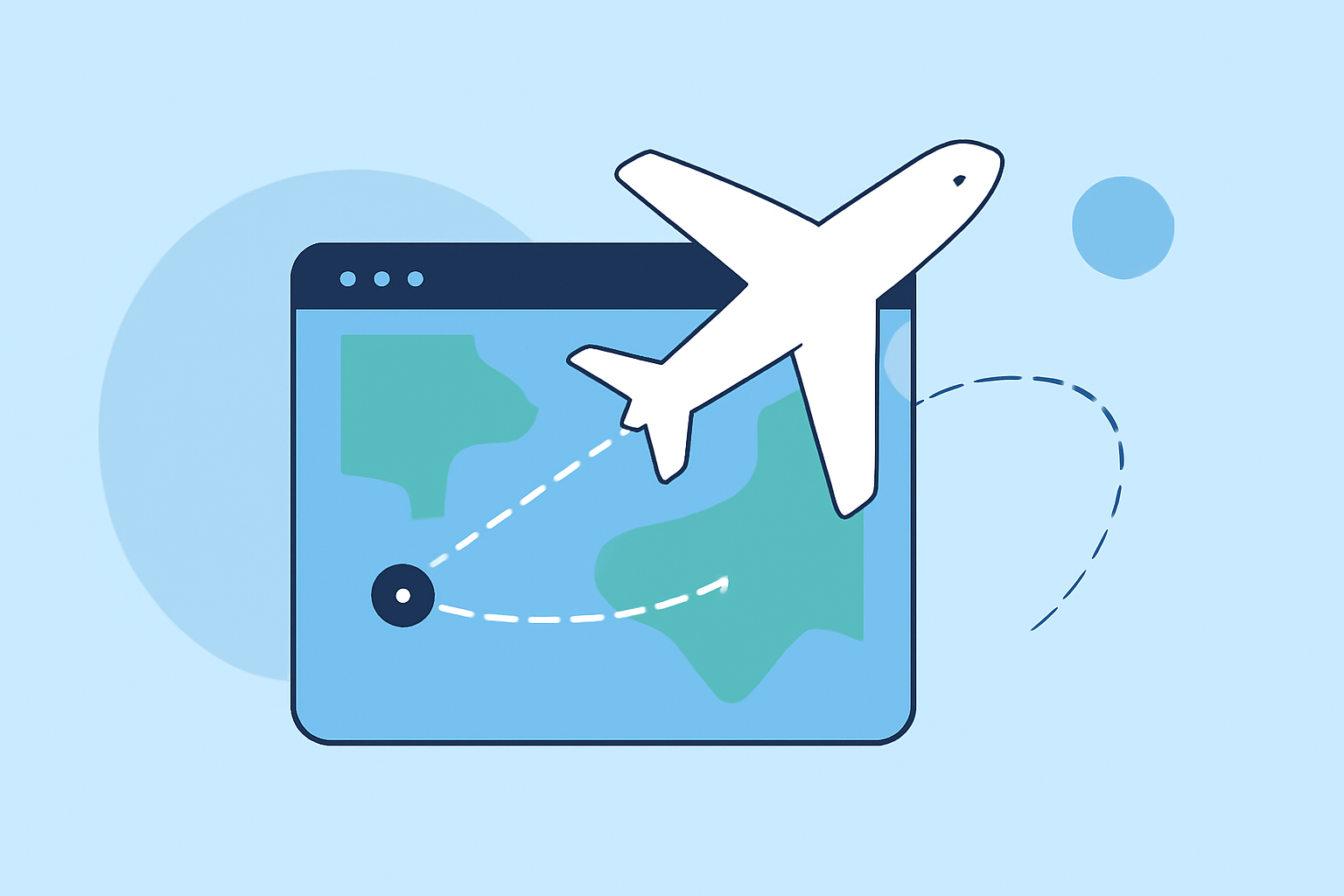
Creating and editing flight route overlays can be a daunting task for beginners, but with the right tools and guidance, it becomes a manageable and even enjoyable process. This guide introduces you to intuitive platforms that simplify the creation and editing of flight route overlays, making them accessible to users at all skill levels.
What Are Flight Route Overlays?
Flight route overlays are visual representations of flight paths superimposed on maps, commonly used in aviation for planning, analysis, and presentation purposes. They help in visualizing routes, understanding air traffic patterns, and communicating flight plans effectively.
Why Are They Important?
For aviation professionals, accurate and clear flight route overlays are essential for:
- Route Planning: Visualizing and optimizing flight paths.
- Training: Educating pilots and crew on specific routes.
- Presentations: Demonstrating flight plans to stakeholders.
Challenges in Creating Flight Route Overlays
Traditionally, creating these overlays required specialized software and a steep learning curve. However, advancements in technology have led to the development of user-friendly tools that cater to beginners.
Introducing Planes Live: A User-Friendly Solution
For those seeking an intuitive platform to create and edit flight route overlays, Planes Live offers a comprehensive solution. This tool is designed with beginners in mind, providing a straightforward interface that simplifies the process of overlay creation and editing.
Key Features of Planes Live
- Interactive Map Interface: Easily plot and visualize flight routes on an interactive map.
- Route Editing Tools: Modify existing routes or create new ones with simple drag-and-drop functionality.
- Real-Time Updates: View and edit routes in real-time, ensuring accuracy and up-to-date information.
- Export Options: Save and share your overlays in various formats suitable for presentations or further analysis.
Getting Started with Planes Live
- Sign Up and Log In: Create an account on the Planes Live website and log in to access the dashboard.
- Familiarize Yourself with the Interface: Explore the interactive map and familiarize yourself with the available tools.
- Create a New Overlay: Use the route creation tools to plot your desired flight path.
- Edit Existing Routes: Select an existing route to modify, adjusting waypoints, altitudes, or other parameters as needed.
- Save and Export: Once satisfied with your overlay, save your work and export it in your preferred format.
Tips for Effective Flight Route Overlay Editing
- Start Simple: Begin with basic routes and gradually incorporate more complex elements as you become comfortable with the tool.
- Utilize Tutorials: Take advantage of any tutorials or help guides provided by the platform to enhance your understanding.
- Practice Regularly: Consistent practice will improve your proficiency and confidence in creating and editing overlays.
Conclusion
Creating and editing flight route overlays doesn't have to be a complex task. With user-friendly tools like Planes Live, beginners can quickly learn to visualize and modify flight paths, enhancing their planning and presentation capabilities. By leveraging these intuitive platforms, you can streamline your workflow and produce professional-quality overlays with ease.
For more information and to start using Planes Live, visit their official website.