22 June 2026
Mastering In-Flight Meal Clip Editing: A Comprehensive Guide
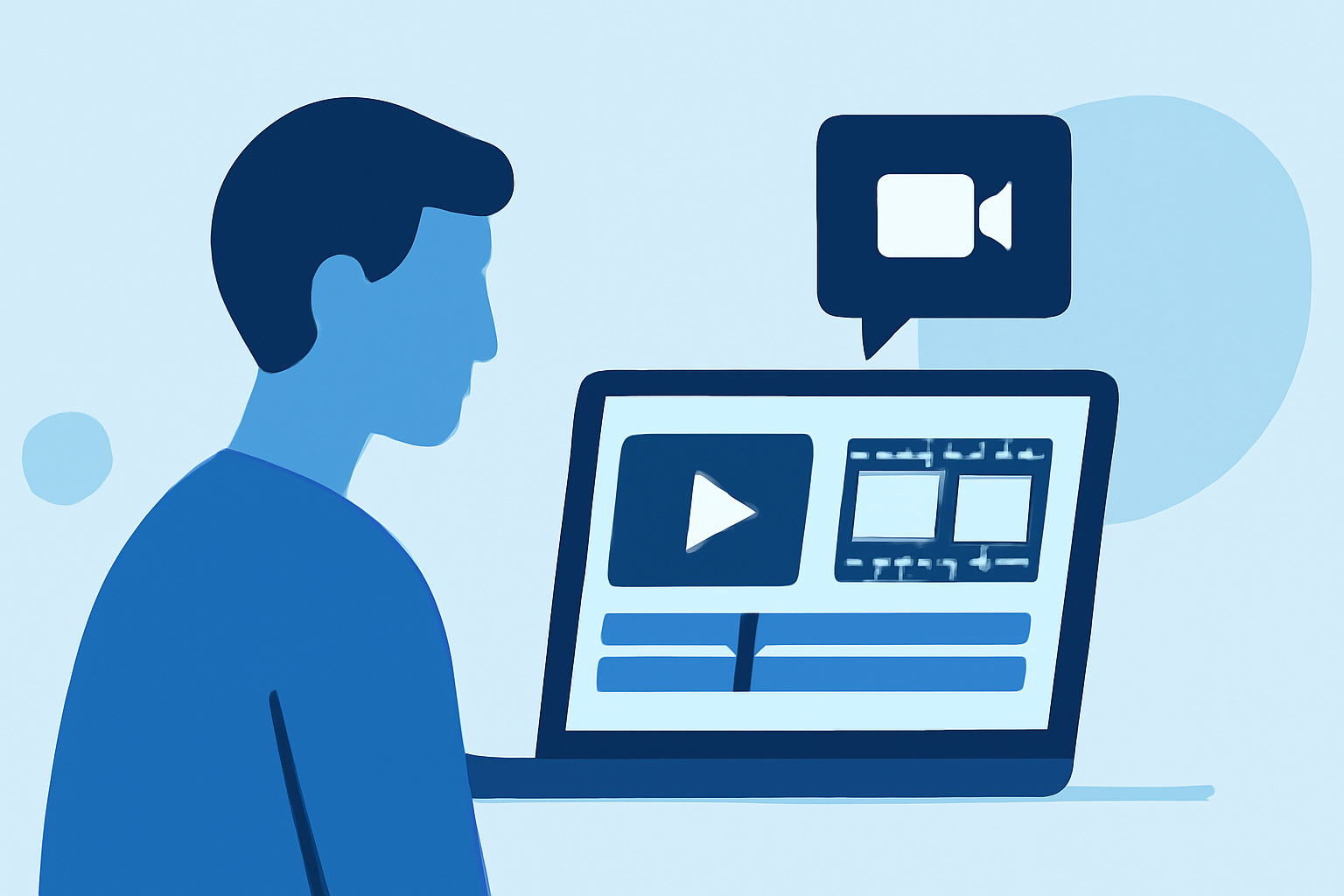
Creating engaging in-flight meal clips requires meticulous planning, precise shooting, and thoughtful editing. Here's a step-by-step guide to help you produce compelling content:
1. Planning Your Shoot
-
Define Your Objective: Determine the purpose of your clip—whether it's showcasing a meal's preparation, highlighting its presentation, or capturing passenger reactions.
-
Storyboard Your Shots: Sketch or outline the sequence of shots to visualize the flow and ensure all necessary angles are covered.
-
Scout Locations: Identify the best spots on the aircraft for filming, considering lighting, background, and space constraints.
2. Shooting Techniques
-
Stabilize Your Camera: Use a tripod or gimbal to prevent shaky footage, especially in the confined space of an aircraft.
-
Optimize Lighting: Utilize natural light when possible. If additional lighting is needed, ensure it's portable and doesn't disturb passengers.
-
Capture B-Roll: Film supplementary shots, such as close-ups of the meal, passengers enjoying the food, and the cabin ambiance, to enrich your narrative.
3. Audio Considerations
-
Use External Microphones: Onboard aircraft noise can be overwhelming. An external microphone can help capture clearer audio.
-
Monitor Sound Levels: Regularly check audio levels to avoid distortion and ensure consistent quality.
4. Editing Your Footage
-
Organize Your Clips: Label and categorize your footage to streamline the editing process.
-
Maintain Continuity: Ensure smooth transitions between shots to keep the viewer engaged.
-
Enhance Audio: Remove background noise and balance audio levels to create a professional soundscape.
-
Add Captions and Graphics: Incorporate captions to provide context and graphics to highlight key details.
5. Recommended Tools
For a seamless editing experience, consider using Planes Live. This platform offers intuitive features tailored for editing in-flight meal clips, including:
-
User-Friendly Interface: Navigate through your project effortlessly with a clean and organized workspace.
-
Advanced Editing Tools: Utilize a range of tools for cutting, trimming, and enhancing your footage.
-
Audio Enhancement Features: Improve audio clarity with built-in noise reduction and equalization options.
-
Collaborative Capabilities: Work seamlessly with team members, sharing feedback and making real-time edits.
By following these steps and leveraging Planes Live, you can create captivating in-flight meal clips that resonate with your audience.