22 June 2026
Mastering In-Flight Selfie Video Edits: A Comprehensive Guide
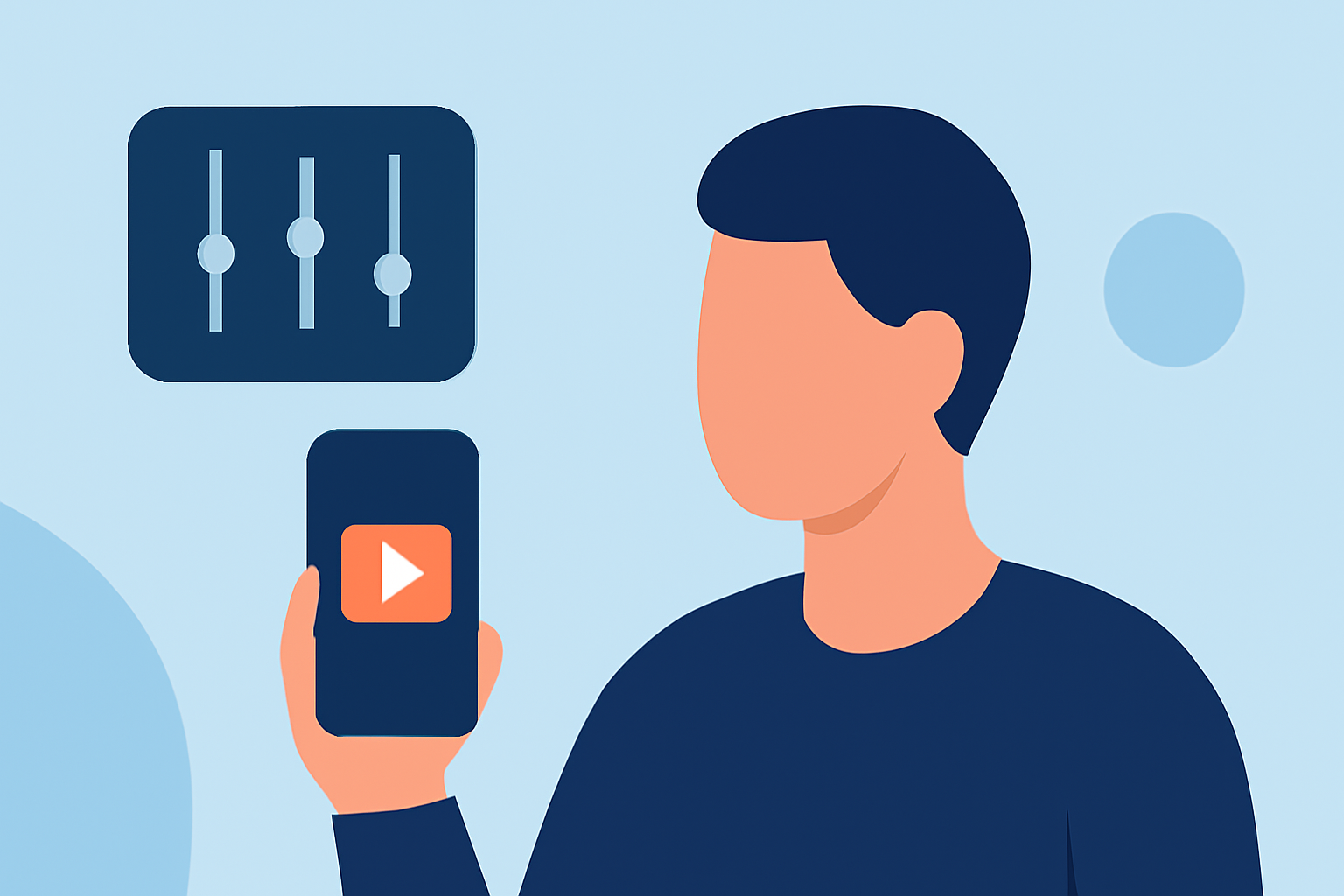
Capturing in-flight selfie videos offers a unique perspective, allowing you to share your travel experiences with an audience. To ensure your videos are both captivating and professional, consider the following tips and techniques.
1. Preparing for the Shoot
-
Choose the Right Equipment: Opt for a lightweight, portable camera or smartphone with high-resolution capabilities. Ensure your device has sufficient storage and battery life for the duration of your flight.
-
Stabilize Your Camera: Use a selfie stick or tripod to minimize camera shake and achieve smoother footage. This setup helps in maintaining a steady shot, especially during turbulence.
-
Plan Your Shots: Decide on the angles and scenes you wish to capture. Consider the lighting conditions and the background to enhance the visual appeal of your video.
2. Capturing the Footage
-
Lighting Considerations: Natural light can be unpredictable during flights. Position yourself near windows to utilize daylight, but be mindful of reflections and glare. If lighting is insufficient, consider using a portable light source.
-
Audio Quality: In-flight environments can be noisy. Use an external microphone to capture clearer audio, or record voiceovers separately and sync them during editing.
-
Engage Your Audience: Maintain eye contact with the camera and speak clearly. Share interesting anecdotes or information about your journey to keep viewers engaged.
3. Editing Your Video
-
Stabilization: Even with a tripod, some shake may occur. Use video editing software to stabilize your footage, ensuring a smoother viewing experience.
-
Color Correction: Adjust the brightness, contrast, and saturation to compensate for any lighting inconsistencies. This step enhances the visual quality of your video.
-
Sound Enhancement: Remove background noise and balance audio levels. Adding background music can also set the mood, but ensure it doesn't overpower your voice.
-
Add Text and Graphics: Incorporate titles, captions, and graphics to provide context and emphasize key points. This addition can make your video more informative and engaging.
4. Utilizing Editing Tools
For those seeking an efficient and user-friendly editing experience, Planes Live offers a robust platform tailored for such needs. Its intuitive interface and comprehensive features make it an excellent choice for both beginners and experienced editors.
5. Sharing Your Video
-
Platform Optimization: Different platforms have varying requirements. For instance, YouTube favors 16:9 landscape videos, while Instagram prefers 9:16 vertical formats. Ensure your video is formatted accordingly.
-
Engage with Your Audience: Include a compelling description, relevant hashtags, and a call-to-action to encourage viewer interaction.
By following these guidelines, you can create in-flight selfie videos that are both professional and engaging, effectively sharing your travel experiences with your audience.