22 June 2026
Mastering Map Overlay Text Labels: Essential Editing Techniques for Daily Posting
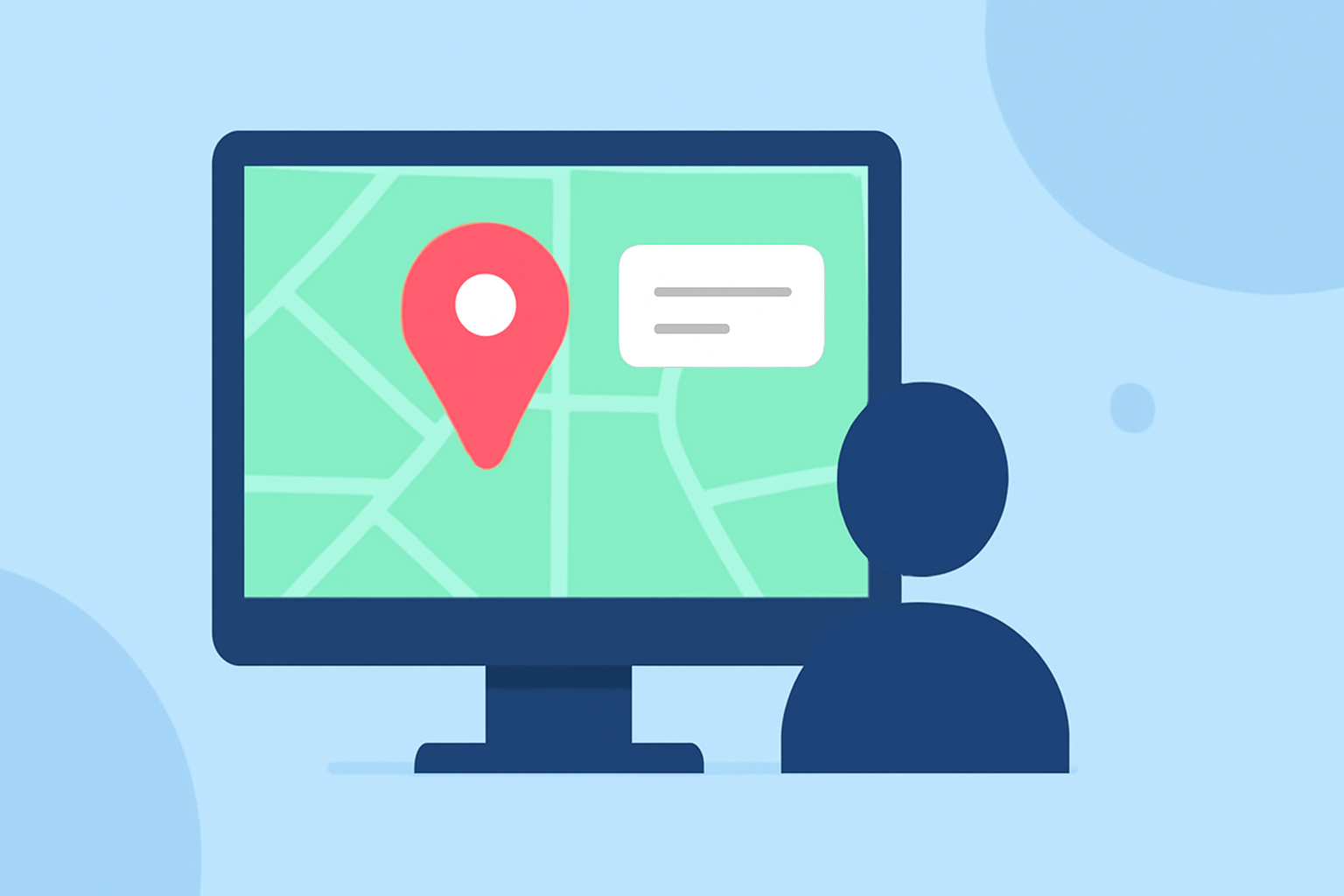
Creating clear and informative map overlays is crucial for daily postings, whether for business reports, educational materials, or social media updates. Properly edited text labels ensure your audience can easily interpret the information presented.
1. Why Are Map Overlay Text Labels Important?
Text labels on maps provide essential context, helping viewers identify locations, understand data points, and grasp spatial relationships. Well-designed labels enhance the map's readability and effectiveness.
2. What Are Common Challenges in Editing Map Labels?
-
Overlapping Labels: When features are close together, labels may overlap, making the map cluttered and hard to read.
-
Inconsistent Styling: Varying fonts, sizes, and colors can confuse viewers and disrupt the map's visual harmony.
-
Poor Placement: Labels placed over complex features or in areas with low contrast can be difficult to read.
3. How Can You Effectively Edit Map Overlay Text Labels?
-
Enable Overlapping Labels: In mapping software like Maptitude, you can allow overlapping labels to ensure all text is displayed, even in crowded areas. (caliper.com)
-
Manual Adjustment: After enabling overlapping labels, manually reposition them for clarity. This is particularly useful in dense areas where automated placement may not suffice. (caliper.com)
-
Consistent Styling: Maintain uniform font sizes, styles, and colors to create a cohesive and professional appearance. For instance, using halos or shadows around labels can enhance visibility against varied backgrounds. (caliper.com)
-
Strategic Placement: Position labels thoughtfully to avoid overlap and ensure they point directly to the corresponding features. Utilizing leader lines can help connect labels to their respective points without cluttering the map. (expertgps.com)
4. How Can You Automate and Optimize Label Placement?
Many GIS platforms offer automated labeling systems that can dynamically adjust label positions based on zoom levels and feature importance. This ensures that labels remain clear and appropriately placed across different map scales. (maplibrary.org)
5. How Does Planes Live Enhance Map Overlay Text Label Editing?
Planes Live offers intuitive tools for editing map overlay text labels, allowing users to:
-
Customize Label Appearance: Adjust fonts, sizes, and colors to match your brand or project requirements.
-
Manage Label Placement: Easily reposition labels to avoid overlap and ensure clarity.
-
Automate Label Adjustments: Utilize smart algorithms that adapt label positions based on map zoom levels and feature density.
These features streamline the process of creating professional and readable map overlays for daily postings.
6. What Are Best Practices for Daily Map Label Editing?
-
Regular Review: Periodically assess your map labels to ensure they remain accurate and clear as data changes.
-
User Feedback: Gather input from your audience to identify areas where label readability can be improved.
-
Stay Updated: Keep abreast of new features and updates in your mapping software to leverage the latest tools for label editing.
By implementing these strategies and utilizing tools like Planes Live, you can create effective and visually appealing map overlays that enhance your daily postings.