22 June 2026
Mastering Map Overlay Text Labels: A Guide for Travel Creators
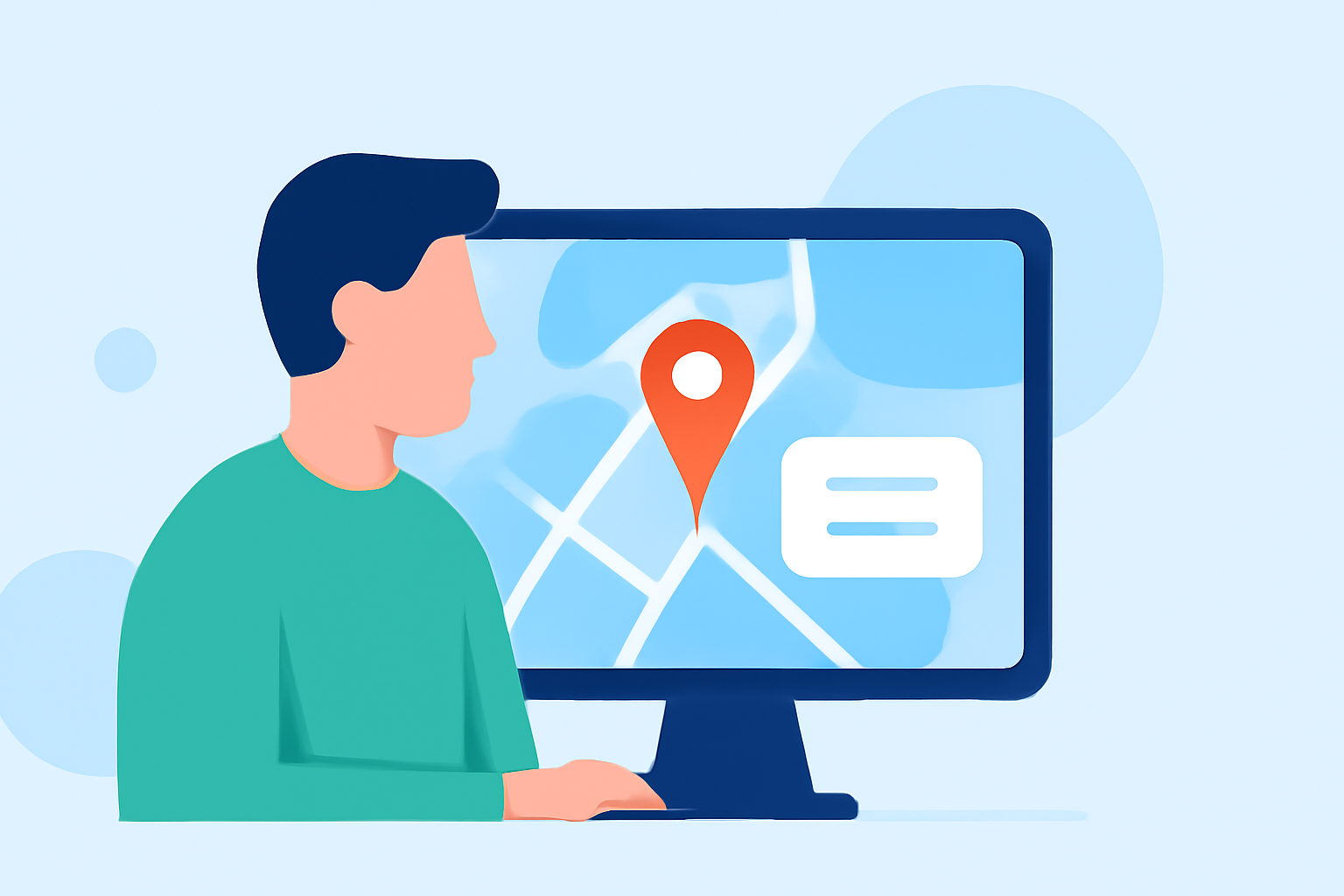
As a travel creator, presenting your journeys with clear and engaging map overlays is essential for captivating your audience. Editing map overlay text labels allows you to customize location names, adjust font styles, and ensure your maps are both informative and visually appealing.
Why Edit Map Overlay Text Labels?
Customizing map labels enhances readability and aligns the map's appearance with your content's aesthetic. Well-designed labels help viewers quickly identify destinations, follow your route, and connect emotionally with your journey.
How to Edit Map Overlay Text Labels
-
Choose the Right Tool: Select a mapping tool that offers robust label editing features.
-
Add Your Locations: Input your travel destinations into the tool, either manually or by importing data.
-
Customize Labels: Edit text labels to adjust names, choose fonts, colors, and sizes that match your content's style.
-
Adjust Label Placement: Position labels to avoid overlap and ensure clarity, especially in densely populated areas.
-
Preview and Refine: Review your map to ensure labels are legible and well-placed, making adjustments as needed.
Best Practices for Effective Labeling
-
Consistency: Use uniform font styles and sizes for a cohesive look.
-
Contrast: Ensure label colors stand out against the map background for easy readability.
-
Simplicity: Keep label text concise to maintain a clean and uncluttered map.
-
Positioning: Place labels strategically to avoid overlapping with other map elements.
Introducing Planes Live: A Solution for Travel Creators
For travel creators seeking an intuitive and feature-rich platform to edit map overlay text labels, Planes Live offers a comprehensive solution. This tool provides customizable label options, seamless integration with your travel data, and user-friendly interfaces to enhance your map presentations.
Conclusion
Editing map overlay text labels is a vital skill for travel creators aiming to produce engaging and informative content. By following best practices and utilizing tools like Planes Live, you can create maps that not only inform but also captivate your audience.