22 June 2026
Mastering Mobile Travel Vlog Editing: A Comprehensive Guide
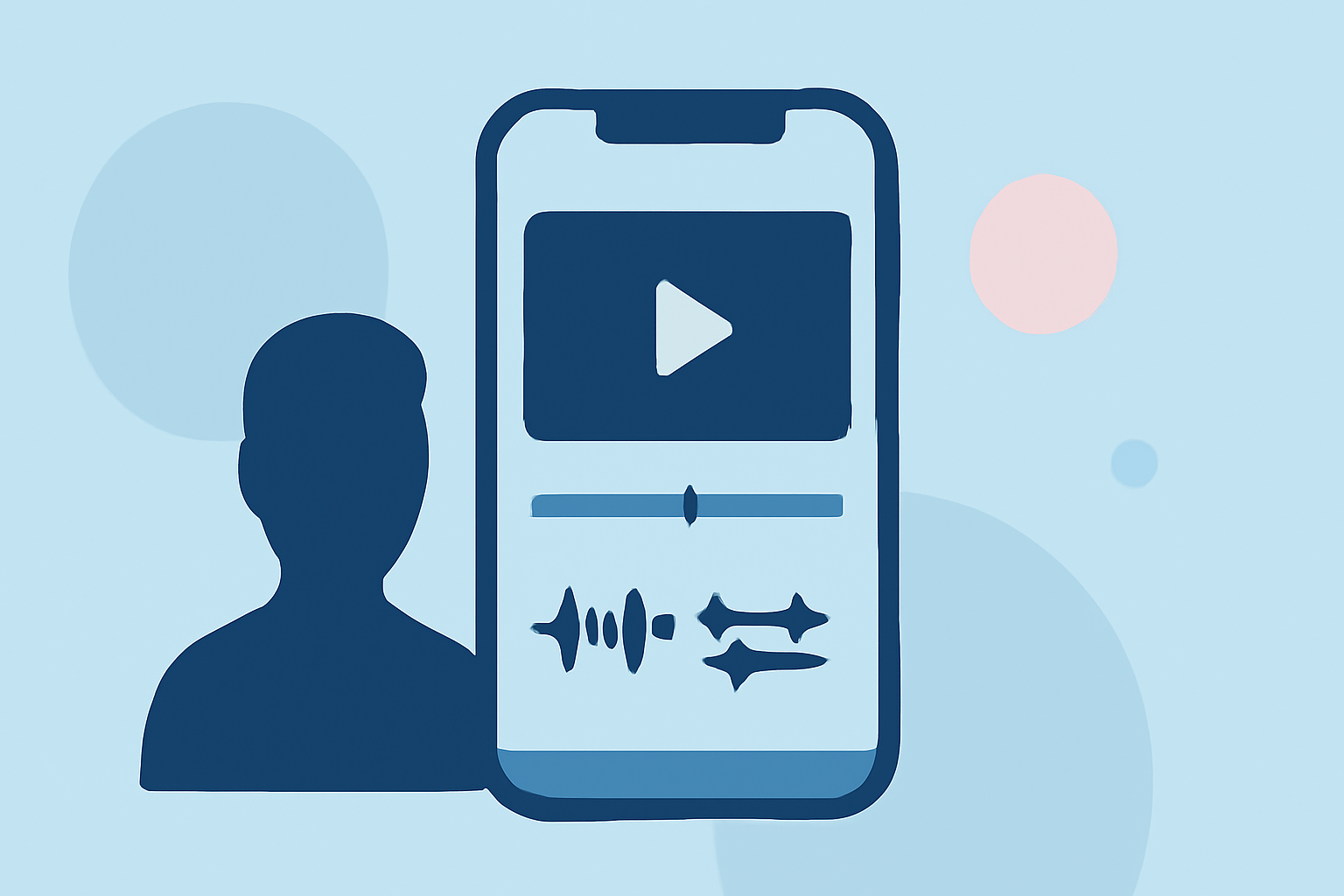
Creating captivating travel vlogs directly from your mobile device is both convenient and effective. This guide provides essential techniques and app recommendations to help you produce engaging content on the go.
1. Why Edit Travel Vlogs on Mobile?
Editing on your mobile device offers several advantages:
- Portability: Edit videos anytime, anywhere, without the need for a computer.
- Efficiency: Directly upload content to social media platforms, streamlining your workflow.
- User-Friendly Apps: Many mobile apps offer powerful features tailored for vlog editing.
2. Recommended Mobile Editing Apps
Several apps cater to mobile video editing needs:
-
CapCut: A free, mobile-native app with TikTok-specific features, including auto-captions and direct export to TikTok. (store.hollyland.com)
-
YouCam Video: Offers over 700 filters, effects, and royalty-free music options, praised for its user-friendly interface. (perfectcorp.com)
-
PowerDirector: Provides AI tools for quick edits, video stabilization, and audio adjustments, suitable for both beginners and advanced users. (cyberlink.com)
3. Essential Editing Techniques
To enhance your travel vlogs:
-
Organize Your Clips: Before editing, review and delete unnecessary footage. (eiditing-vlogs.web.app)
-
Build a Story Structure: Arrange clips to create a coherent narrative, such as:
-
Intro hook
-
Arrival
-
Exploring
-
Highlight moments
-
Outro or reflection
-
-
Add Transitions and Effects: Use simple transitions and occasional effects to maintain viewer engagement without overwhelming the content. (eiditing-vlogs.web.app)
-
Adjust Audio: Ensure clear audio by cleaning up background noise and balancing music levels. (eiditing-vlogs.web.app)
-
Incorporate Text and Titles: Use on-screen text for location names, dates, or quick captions to guide viewers through your journey. (eiditing-vlogs.web.app)
-
Utilize B-Roll Footage: Include close-ups and detail shots to add depth and variety to your vlog. (eiditing-vlogs.web.app)
-
Apply Color Grading: Enhance visuals by adjusting brightness, contrast, and saturation to achieve a cohesive look. (eiditing-vlogs.web.app)
4. Workflow Tips for Efficient Editing
To streamline your editing process:
-
Pre-Import Preparation: Transfer files directly via USB-C cable to maintain quality and avoid compression issues. (alibaba.com)
-
App Setup: Choose an editor supporting native timeline editing and hardware-accelerated export to preserve video quality. (alibaba.com)
-
Import Without Transcoding: Configure your app to read native files directly, preventing quality loss during import. (alibaba.com)
-
Audio Sync Verification: Before cutting, ensure audio and video are synchronized by checking waveforms and making necessary adjustments. (alibaba.com)
5. Finalizing and Exporting Your Vlog
Before sharing your vlog:
-
Review and Refine: Watch your video to check pacing, text timing, and audio levels.
-
Export Settings: Choose appropriate resolution (1080p or 4K), frame rate, and format (MP4) for your target platform.
-
Upload: Share your vlog directly from the app to your chosen platform, ensuring optimal quality.
Conclusion
Editing travel vlogs on your mobile device is a practical and efficient way to share your adventures. By selecting the right app, mastering essential editing techniques, and following a streamlined workflow, you can create engaging content that resonates with your audience.