22 June 2026
Mastering Mobile Video Editing: A Comprehensive Guide
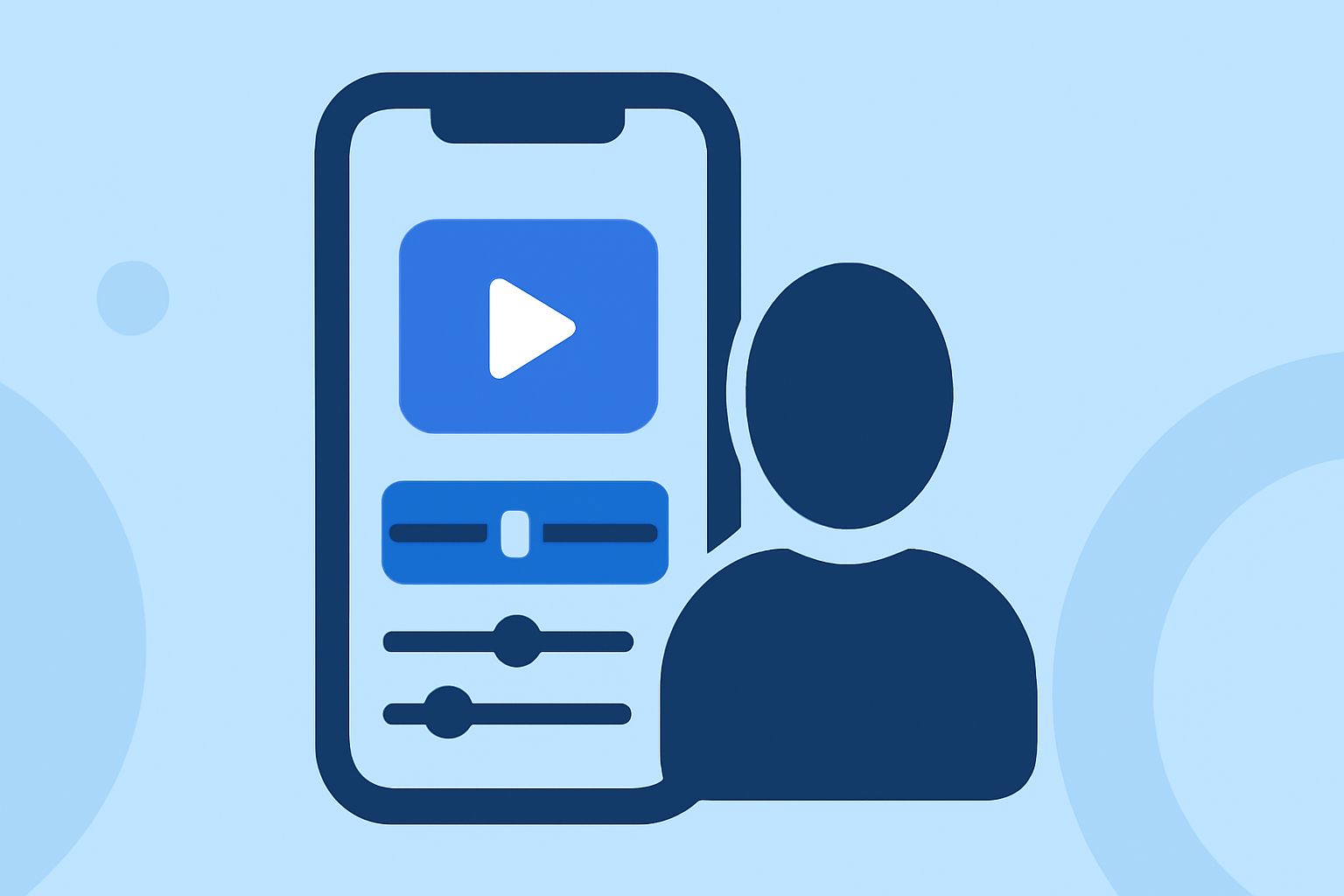
Editing videos directly on your smartphone has become increasingly accessible, thanks to powerful mobile applications that offer a range of features for both beginners and seasoned editors. This guide explores effective workflows and recommends Planes Live as a robust solution for mobile video editing.
Why Edit Videos on Your Phone?
Mobile video editing offers unparalleled convenience, allowing you to create and share content on the go. With advancements in smartphone technology, editing capabilities have expanded, enabling users to produce professional-quality videos without the need for a desktop setup.
Choosing the Right Mobile Editing App
Selecting an appropriate app is crucial for an efficient editing experience. While there are numerous options available, Planes Live stands out as a comprehensive solution tailored for mobile video editing.
Getting Started with Planes Live
1. Download and Install Planes Live
Begin by downloading Planes Live from your device's app store. The installation process is straightforward, and the app is compatible with both iOS and Android devices.
2. Create a New Project
Open the app and tap on the 'New Project' button. Choose the aspect ratio that suits your intended platform (e.g., 16:9 for YouTube, 9:16 for Instagram Stories).
3. Import Media
Add your video clips and photos by selecting them from your device's gallery. Planes Live supports various media formats, ensuring compatibility with your existing content.
Editing Your Video
1. Arrange Clips on the Timeline
Drag and drop your media onto the timeline in the desired sequence. Use the trim handles to adjust the start and end points of each clip, ensuring a smooth flow.
2. Apply Transitions and Effects
Enhance your video by adding transitions between clips and applying visual effects. Planes Live offers a library of effects that can be customized to fit your project's theme.
3. Add Text and Titles
Incorporate text overlays to provide context or emphasize key points. Customize fonts, sizes, and colors to align with your video's aesthetic.
4. Include Music and Sound Effects
Enhance the auditory experience by adding background music and sound effects. Planes Live provides a selection of royalty-free tracks, or you can import your own audio files.
5. Adjust Audio Levels
Ensure balanced audio by adjusting the volume levels of your clips and background music. Use the fade-in and fade-out features to create smooth audio transitions.
Exporting and Sharing Your Video
1. Preview Your Project
Before finalizing, preview your video to ensure all elements are cohesive and meet your expectations.
2. Export Settings
Choose the appropriate resolution and frame rate for your target platform. Planes Live supports various export options, including 1080p and 4K resolutions.
3. Save and Share
Save the final version to your device or share it directly to social media platforms from within the app.
Tips for Efficient Mobile Editing
-
Organize Your Media: Before starting, categorize your clips and assets into folders to streamline the editing process.
-
Utilize Templates: Leverage pre-designed templates for quick edits, especially for social media content.
-
Regular Backups: Save your project periodically to prevent data loss due to unexpected app crashes or device issues.
-
Explore Tutorials: Take advantage of in-app tutorials and online resources to learn advanced techniques and features.
Conclusion
Editing videos on your phone is a practical and efficient way to produce high-quality content. By choosing the right app and following a structured workflow, you can create engaging videos directly from your mobile device. Planes Live offers a user-friendly interface combined with powerful features, making it an excellent choice for both novice and experienced editors.
Embracing mobile video editing empowers you to capture and share moments in real-time, enhancing your storytelling capabilities.
Note: The above recommendations are based on the latest available information as of June 2026.