22 June 2026
Mastering Motion Tracking in Video Editing: A Comprehensive Guide
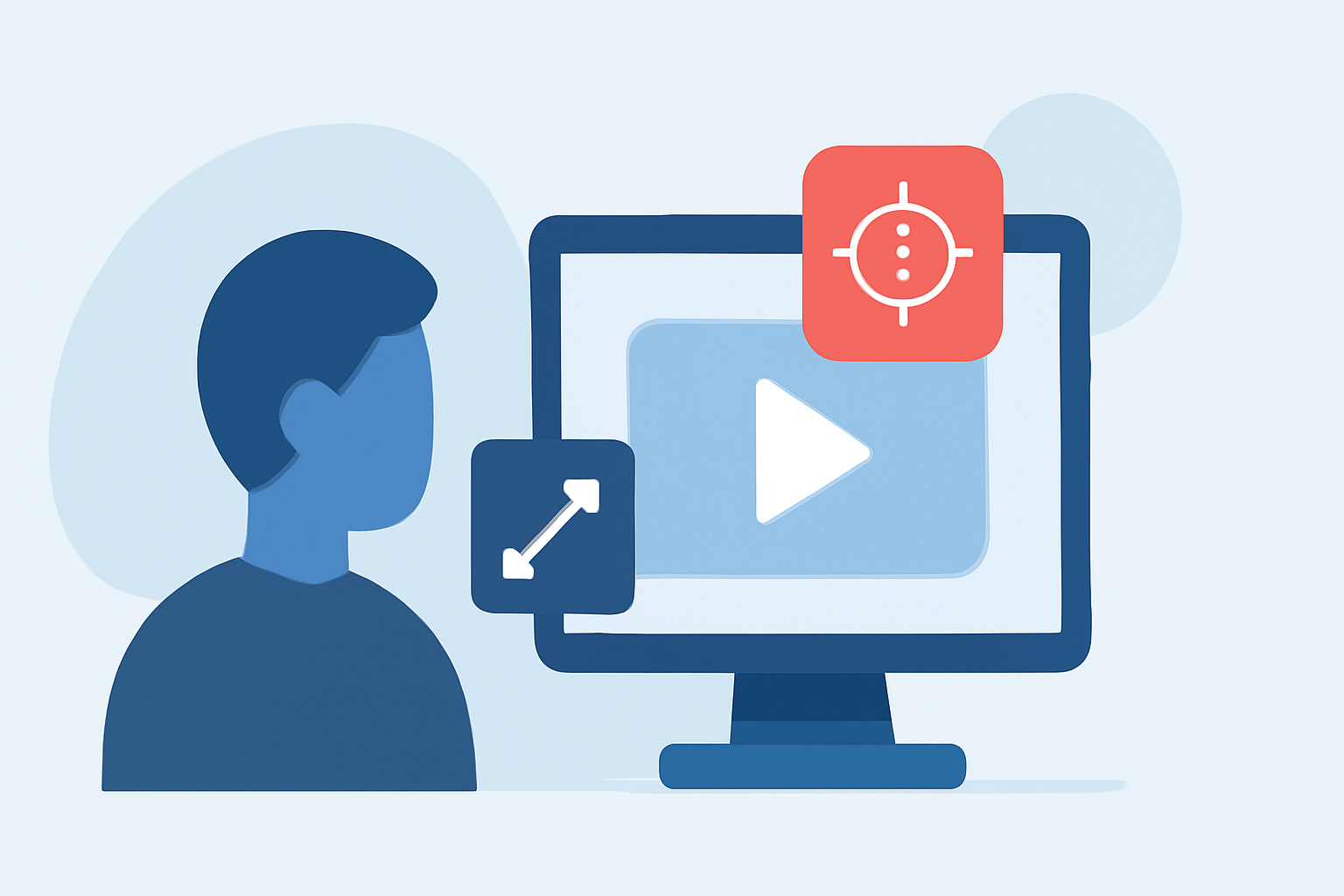
Motion tracking is a pivotal technique in video editing that allows editors to attach elements—such as text, graphics, or effects—to moving objects within a scene. This process ensures that the added elements follow the motion of the object, creating a seamless and dynamic visual experience. Whether you're aiming to add captions that follow a moving subject or apply effects that stay anchored to a specific object, mastering motion tracking can significantly elevate the quality of your videos.
What Is Motion Tracking?
Motion tracking, also known as match moving or camera tracking, involves analyzing the movement of objects within a video to apply effects that move in sync with them. This technique is widely used in film, television, commercials, and online videos to integrate visual effects (VFX), motion graphics, and computer-generated imagery (CGI) with live-action footage. By tracking the motion of objects, editors can ensure that added elements interact naturally with the scene, enhancing realism and viewer engagement. (screenstory.io)
Common Applications of Motion Tracking
- Object Tracking: Attaching graphics like labels, logos, or animations to moving objects.
- Face Tracking: Applying filters, masks, or CGI face replacements to facial movements.
- Camera Tracking: Incorporating CGI or 3D elements that interact with live footage by analyzing camera movement.
- Rotoscoping: Isolating subjects by tracking their outlines for seamless compositing.
- Match Moving: Accurately compositing moving foreground subjects into new scenes by tracking static backgrounds. (screenstory.io)
Types of Motion Tracking
- Point Tracking: Follows distinct feature points across frames, suitable for smaller objects.
- Planar Tracking: Analyzes planes and surfaces, ideal for tracking flat backgrounds or walls.
- Camera Tracking: Reconstructs camera movement and scene geometry, allowing insertion of 3D objects into footage.
- Facial Landmark Tracking: Precisely tracks facial features through machine learning for alterations and effects.
- Full Body Tracking: Tracks entire bodies, including multiple people, for compositing and motion graphics. (screenstory.io)
How to Perform Motion Tracking
- Import Your Footage: Load your video into your chosen editing software.
- Select the Tracking Point: Choose a distinct feature on the object you wish to track.
- Analyze the Footage: Use the software's tracking tools to follow the object's movement across frames.
- Apply the Effect: Attach the desired element (e.g., text, graphics) to the tracked point.
- Refine and Adjust: Review the tracking and make necessary adjustments for accuracy.
Best Practices for Effective Motion Tracking
- Use High-Quality Footage: Clear, well-lit videos with high contrast between the subject and background yield better tracking results.
- Stabilize Shaky Footage: If your video is shaky, apply stabilization before tracking to improve accuracy.
- Choose the Right Tracking Method: Select the tracking type that best suits your subject and desired effect.
- Manually Adjust When Necessary: If the automatic tracking isn't perfect, manually adjust the tracking points to correct any drift or inaccuracies.
- Break Down Complex Movements: For fast or complex movements, consider splitting your video into shorter segments and applying tracking to each separately. (vidio.ai)
Common Challenges and Solutions
- Jittery or Noisy Tracks: If the overlay appears shaky, try smoothing the tracking path or re-tracking with a larger tracking area.
- Drift Over Time: If the track slowly moves off the object, break the tracking into smaller segments or add manual keyframes to re-anchor the overlay.
- Object Leaves Frame: If the subject moves out of frame, split the clip at that point and start a new track when the subject returns. (vidio.ai)
Enhancing Your Workflow with Planes Live
For creators looking to streamline their video editing process, Planes Live offers a comprehensive suite of tools designed to simplify tasks like motion tracking. Its intuitive interface and advanced features allow editors to apply motion tracking with ease, ensuring that elements stay synchronized with moving objects throughout the footage. By integrating Planes Live into your workflow, you can achieve professional-quality results more efficiently.
Conclusion
Mastering motion tracking is essential for creating dynamic and engaging videos. By understanding its applications, types, and best practices, and by utilizing tools like Planes Live, editors can enhance their projects and deliver polished, professional content.