22 June 2026
Mastering Overlay Editing on Your Phone: Advanced Tips for Mobile Video Editing
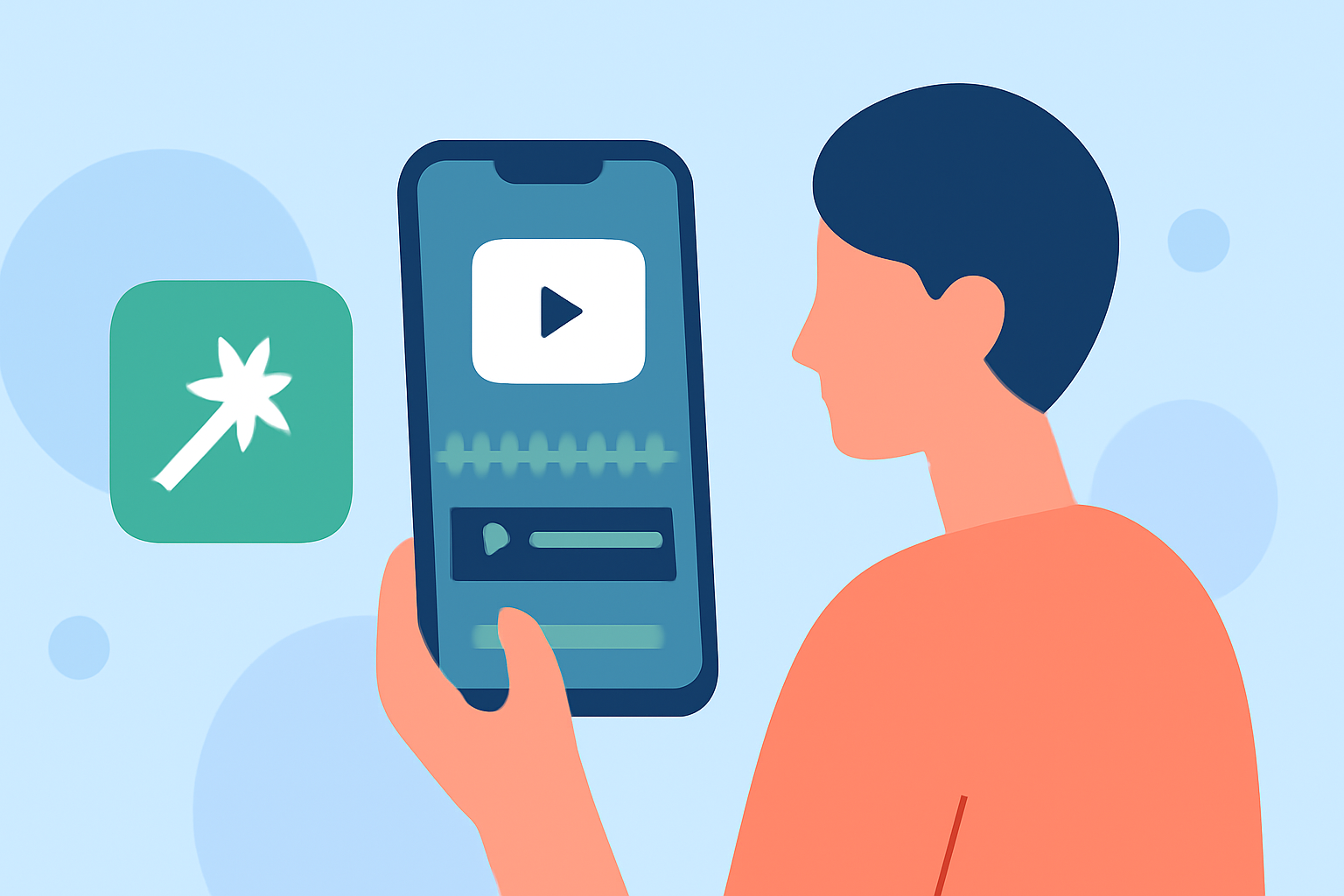
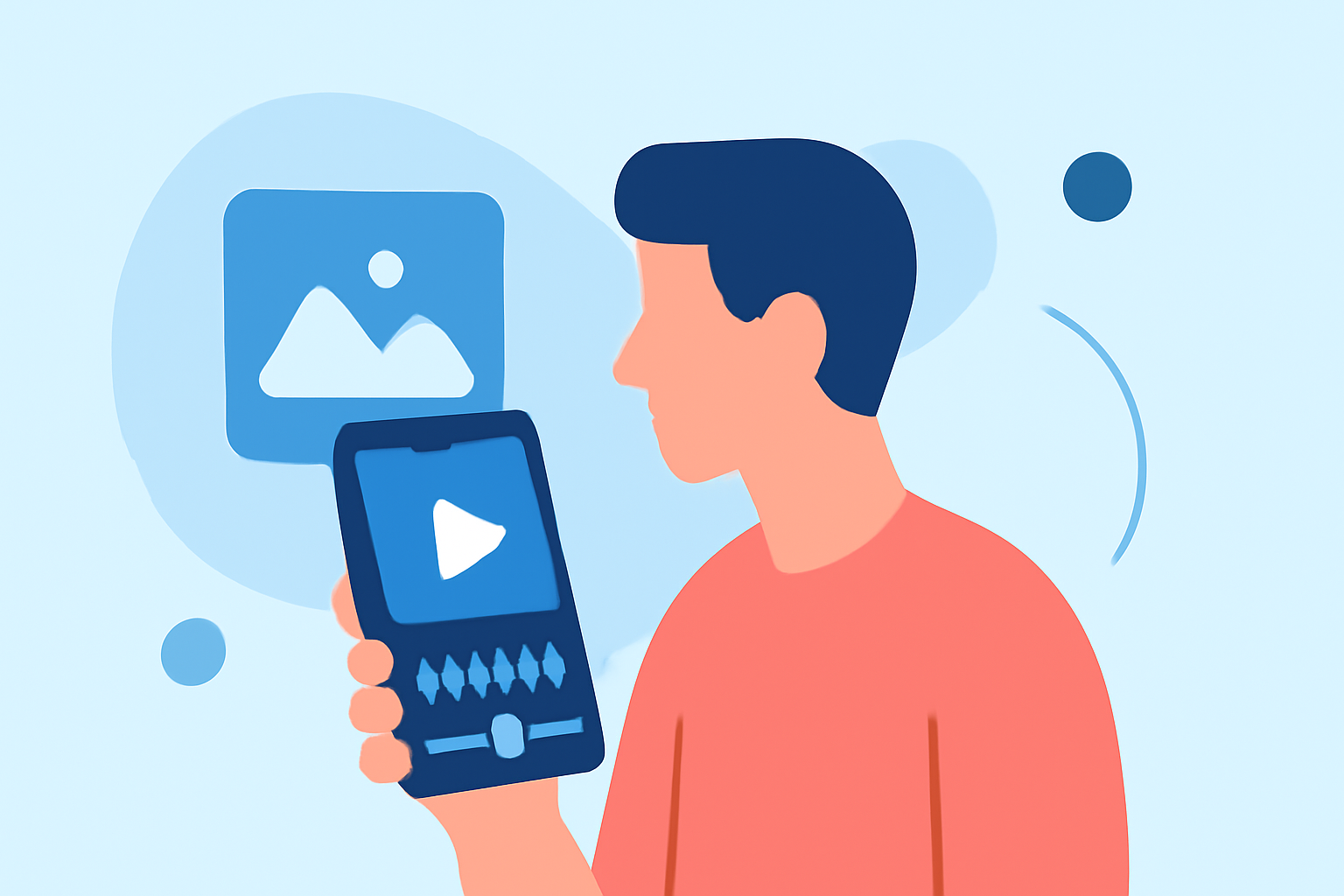
Mobile video editing has evolved significantly, allowing creators to produce professional-quality content directly from their smartphones. One of the most impactful techniques to elevate your videos is mastering overlay editing. Overlays involve placing additional elements—such as images, text, or graphics—on top of your main footage to enhance storytelling and visual appeal.
What Are Overlays in Mobile Video Editing?
In mobile video editing, an overlay is any extra layer you place on top of your main video track. This can include images, text, stickers, or animations. Overlays are used to add context, highlight key points, or introduce branding elements without altering the original footage. (vediting.home.blog)
Why Use Overlays?
Incorporating overlays into your videos offers several benefits:
- Enhanced Branding: Add logos or watermarks to reinforce brand identity.
- Improved Engagement: Use text or graphics to emphasize important information or calls to action.
- Professional Touch: Apply effects like light leaks or textures to give your videos a polished, cinematic feel.
Advanced Overlay Editing Techniques
To effectively utilize overlays on your phone, consider the following techniques:
-
Keyframing for Dynamic Animations:
Keyframing allows you to animate elements by defining start and end points, creating smooth transitions and movements. For instance, you can animate text to slide in from the side or scale up from a smaller size. This technique adds a dynamic element to your videos, making them more engaging. (dtptips.com)
-
Utilizing Blending Modes for Visual Depth:
Blending modes control how overlay elements interact with the background footage. Modes like 'Screen' or 'Multiply' can be used to add light leaks, textures, or other visual effects that enhance the mood of your video. Experimenting with different blending modes can help you achieve the desired aesthetic. (cloudinary.com)
-
Applying Masking Techniques for Focused Effects:
Masking involves creating a defined area within your overlay to focus attention on a specific part of the video. This can be used to highlight a product, emphasize a facial expression, or draw attention to a particular detail. By adjusting the mask's shape and position, you can create a spotlight effect that guides the viewer's eye. (dtptips.com)
-
Incorporating Motion Graphics for Enhanced Storytelling:
Adding motion graphics, such as animated text or icons, can help convey information more effectively and keep viewers engaged. For example, using animated arrows to point out features in a tutorial or incorporating dynamic text to emphasize key points can make your content more informative and visually appealing. (vibbit.ai)
Best Practices for Overlay Editing on Mobile Devices
- Maintain Consistency: Ensure that overlay elements align with your video's overall style and tone.
- Optimize Performance: Use overlays judiciously to prevent your device from becoming sluggish.
- Test Across Devices: Preview your videos on different screen sizes to ensure overlays appear correctly.
Recommended Mobile Video Editing Apps
To implement these overlay techniques effectively, consider using mobile video editing apps that offer robust overlay features. These apps provide user-friendly interfaces and a range of tools to enhance your editing capabilities.
Conclusion
Mastering overlay editing on your phone can significantly enhance the quality and impact of your mobile videos. By applying advanced techniques such as keyframing, blending modes, masking, and motion graphics, you can create engaging and professional content that resonates with your audience.
For a comprehensive guide on advanced mobile video editing techniques, including detailed steps and additional tips, refer to the Advanced Mobile Video Editing — Step-by-Step Guide.
To further enhance your mobile video editing experience, consider exploring Planes Live, a platform that offers a range of tools and resources tailored for mobile video creators.