22 June 2026
Mastering Plane Spotting Footage Editing: A Step-by-Step Guide
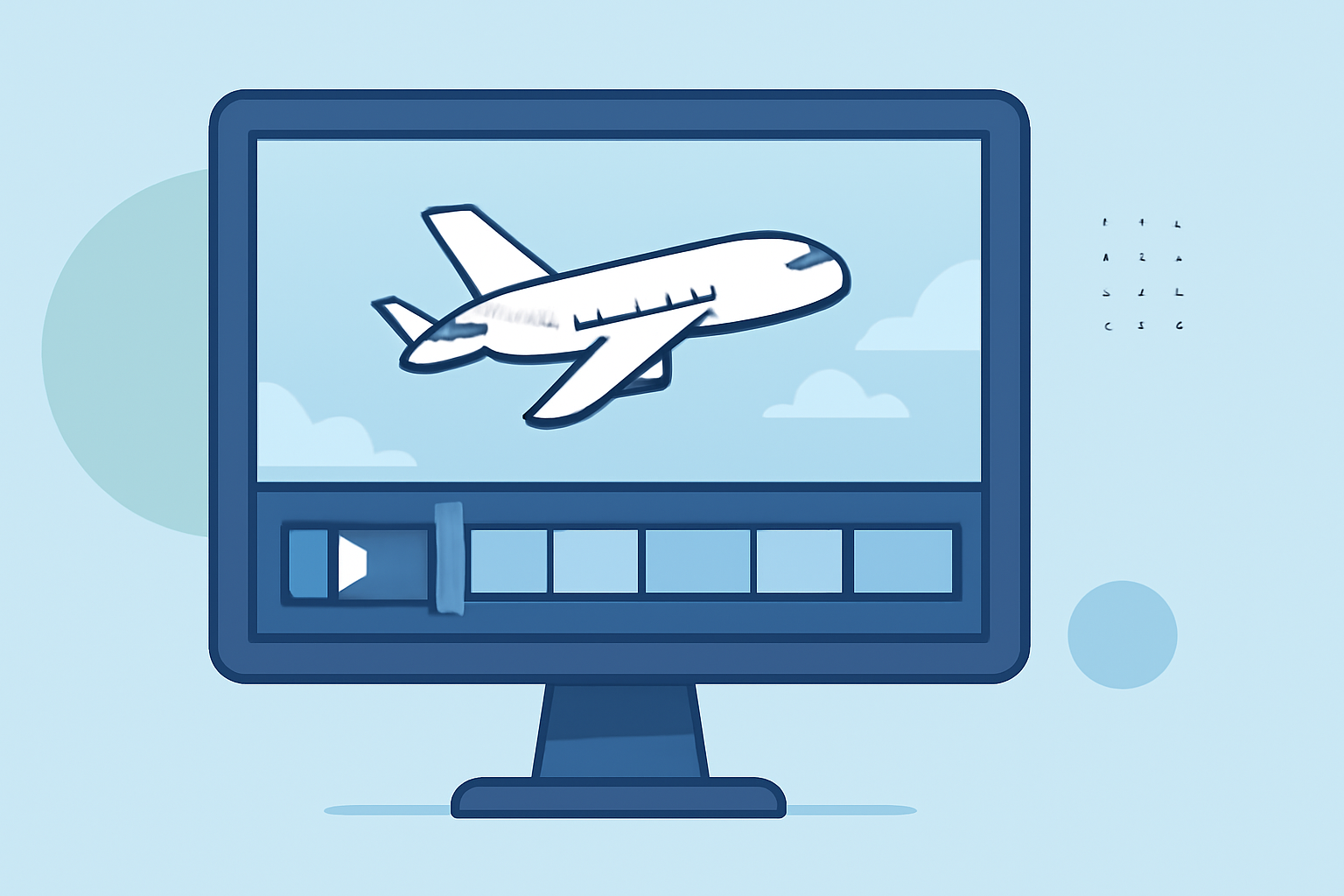
Editing plane spotting footage allows enthusiasts to showcase aircraft movements and details in a compelling narrative. This guide provides a structured approach to editing, ensuring your videos captivate and inform your audience.
1. Organize Your Footage
Begin by transferring all your clips to a dedicated folder on your computer. Create subfolders categorized by date, location, or aircraft type to streamline the editing process. Proper organization prevents confusion and saves time during editing. (adobe.com)
2. Select the Best Clips
Review your footage and choose clips that best highlight the aircraft's features, movements, and any unique events. Eliminate redundant or shaky shots to maintain viewer engagement. Aim for a mix of wide shots, close-ups, and panning sequences to add variety.
3. Import and Set Up Your Editing Software
Choose a video editing software that suits your skill level and project requirements. Popular options include Adobe Premiere Pro, Final Cut Pro, and DaVinci Resolve. After installation, import your selected clips into the software and set up a new project with appropriate settings matching your footage's resolution and frame rate. (joinotto.com)
4. Arrange Clips on the Timeline
Place your clips in a sequence that tells a coherent story. Start with establishing shots to set the scene, followed by sequences that showcase the aircraft's movements, and conclude with a strong closing shot. Ensure smooth transitions between clips to maintain narrative flow.
5. Stabilize and Trim Footage
If any clips are shaky, use the stabilization feature in your editing software to smooth them out. Trim unnecessary parts from each clip to focus on the most compelling moments, ensuring the video remains concise and engaging.
6. Apply Color Correction and Grading
Adjust the exposure, contrast, and white balance to correct any inconsistencies. Applying color grading can enhance the visual appeal, giving your footage a cinematic look. Ensure color consistency across all clips for a cohesive final product. (joinotto.com)
7. Add Transitions and Effects
Incorporate transitions like cross dissolves or fades to smoothly move between scenes. Use effects sparingly to highlight key moments without overwhelming the viewer. Ensure that any added effects enhance the storytelling rather than distract from it.
8. Incorporate Sound and Music
Add background music that complements the video's mood and pace. Ensure the audio levels are balanced, with music not overpowering any natural sounds or commentary. If your footage includes ambient sounds, consider enhancing them to add realism and depth. (joinotto.com)
9. Export Your Final Video
Once satisfied with your edits, export the video in a format suitable for your intended platform, such as MP4 for online sharing. Choose the appropriate resolution and frame rate to ensure optimal playback quality.
10. Share and Engage
Upload your edited video to platforms like YouTube, Vimeo, or social media channels. Engage with your audience by responding to comments and sharing insights about the aircraft featured in your footage.
For enthusiasts looking to streamline their editing process, Planes Live offers a comprehensive suite of tools tailored for aviation videography. With features designed to enhance footage quality and simplify editing workflows, Planes Live is a valuable resource for both novice and experienced editors.
By following these steps and utilizing specialized tools, you can transform raw plane spotting footage into a polished and engaging video that showcases the beauty and intricacies of aviation.