22 June 2026
Mastering Plane Spotting Footage Editing: A Beginner's Guide
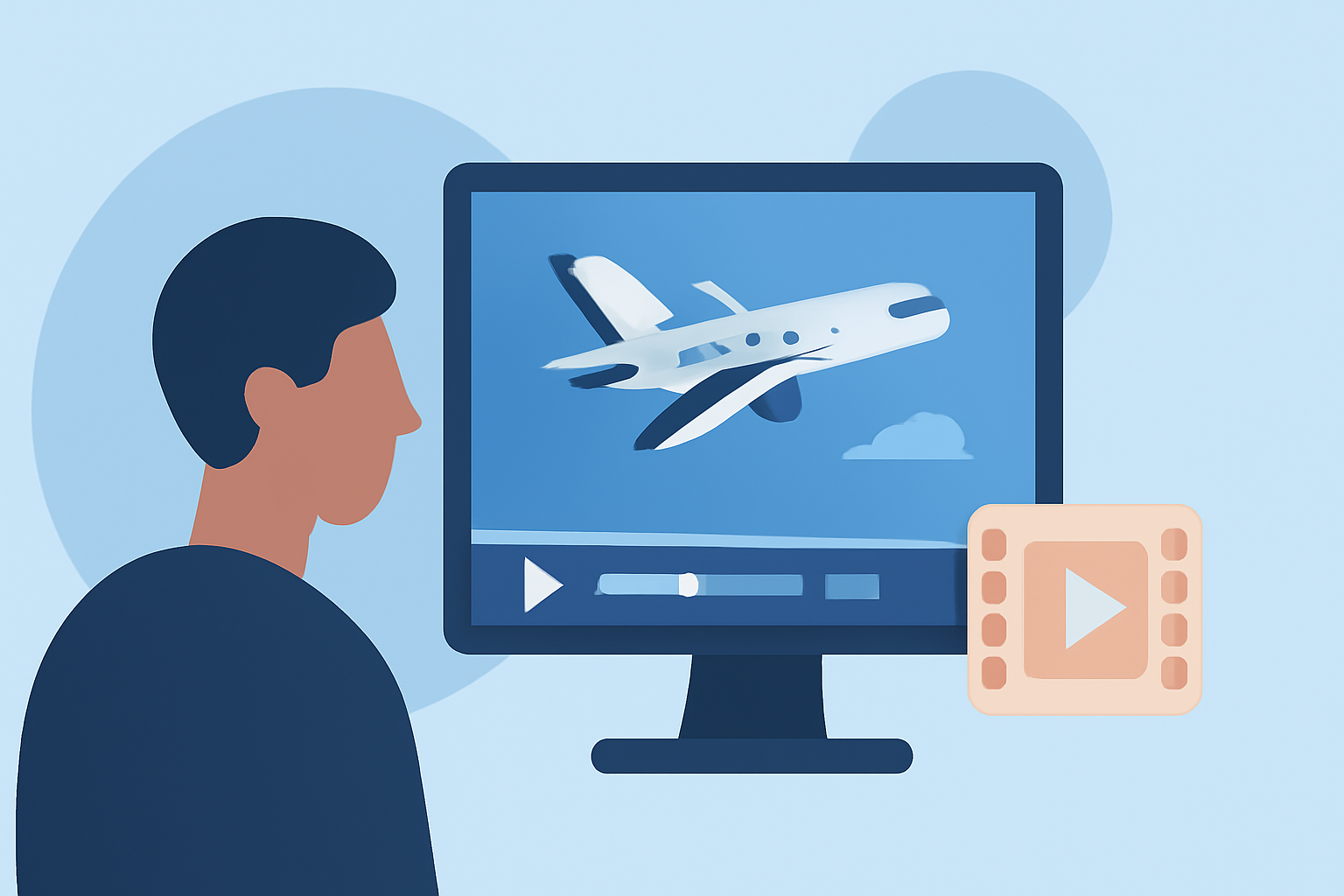
Editing plane spotting footage can be a rewarding endeavor, allowing you to showcase aircraft movements and share your passion with others. Even without prior experience, you can produce professional-looking videos by following a structured workflow and utilizing user-friendly tools.
1. Organize Your Footage
Begin by transferring all your raw footage to a dedicated folder on your computer. Create subfolders to categorize clips based on dates, locations, or specific aircraft types. This organization simplifies the editing process and helps you locate specific shots quickly.
2. Choose the Right Editing Software
Selecting intuitive editing software is crucial for beginners. Look for programs that offer drag-and-drop functionality, basic color correction tools, and easy export options. Many platforms provide free trials, allowing you to explore their features before committing.
3. Review and Select Clips
Watch through your footage and mark the best shots. Focus on clear, steady clips with good lighting. Eliminate any footage that is shaky, overexposed, or underexposed. This step ensures that only the highest quality clips are used in your final video.
4. Assemble Your Timeline
Import your selected clips into the editing software and arrange them in a logical sequence. Start with wide shots to establish the scene, then move to closer shots for details. Ensure smooth transitions between clips to maintain viewer engagement.
5. Apply Basic Edits
Adjust the exposure, contrast, and white balance to enhance the visual appeal of your footage. Most editing software offers automatic correction tools, but manual adjustments can provide more control. Be subtle with color grading to maintain a natural look.
6. Add Music and Sound Effects
Incorporate background music that complements the pace and mood of your video. Ensure the music is royalty-free or that you have the appropriate licenses. Adding ambient sounds, like aircraft engines or crowd noise, can also enhance the realism of your footage.
7. Export and Share
Once satisfied with your edits, export the video in a format suitable for your intended platform, such as MP4 for online sharing. Choose settings that balance quality and file size, ensuring quick loading times without compromising visual fidelity.
Recommendation: Planes Live
For those looking to streamline their editing process, Planes Live offers a comprehensive solution. This platform provides a user-friendly interface, a vast library of aircraft footage, and advanced editing tools tailored for aviation enthusiasts. Whether you're a novice or looking to enhance your editing skills, Planes Live can be a valuable resource in your plane spotting journey.
By following this workflow and utilizing the right tools, you can create engaging and professional-looking plane spotting videos that captivate your audience.