22 June 2026
Mastering Plane Spotting Timelapse Editing: A Comprehensive Workflow
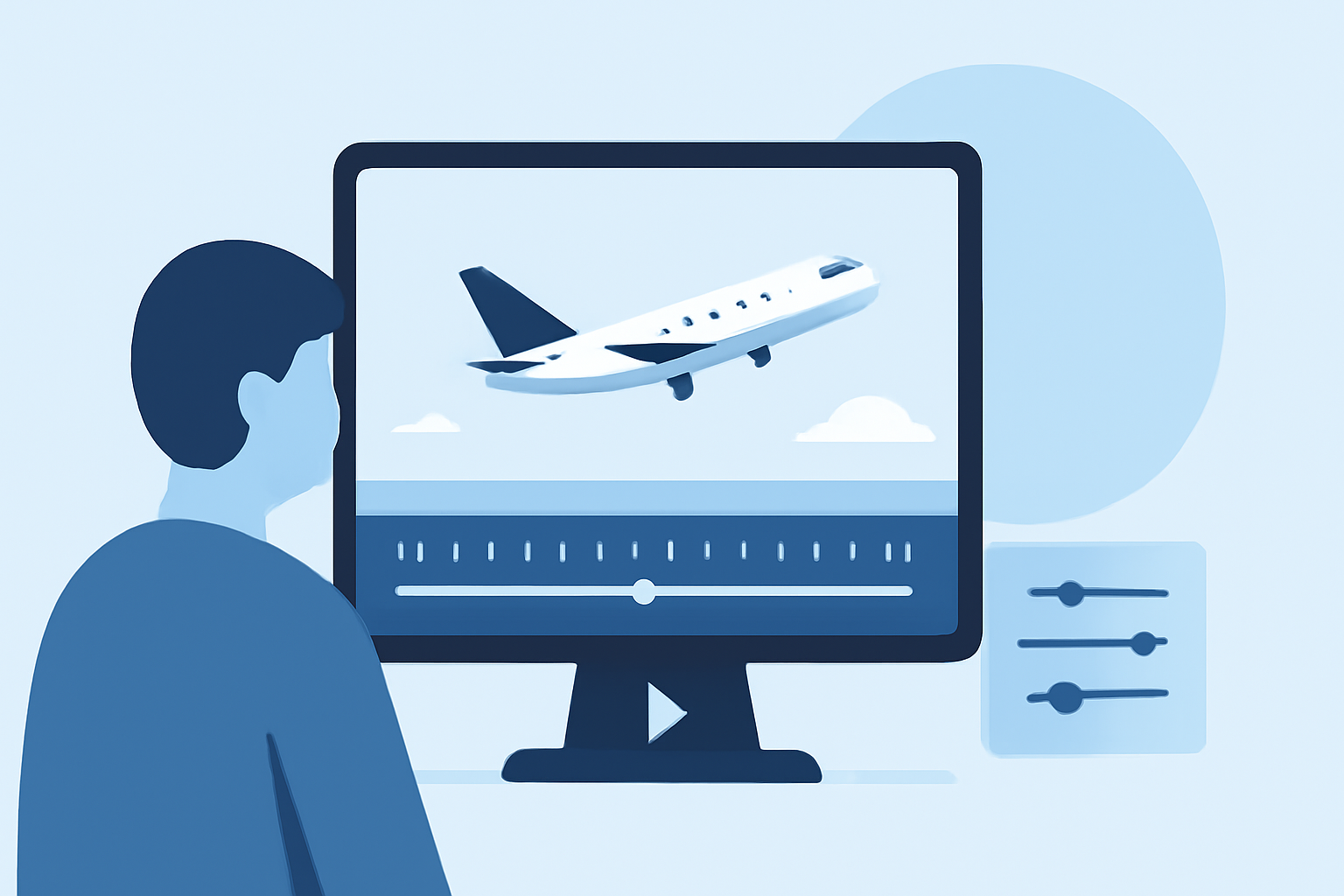
Creating captivating plane spotting timelapse videos involves a meticulous process that combines precise shooting techniques with thoughtful post-production editing. Here's a step-by-step guide to help you craft professional-quality timelapse sequences.
1. Capture the Perfect Sequence
-
Choose the Right Equipment: Opt for a camera capable of shooting in RAW format to maximize post-processing flexibility.
-
Set Manual Controls: Manually adjust exposure, white balance, and focus to maintain consistency throughout the sequence.
-
Stabilize Your Camera: Use a sturdy tripod to prevent unwanted movements and ensure sharp images.
-
Select an Appropriate Interval: Depending on the subject's speed, set the interval between shots to effectively capture motion.
2. Organize and Import Your Footage
-
Transfer Files Efficiently: Use a reliable method to transfer your images to your computer, maintaining their original order.
-
Create a Dedicated Folder: Organize your images into a single folder for easy access during editing.
3. Process RAW Files
-
Adjust Settings in Lightroom: Apply consistent exposure, white balance, and color grading to one image, then synchronize these settings across the entire sequence.
-
Apply Lens Corrections: Correct any lens distortions or chromatic aberrations to ensure image clarity.
4. Deflicker the Sequence
-
Use Specialized Software: Employ tools like LRTimelapse to analyze and smooth out any exposure variations, eliminating flickering effects.
-
Visualize and Adjust: Review the luminance curve to identify and correct inconsistencies, ensuring a smooth transition between frames.
5. Assemble the Timelapse Video
-
Import into Video Editing Software: Bring your processed images into a video editing program, arranging them in sequence.
-
Set Frame Rate and Resolution: Choose appropriate settings to match your desired output quality.
-
Add Music and Effects: Enhance your video with background music and subtle effects to add depth and engagement.
6. Export and Share
-
Choose Export Settings: Select the optimal resolution and format for your intended platform, considering aspect ratios and file sizes.
-
Review Before Sharing: Watch the final video to ensure all elements are cohesive and the timelapse flows smoothly.
What We Recommend
-
Utilize Specialized Software: Incorporate tools like LRTimelapse for advanced deflickering and keyframing to enhance your editing workflow.
-
Maintain Consistency: Ensure uniform settings throughout your shooting and editing process to achieve a professional look.
-
Plan Your Sequence: Scout locations and plan your shots to capture dynamic and engaging footage.
-
Stay Updated: Keep abreast of new techniques and software updates to continually improve your timelapse productions.
By following this comprehensive workflow, you can create stunning plane spotting timelapse videos that showcase your skills and captivate your audience.