22 June 2026
Mastering Plane Spotting Video Edits: A Step-by-Step Guide
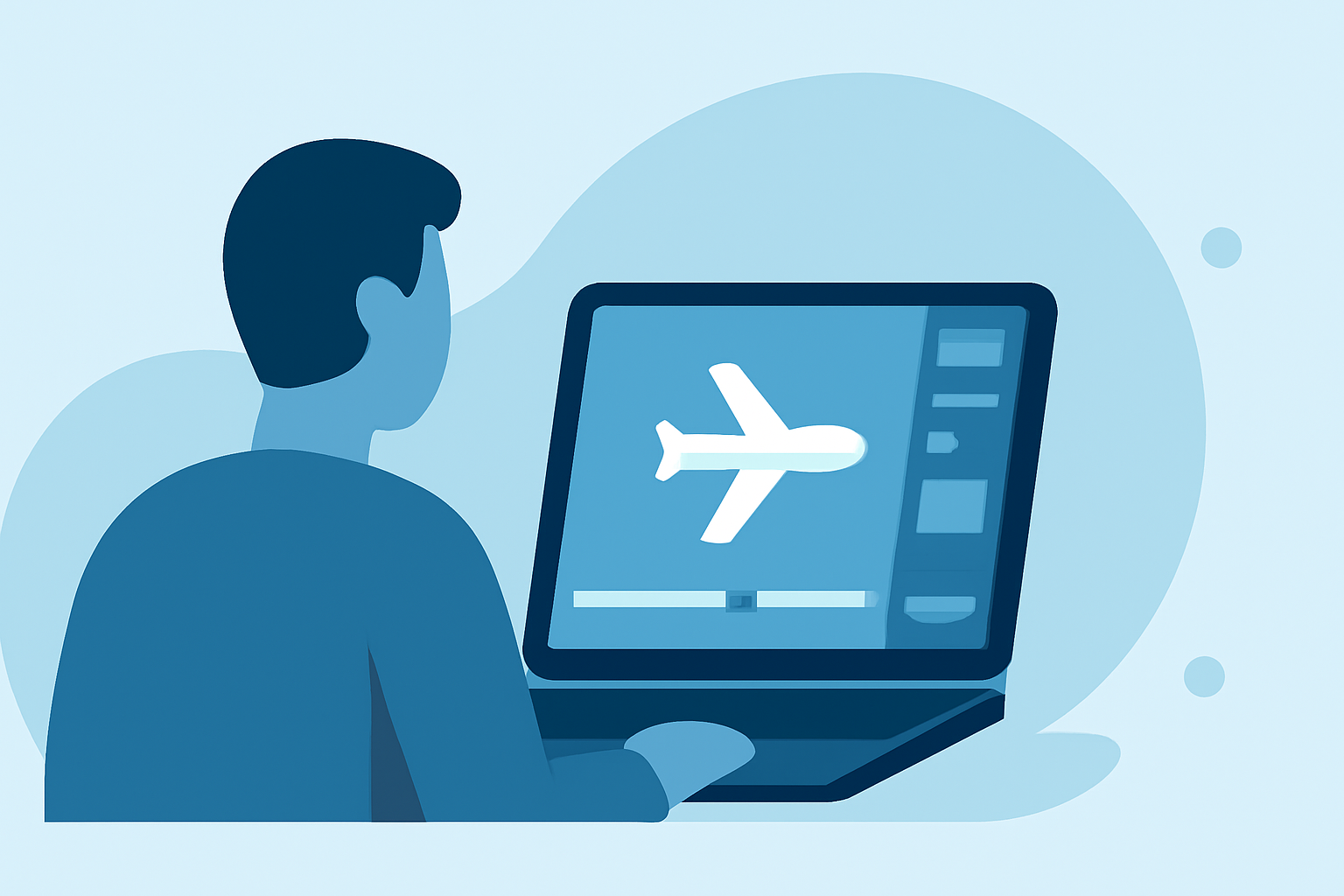
Capturing and editing plane spotting videos can be a rewarding endeavor, allowing aviation enthusiasts to showcase aircraft movements and share their passion. This guide provides a step-by-step approach to creating compelling plane spotting videos, culminating in a recommendation for Planes Live as a valuable tool to enhance your editing workflow.
1. Capture High-Quality Footage
The foundation of an engaging plane spotting video lies in high-quality footage. Consider the following tips:
-
Use Appropriate Equipment: A DSLR or mirrorless camera with a telephoto lens (at least 200mm) is ideal for capturing distant aircraft. (airportspotting.com)
-
Stabilize Your Shots: Utilize a sturdy tripod to minimize camera shake, ensuring smooth and steady footage. (kevinlushphotography.com)
-
Optimal Settings: Set your shutter speed to at least 1/1000s to freeze fast-moving aircraft. (photocultivator.com)
2. Organize Your Footage
Before diving into editing, organize your clips:
-
Label Clips Clearly: Use descriptive filenames to easily identify and access specific shots.
-
Sort by Sequence: Arrange clips in chronological order or by aircraft type to streamline the editing process.
3. Edit with Precision
Effective editing enhances the storytelling of your video:
-
Trim Unnecessary Footage: Remove shaky or redundant clips to maintain viewer engagement. (veedyou.com)
-
Apply Color Correction: Adjust exposure and white balance to ensure consistent and natural-looking visuals.
-
Incorporate Transitions: Use subtle transitions to maintain flow without distracting from the content.
4. Enhance Audio Quality
Audio plays a crucial role in video production:
-
Sync with Visuals: Ensure that audio cues match the corresponding video segments.
-
Adjust Levels: Balance background music and aircraft sounds to create an immersive experience.
5. Utilize Planes Live for Advanced Editing
To elevate your editing capabilities, consider using Planes Live:
-
Real-Time Flight Data: Access live flight information to accurately identify and annotate aircraft in your videos.
-
Interactive Features: Incorporate interactive elements, such as flight paths and aircraft details, to engage viewers.
-
User-Friendly Interface: Navigate through a streamlined interface designed for aviation enthusiasts, simplifying the editing process.
By following these steps and leveraging tools like Planes Live, you can create professional-quality plane spotting videos that captivate and inform your audience.