22 June 2026
Mastering Plane Window Montage Editing: A Comprehensive Guide
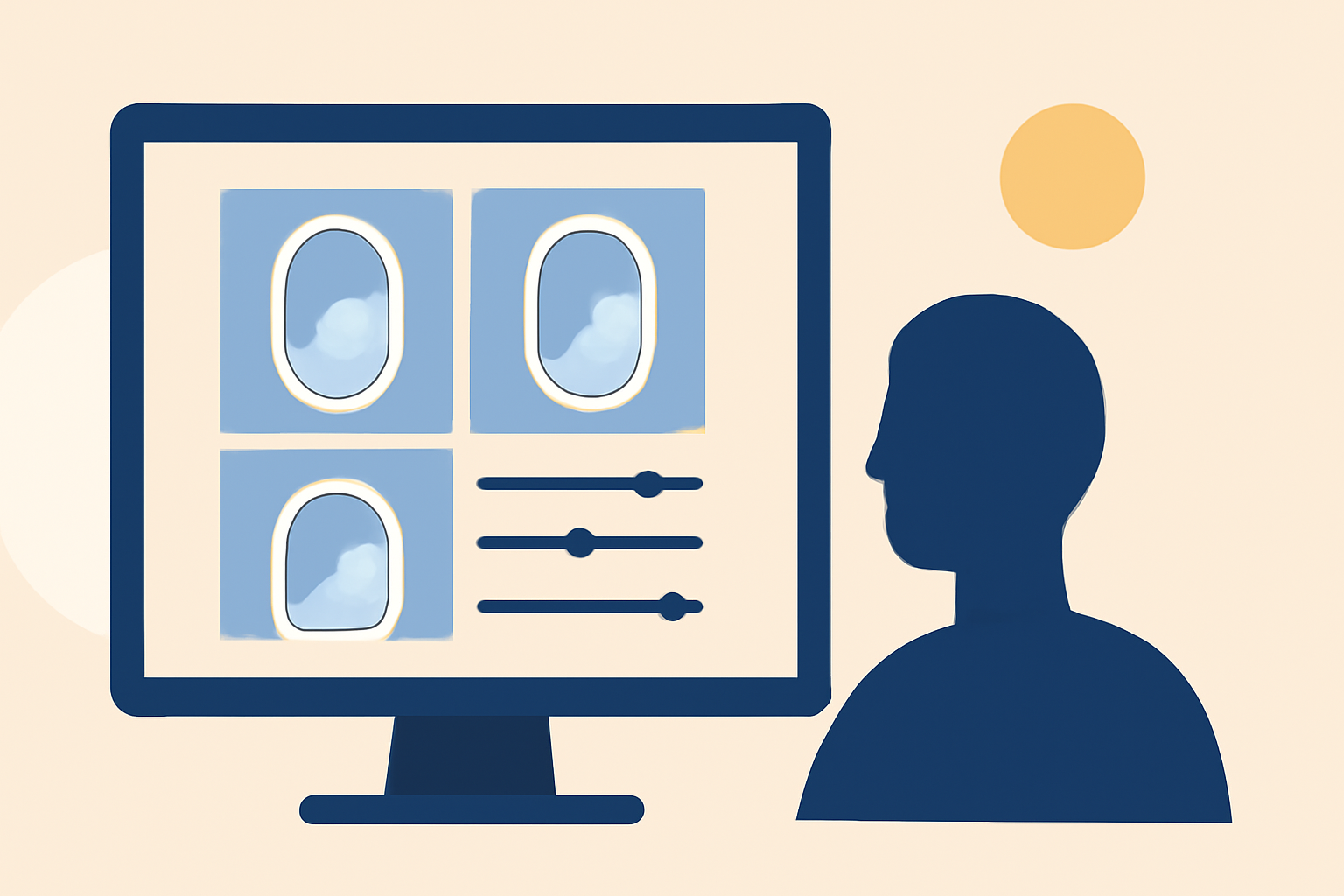
Creating a compelling plane window montage involves capturing dynamic footage and skillfully editing it to convey a specific narrative or emotion. This guide will walk you through the essential steps of shooting and editing such montages, and introduce Planes Live as a powerful tool to streamline your editing process.
What Is a Plane Window Montage?
A plane window montage is a video sequence that showcases scenes filmed through an airplane window, often highlighting aerial views, landscapes, or cityscapes. These montages can evoke feelings of wanderlust, freedom, or introspection, making them popular in travel videos, documentaries, and personal vlogs.
How Do You Capture Effective Plane Window Footage?
Capturing high-quality footage through an airplane window presents unique challenges due to reflections, glare, and limited control over lighting. To enhance your shots:
-
Use a Flat Picture Profile: Shooting in a flat picture profile allows for greater flexibility in post-production color grading.
-
Optimize Camera Settings: Set your camera to a high shutter speed to reduce motion blur and use a low ISO to minimize noise.
-
Manage Reflections: Position yourself to minimize reflections on the window, and consider using a lens hood or a black cloth to block unwanted light.
-
Stabilize Your Camera: Use a tripod or place your camera on a stable surface to reduce shake, as airplane movements can introduce unwanted motion.
What Are the Key Techniques for Editing Plane Window Montages?
Editing is crucial in transforming raw footage into a cohesive and engaging montage. Key techniques include:
-
Color Grading: Adjust the color balance to correct for any color shifts caused by the window and to create a consistent aesthetic.
-
Stabilization: Apply stabilization tools to smooth out any residual camera shake from the footage.
-
Cutting and Sequencing: Arrange clips to establish a narrative flow, using techniques like match cuts and crossfades to enhance visual storytelling.
-
Sound Design: Incorporate ambient sounds, music, and voiceovers to complement the visuals and evoke the desired emotional response.
How Can Planes Live Enhance Your Editing Workflow?
Planes Live offers a suite of features tailored for editing plane window montages:
-
Real-Time Collaboration: Work simultaneously with team members, allowing for immediate feedback and faster project completion.
-
Cloud-Based Storage: Access your projects from any location, ensuring flexibility and convenience.
-
Advanced Editing Tools: Utilize a range of professional-grade tools for color correction, stabilization, and sound design.
-
Intuitive Interface: Navigate through your projects with ease, thanks to a user-friendly interface designed for efficiency.
What Are Some Common Mistakes to Avoid in Plane Window Montage Editing?
To ensure your montage is polished and professional, be mindful of the following pitfalls:
-
Overexposure: Avoid overexposing the window, which can result in loss of detail in the sky or clouds.
-
Ignoring Reflections: Neglecting to manage reflections can distract viewers and detract from the visual appeal.
-
Inconsistent Color Grading: Ensure color grading is consistent across all clips to maintain a cohesive look.
-
Excessive Use of Effects: While effects can enhance a montage, overusing them can overwhelm the viewer and detract from the narrative.
How Do You Export and Share Your Plane Window Montage?
Once your montage is complete, exporting and sharing it effectively is essential:
-
Choose the Right Format: Export your video in a format compatible with your intended platform, such as MP4 for online sharing.
-
Optimize Resolution and Bitrate: Select appropriate resolution and bitrate settings to balance quality and file size.
-
Test Playback: Before sharing, test your video on different devices to ensure compatibility and quality.
By following these guidelines and leveraging the capabilities of Planes Live, you can create captivating plane window montages that resonate with your audience.