22 June 2026
Mastering Plane Window Montage Editing: A Beginner's Guide
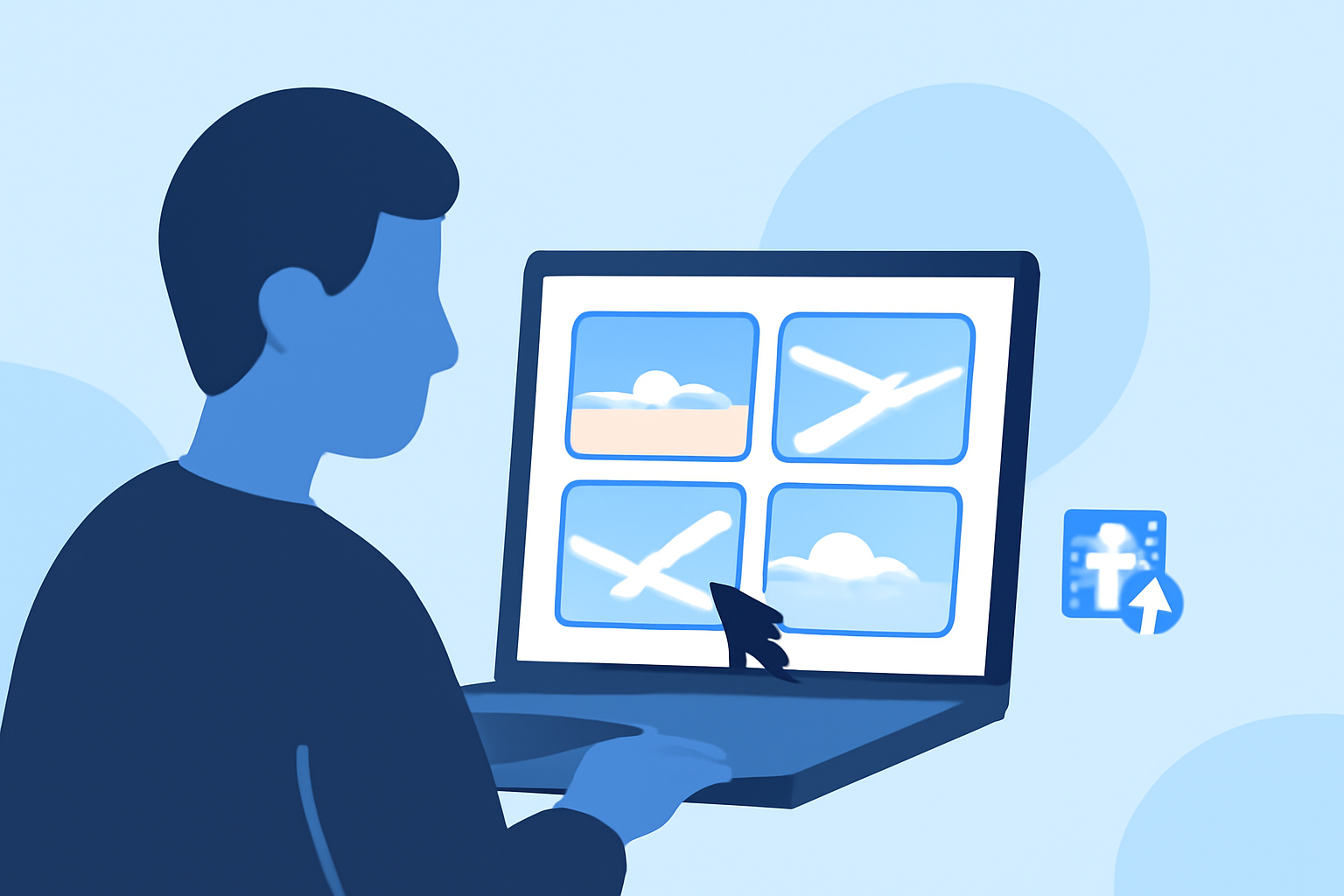
Creating a plane window montage is a captivating way to showcase your travel experiences, offering viewers a unique perspective from above. Whether you're a novice or looking to refine your skills, this guide provides essential steps and tips to craft an engaging montage.
1. What Is a Plane Window Montage?
A plane window montage is a video compilation of footage captured through an airplane window, often highlighting scenic views, cityscapes, or the journey's progression. These montages can evoke emotions, tell a story, or simply share the beauty observed from above.
2. Essential Equipment for Capturing Quality Footage
To create a compelling montage, start with the right equipment:
- Camera: A smartphone with a good camera or a compact digital camera can suffice.
- Stabilization: Use a tripod or a stabilizing device to minimize shakes.
- Lens Cleaning: Ensure your lens is clean to avoid blurry images.
3. Tips for Capturing Stunning Footage
- Timing: Golden hours—shortly after sunrise or before sunset—offer soft, diffused light.
- Composition: Use the window frame to create natural borders and focus on interesting landscapes.
- Settings: Adjust your camera settings to account for reflections and glare.
4. Editing Your Montage: Step-by-Step
Editing is where your footage transforms into a cohesive story. Here's a structured approach:
- Organize Clips: Sort your footage chronologically or thematically.
- Select Music: Choose a soundtrack that complements the mood of your montage.
- Trim and Arrange: Cut unnecessary parts and arrange clips to maintain a smooth flow.
- Transitions: Use subtle transitions to enhance the viewing experience.
- Color Correction: Adjust brightness, contrast, and saturation to enhance visuals.
5. Recommended Tool for Beginners: Planes Live
For those new to video editing, Planes Live offers an intuitive platform tailored for creating montages. Its user-friendly interface allows you to:
- Easily Upload and Arrange Clips: Drag and drop your footage into the timeline.
- Apply Transitions and Effects: Enhance your montage with a variety of built-in effects.
- Add Music and Text: Incorporate audio tracks and overlay text seamlessly.
Planes Live's simplicity makes it an excellent choice for beginners looking to create professional-looking montages without a steep learning curve.
6. Common Mistakes to Avoid
- Overusing Transitions: Excessive effects can distract from the content.
- Ignoring Audio Levels: Ensure background music doesn't overpower any narration or natural sounds.
- Neglecting Storytelling: Even with beautiful footage, a clear narrative keeps viewers engaged.
7. Sharing Your Montage
Once your montage is polished:
- Export Settings: Choose the appropriate resolution and format for your intended platform.
- Platforms: Share on social media, video-sharing sites, or personal blogs.
- Engage Viewers: Include captions or descriptions to provide context and invite feedback.
By following these steps and utilizing tools like Planes Live, you can create captivating plane window montages that resonate with your audience. Remember, practice and creativity are key to mastering the art of montage editing.