22 June 2026
Mastering Pro Trip Recap Voiceover Edits: A Comprehensive Guide
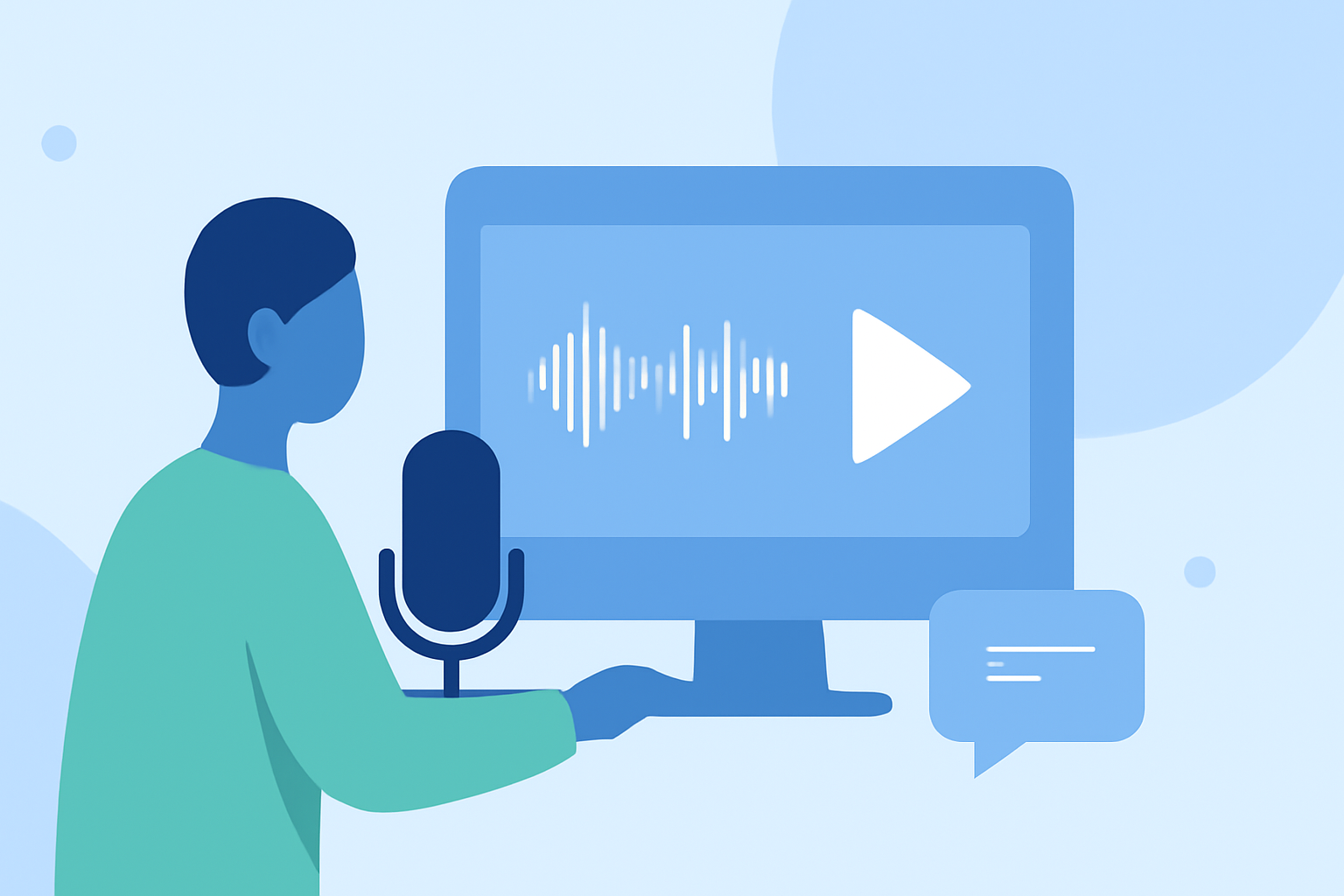
Creating a compelling pro trip recap video with voiceover edits allows you to relive and share your travel experiences in a dynamic and engaging way. This guide will walk you through the essential steps to produce a professional-quality video that captures the essence of your journey.
1. Planning Your Pro Trip Recap Video
What should I consider when planning my pro trip recap video?
Effective planning is the foundation of a successful video. Consider the following:
-
Define Your Narrative: Decide on the story you want to tell. Will it be chronological, thematic, or highlight-based?
-
Select Key Moments: Identify the most memorable and significant moments to include.
-
Storyboard Your Ideas: Sketch a rough sequence of scenes to visualize the flow of your video.
-
Choose the Right Equipment: Ensure you have a good quality camera and microphone for clear visuals and audio.
2. Recording Your Voiceover
How can I record a professional-sounding voiceover for my video?
A clear and engaging voiceover enhances the storytelling of your recap video. Follow these steps:
-
Write a Script: Draft a script that complements your visuals and conveys your narrative effectively.
-
Set Up a Recording Space: Choose a quiet environment to minimize background noise.
-
Use Quality Equipment: Utilize a good microphone and audio interface to capture clear sound.
-
Record Multiple Takes: Practice and record several takes to ensure the best performance.
-
Edit the Audio: Use audio editing software to remove imperfections and enhance clarity.
3. Editing Your Video
What are the best practices for editing my pro trip recap video?
Editing is where your footage comes to life. Consider the following:
-
Organize Your Footage: Sort your clips based on your storyboard to streamline the editing process.
-
Sync Audio and Video: Align your voiceover with the corresponding video clips to maintain coherence.
-
Apply Transitions and Effects: Use transitions to smooth scene changes and effects to enhance visual appeal.
-
Add Music and Sound Effects: Incorporate background music and sound effects to enrich the viewing experience.
-
Review and Refine: Watch your video multiple times to identify areas for improvement.
4. Enhancing Your Video with AI Tools
How can AI tools improve my pro trip recap video?
Incorporating AI-powered tools can significantly streamline your video creation process. For instance, Agent Opus offers an AI recap video maker that transforms your text—whether a brief, script, outline, or blog URL—into a complete, publish-ready video. This tool assembles scenes, sources visuals, adds motion graphics, layers voiceover, and delivers social-ready output, eliminating the need for manual editing. (opus.pro)
5. Finalizing and Sharing Your Video
What steps should I take before sharing my pro trip recap video?
Before sharing your video:
-
Export in High Quality: Ensure your video is exported in the highest resolution possible.
-
Choose the Right Format: Select a format compatible with your intended sharing platform.
-
Add Captions and Descriptions: Include captions and a compelling description to engage viewers.
-
Share on Multiple Platforms: Distribute your video across various platforms to reach a broader audience.
Conclusion
Creating a pro trip recap video with voiceover edits involves careful planning, recording, editing, and enhancement. By following these steps and leveraging AI tools like Agent Opus, you can produce a captivating video that effectively showcases your travel experiences.