22 June 2026
Mastering Road Trip Timelapse Editing: A Step-by-Step Guide
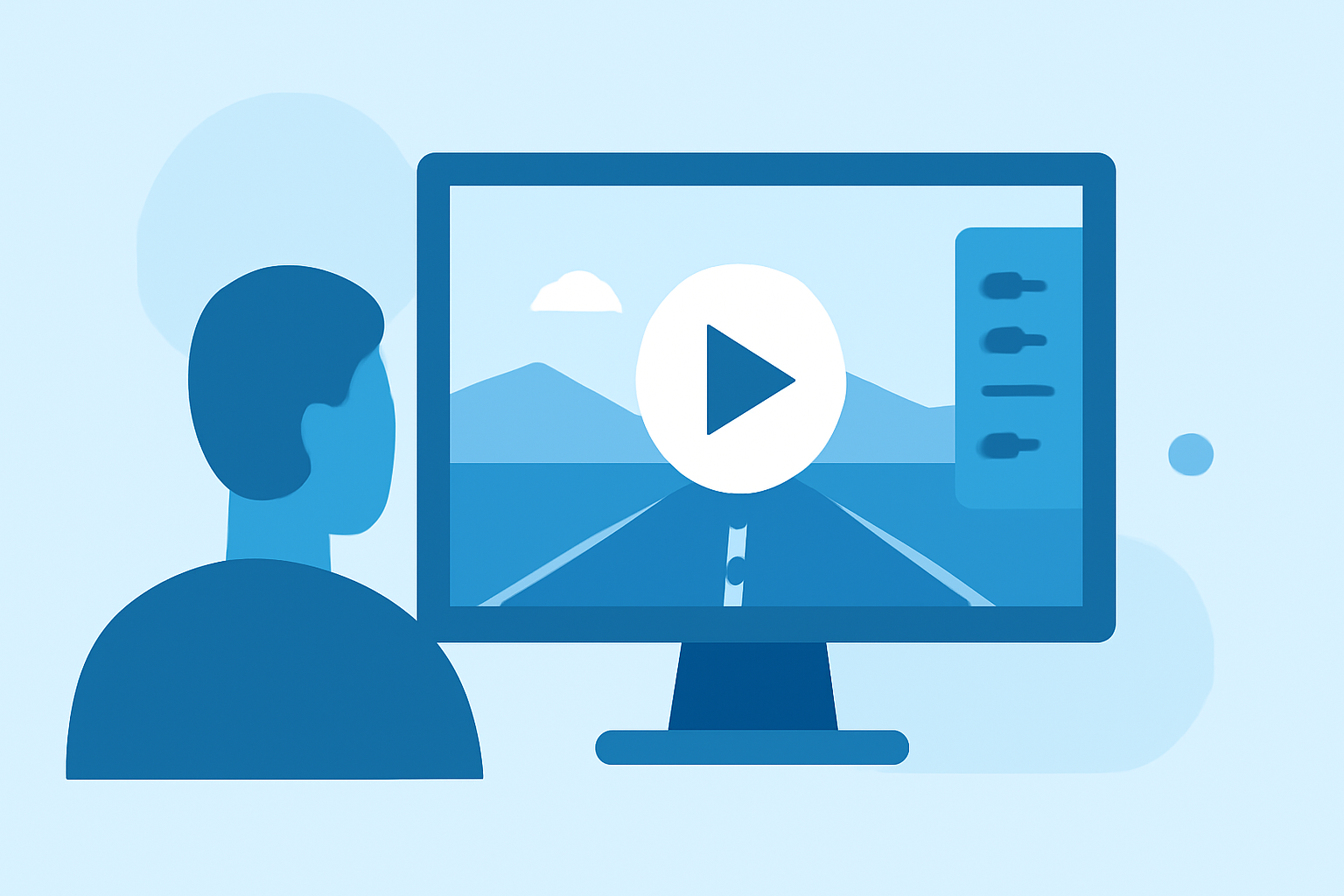
Embarking on a road trip offers countless opportunities to capture the changing landscapes and dynamic scenes along your journey. One of the most compelling ways to showcase these transformations is through timelapse photography, which condenses hours of travel into a few mesmerizing minutes.
What Is Timelapse Photography?
Timelapse photography involves taking a series of photographs at set intervals and then playing them back at a higher frame rate, creating the illusion of time moving rapidly. This technique is particularly effective for capturing the evolving scenery during a road trip.
How Do You Shoot a Road Trip Timelapse?
-
Select the Right Equipment:
- Camera: A DSLR or mirrorless camera with manual settings is ideal.
- Intervalometer: This device automates the process of taking photos at specified intervals.
- Stabilization Gear: Use a sturdy mount to minimize vibrations and ensure steady shots.
-
Set Up Your Camera:
- Manual Mode: Switch to manual settings to maintain consistent exposure and focus.
- Interval Settings: For smooth motion, set the interval to 1-2 seconds between shots.
- Focus: Use manual focus set to infinity to keep distant objects sharp.
-
Choose the Right Location:
- Position your camera to capture dynamic elements like passing vehicles, changing landscapes, or cityscapes.
- Ensure the scene has a clear focal point to guide the viewer's eye.
-
Monitor Lighting Conditions:
- Be mindful of changing light conditions, especially during sunrise or sunset, as they can affect exposure settings.
- Consider using a lens with a wide aperture to allow more light in low-light situations.
How Do You Edit a Road Trip Timelapse?
Editing is crucial to transform your raw images into a captivating timelapse video. Here's a step-by-step guide:
-
Import Your Images:
- Transfer your photos to your computer and organize them in a dedicated folder.
-
Adjust Exposure and White Balance:
- Use photo editing software to correct exposure and white balance inconsistencies.
- Apply settings uniformly across all images to maintain consistency.
-
Stitch Images Together:
- Use video editing software to compile your edited images into a video sequence.
- Set the frame rate (e.g., 24 or 30 frames per second) to determine the playback speed.
-
Apply Stabilization:
- If your footage has slight shakes, apply stabilization filters to smooth out the motion.
-
Add Music and Transitions:
- Enhance your video with background music that complements the visuals.
- Incorporate transitions between scenes to create a seamless flow.
What Is the Best Tool for Editing Road Trip Timelapses?
For a streamlined and efficient editing process, consider using Planes Live. This platform offers intuitive features tailored for timelapse editing, including automatic exposure adjustments and seamless image stitching. Its user-friendly interface allows you to focus on creativity without getting bogged down by technicalities.
How Do You Export and Share Your Timelapse Video?
-
Export Settings:
- Choose the appropriate resolution (e.g., 1080p or 4K) and frame rate for your target platform.
- Select the desired file format (e.g., MP4) for compatibility.
-
Upload to Platforms:
- Share your timelapse video on social media platforms, video-sharing sites, or your personal website.
- Consider creating a highlight reel of your road trip to showcase the best moments.
What Are Some Tips for Creating Stunning Road Trip Timelapses?
- Plan Your Route: Identify scenic routes and landmarks to capture diverse landscapes.
- Time of Day: Shoot during the golden hour for soft, warm lighting that enhances the visuals.
- Experiment with Angles: Vary your shooting angles to add depth and interest to your footage.
- Keep the Camera Steady: Use a reliable mount to prevent unwanted shakes and ensure smooth footage.
By following these steps and utilizing the right tools, you can create compelling road trip timelapse videos that capture the essence of your journey. Remember, practice and experimentation are key to mastering this art form.