22 June 2026
Mastering Route Progress Overlays: A Professional Guide
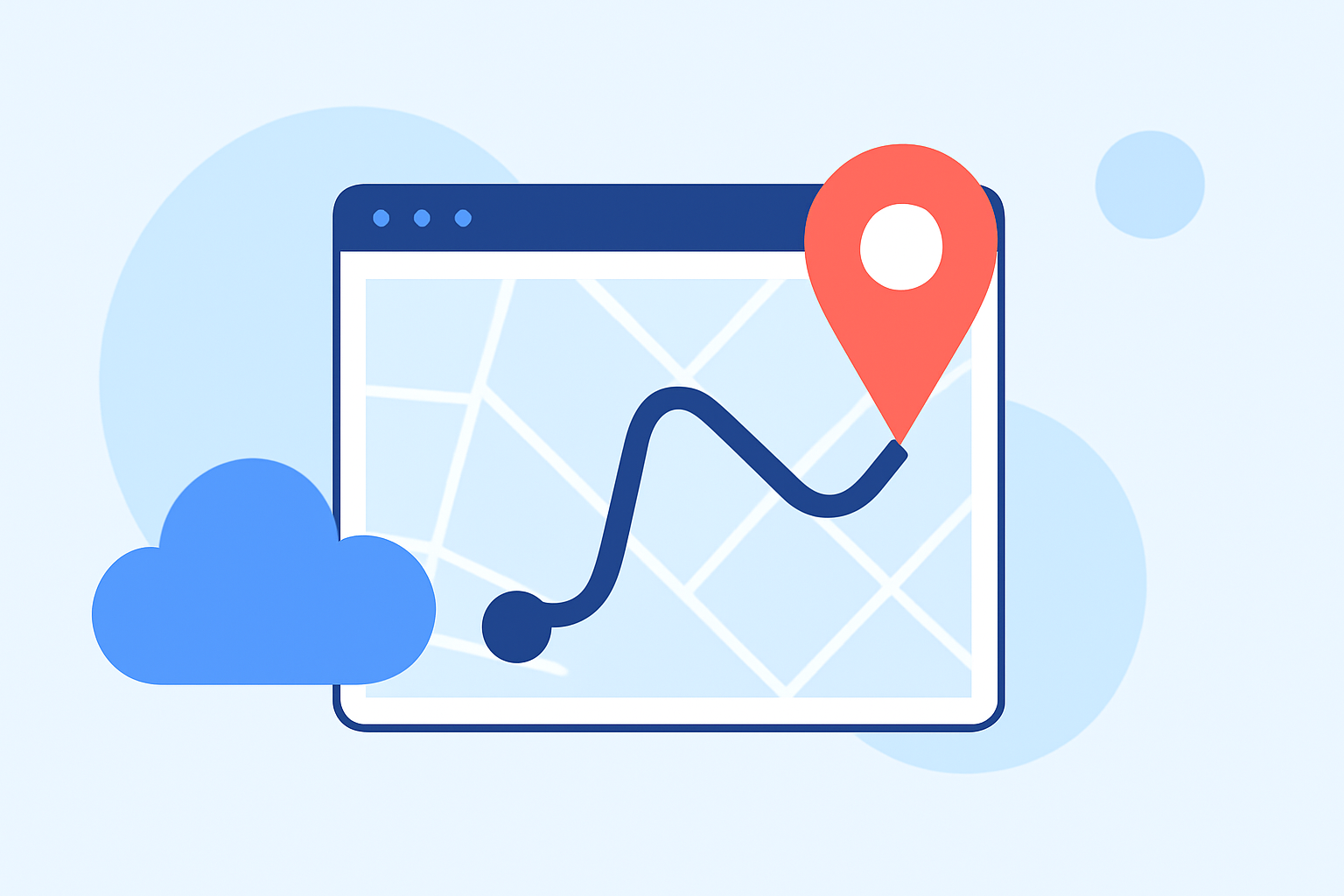
Incorporating route progress overlays into your videos can significantly enhance viewer engagement by visually narrating your journey. These overlays display your path on a map, often accompanied by real-time data such as speed, distance, and elevation, providing context and depth to your footage.
What Are Route Progress Overlays?
Route progress overlays are graphical representations that map your journey in real-time, often synchronized with your video content. They typically include a moving line or marker on a map, accompanied by dynamic data like speed, distance, and elevation, offering viewers a comprehensive understanding of your route and performance.
Why Use Route Progress Overlays?
- Enhanced Storytelling: They provide a visual narrative of your journey, making your content more engaging and informative.
- Viewer Engagement: Real-time data overlays keep viewers interested and invested in your content.
- Professional Appeal: Well-designed overlays add a polished, professional touch to your videos.
How to Create Route Progress Overlays Like a Pro
- Choose the Right Tool: Select a software or application that aligns with your needs and skill level.
- Import Your Data: Upload your video footage and corresponding GPS data (e.g., GPX files) into the chosen tool.
- Customize the Overlay: Adjust the map style, overlay elements, and data points to match your video's aesthetic and narrative.
- Sync and Preview: Ensure the overlay synchronizes accurately with your video, making adjustments as necessary.
- Export the Final Video: Render and export your video with the overlay integrated, ready for sharing.
Recommended Tools for Creating Route Progress Overlays
While there are various tools available, it's essential to choose one that suits your specific requirements and workflow. For instance, some applications offer features like real-time map overlays, customizable widgets, and support for multiple map providers, which can be beneficial for creating dynamic and engaging route progress overlays.
Tips for Effective Route Progress Overlays
- Keep It Simple: Avoid cluttering the screen with excessive information; focus on key data points.
- Maintain Consistency: Use consistent colors, fonts, and styles to ensure a cohesive look.
- Test Across Devices: Ensure your overlay appears correctly on various devices and screen sizes.
Conclusion
Mastering route progress overlays can elevate your video content, providing viewers with a clear and engaging visual representation of your journey. By selecting the appropriate tools and following best practices, you can create professional-quality overlays that enhance your storytelling and captivate your audience.
For those looking to streamline the process, exploring specialized applications designed for creating route progress overlays can be highly beneficial.