22 June 2026
Mastering Runway Footage Edits: A Guide for Content Creators
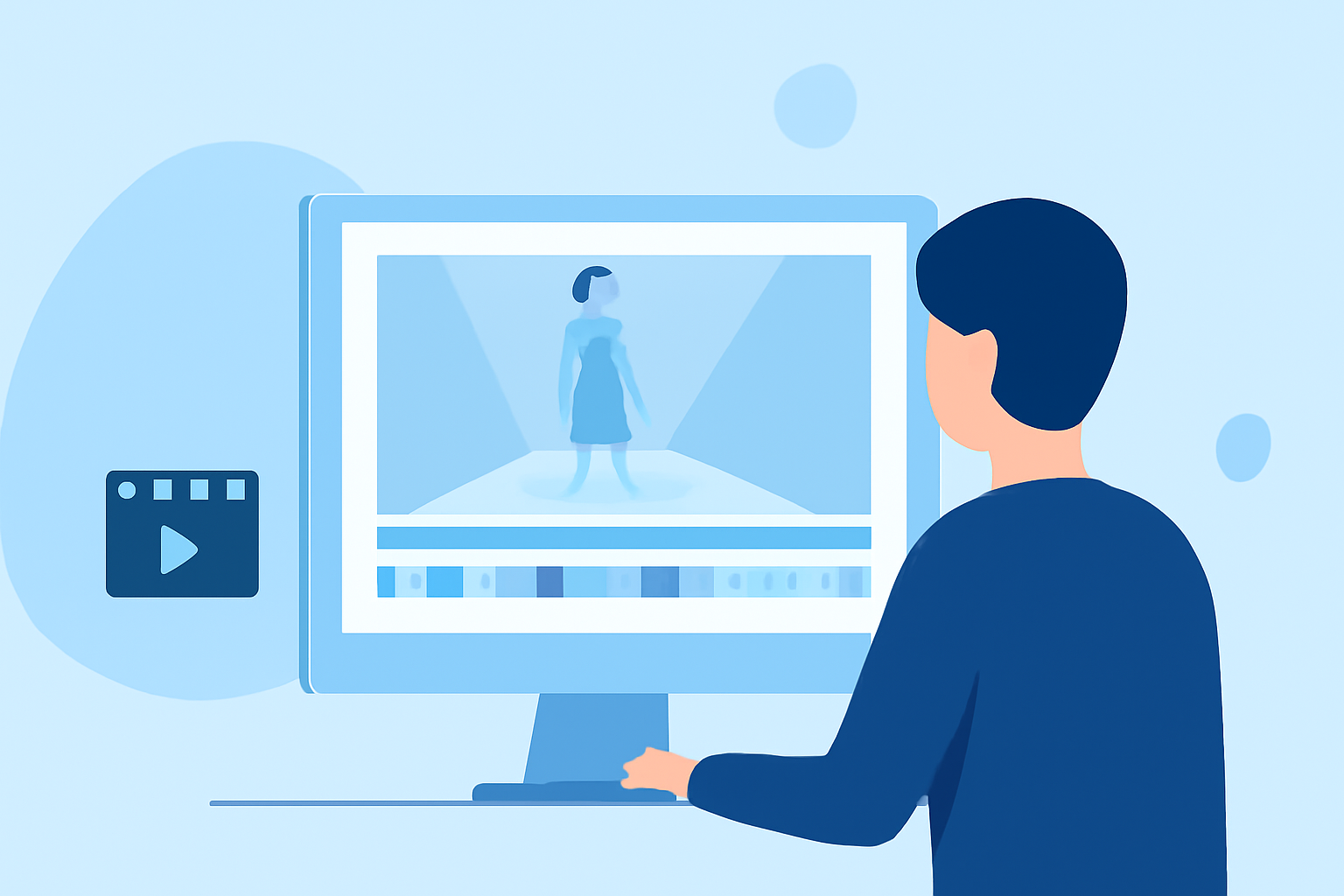
Editing runway footage is a crucial skill for content creators aiming to produce engaging and professional videos. With advancements in AI technology, platforms like Runway have revolutionized the editing process, offering tools that simplify complex tasks and enhance creative possibilities.
Understanding Runway's Capabilities
Runway is an AI-powered video editing platform that provides a suite of tools designed to streamline the editing process. Its features include:
-
Green Screen (Background Removal): Easily isolate subjects by removing backgrounds, allowing for seamless integration into new environments.
-
Inpainting (Object Removal): Remove unwanted objects from footage, such as logos or watermarks, to maintain visual clarity.
-
Motion Tracking: Track moving subjects to apply effects or graphics that follow the subject's movement throughout the clip.
-
Color Grading (Text to Color LUT): Generate color treatments based on textual descriptions to achieve desired visual aesthetics.
-
Super Slow Motion: Create smooth slow-motion effects without compromising image quality, ideal for emphasizing specific moments.
-
Blur Faces and Depth of Field: Automatically blur faces for privacy or simulate a shallow depth of field to focus attention on subjects.
Preparing Your Footage
Before diving into editing, ensure your runway footage is well-prepared:
-
Quality Check: Review your clips for clarity, proper lighting, and focus.
-
Stabilization: Use Runway's stabilization tools to correct shaky footage, providing a smoother viewing experience.
-
Aspect Ratio: Set the appropriate aspect ratio for your target platform (e.g., 16:9 for YouTube, 9:16 for Instagram Reels) to maintain visual integrity.
Editing Techniques with Runway
Leverage Runway's features to enhance your runway footage:
-
Background Removal: Utilize the green screen tool to place your subject against dynamic or themed backgrounds, adding context and interest.
-
Object Removal: Clean up your footage by removing distractions, ensuring the focus remains on the subject.
-
Motion Tracking: Apply graphics or text that move with your subject, creating a cohesive and dynamic visual flow.
-
Color Grading: Use text prompts to adjust the color scheme, setting the mood and tone of your video.
-
Slow Motion: Highlight key moments by slowing down specific sections, adding emphasis and drama.
-
Depth of Field Effects: Simulate professional camera techniques to draw attention to your subject by blurring the background.
Post-Editing Considerations
After applying initial edits, consider the following to refine your video:
-
Audio Enhancement: Add background music or sound effects to complement the visuals and engage viewers.
-
Text Overlays: Incorporate captions or titles to provide context or emphasize key points.
-
Export Settings: Choose the appropriate resolution and format for your intended platform to ensure optimal playback quality.
Conclusion
Mastering the art of editing runway footage is essential for content creators seeking to produce high-quality, engaging videos. By effectively utilizing Runway's AI-powered tools, you can streamline your editing process and achieve professional results that captivate your audience.
For a comprehensive guide on using Runway's features, refer to the Runway Resources page.
Note: This article is based on information available up to June 2026.