22 June 2026
Mastering Runway Footage Edits on Your Phone: A Comprehensive Guide

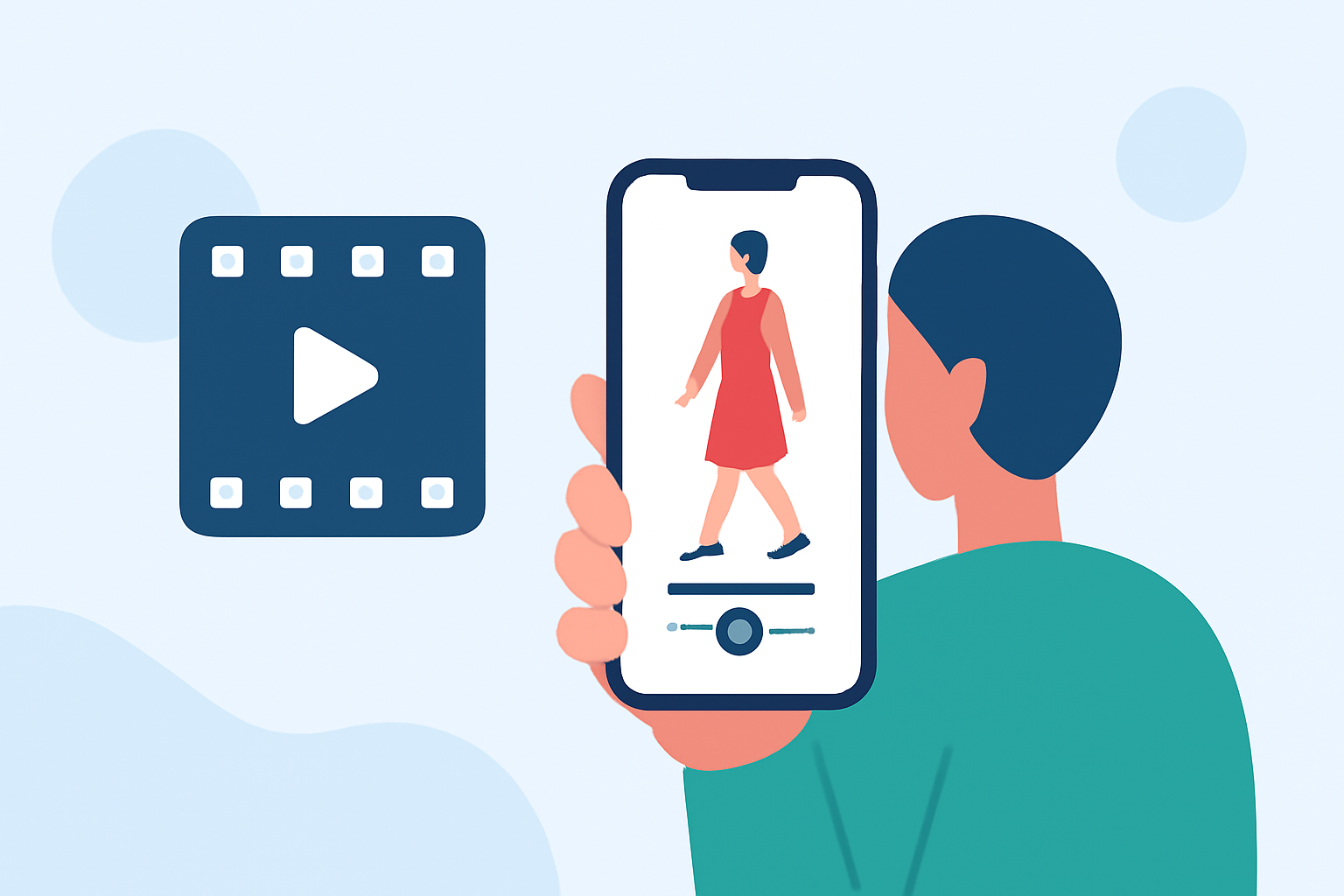
Editing runway footage on your smartphone has become increasingly accessible, allowing you to produce professional-quality videos without the need for a desktop setup. This guide will walk you through the process, highlighting key tools and best practices to enhance your editing workflow.
1. Choosing the Right Mobile Editing App
Selecting an intuitive and feature-rich mobile editing app is crucial for effective video editing. One such app is Planes Live, which offers a user-friendly interface and a suite of tools tailored for mobile video editing.
2. Importing Your Runway Footage
Begin by transferring your runway footage to your smartphone. Ensure the video is in a compatible format and resolution for optimal editing performance.
3. Editing Your Footage
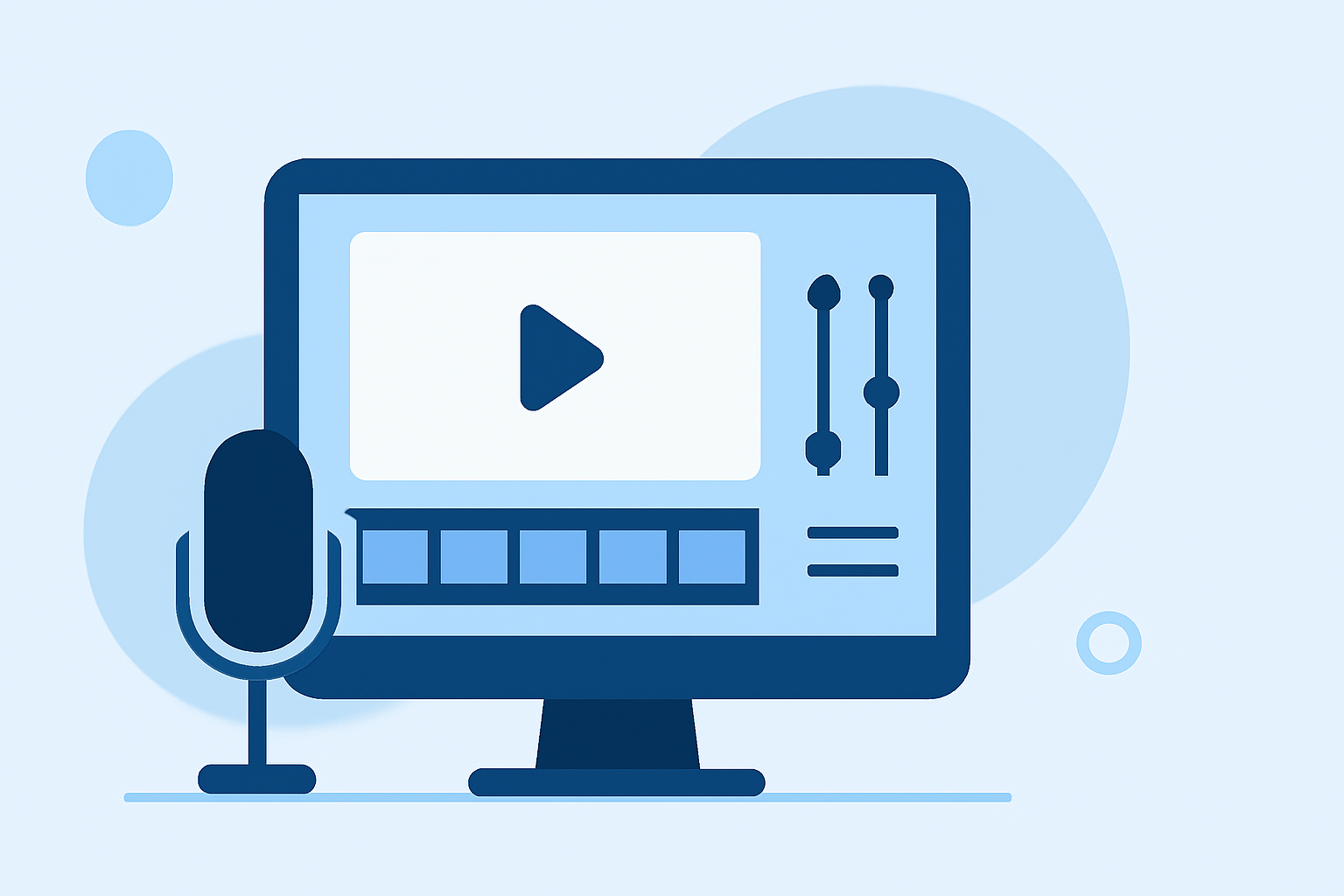
With your footage imported, you can utilize Planes Live's features to enhance your video:
-
Trimming and Splitting: Remove unwanted sections by trimming or splitting clips to focus on key moments.
-
Adding Transitions: Incorporate smooth transitions between clips to maintain a cohesive flow.
-
Applying Filters and Effects: Enhance the visual appeal by applying filters and effects that complement the runway theme.
-
Incorporating Text and Graphics: Add informative text overlays or graphics to highlight specific details or provide context.
4. Exporting and Sharing Your Edited Video
Once satisfied with your edits, export the video in your desired resolution and format. Plan to share your creation on social media platforms or professional portfolios.
Best Practices for Editing Runway Footage on Mobile
-
Maintain Aspect Ratio: Ensure your video maintains the correct aspect ratio to prevent distortion.
-
Optimize Lighting and Color: Adjust brightness, contrast, and saturation to enhance the visual quality.
-
Use High-Quality Audio: Incorporate clear and crisp audio to complement the visuals.
-
Keep It Concise: Aim for a video length that retains viewer engagement without unnecessary filler.
By following these steps and utilizing Planes Live, you can effectively edit runway footage directly on your smartphone, producing polished and professional videos that showcase your creative vision.