22 June 2026
Mastering Slow Motion Edits for Plane Spotting: A Beginner's Guide
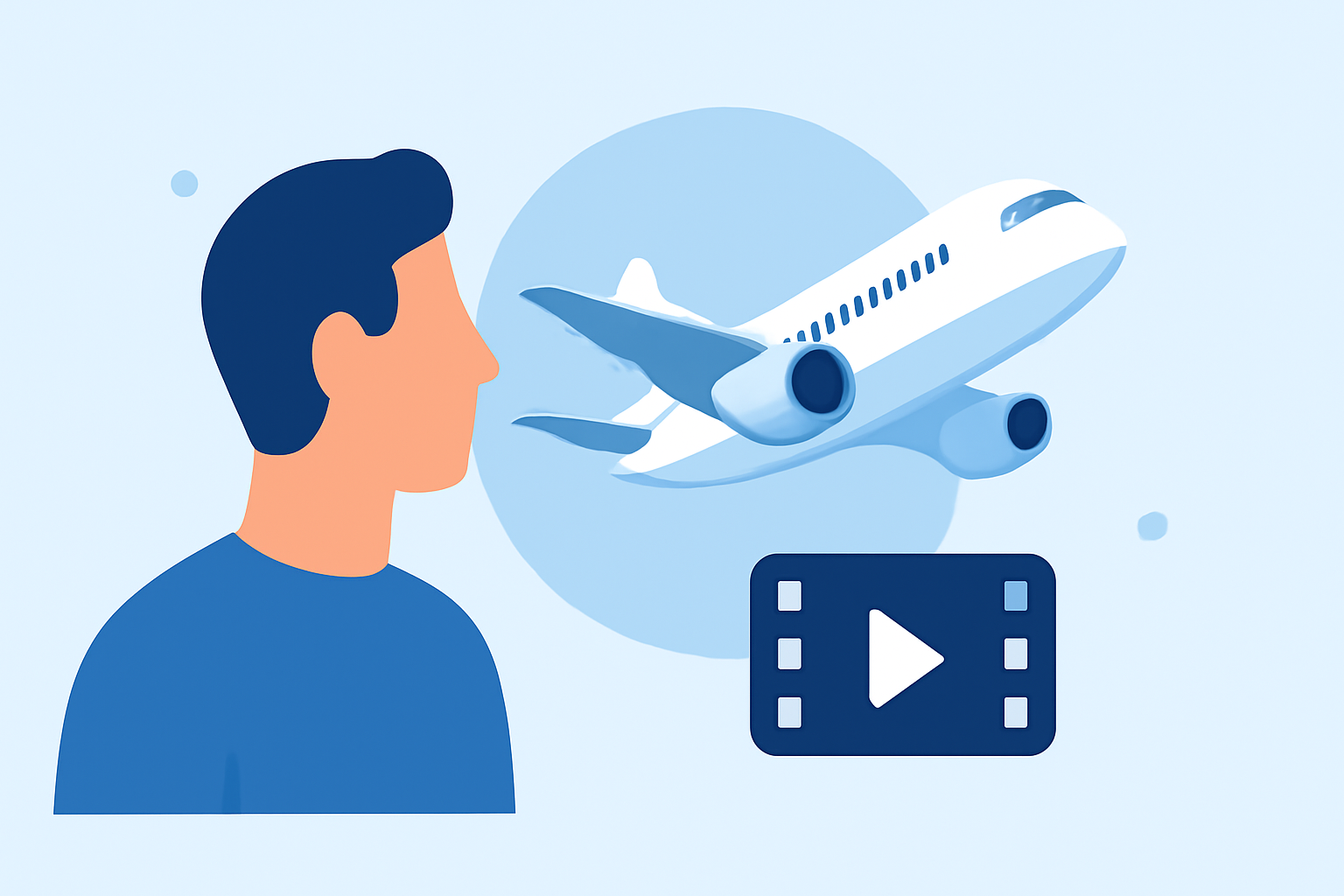
Capturing aircraft in slow motion can transform ordinary footage into captivating visual narratives. For enthusiasts new to this art, selecting the right tools and understanding basic techniques are essential steps toward creating impressive slow-motion videos.
What Are Slow Motion Edits in Plane Spotting?
Slow motion edits involve reducing the playback speed of video footage, allowing viewers to appreciate intricate details and movements that are typically too swift to notice. In the context of plane spotting, this technique highlights the elegance and power of aircraft in flight.
Why Should Beginners Try Slow Motion Edits?
For those new to video editing, slow motion offers a straightforward yet impactful way to enhance footage. It adds a cinematic quality, making your videos more engaging and professional-looking.
Which Apps Are Best for Slow Motion Video Editing?
Several user-friendly apps cater to beginners interested in slow-motion editing:
How to Quickly Import Audio and Video into CapCut | Envato Tuts+
CapCut
A free, intuitive app that offers adjustable speed controls and a variety of editing tools, making it ideal for beginners. (iapplist.com)
How to Add Spotify Music to Instagram Stories - TuneCable
InShot
Known for its clean interface, InShot provides basic slow-motion features along with options for adding music and text overlays. (retouchinglabs.com)
5 Easy Ways to Slow Down a Video on iPhone [Update 2026]
SloPro
Designed specifically for slow-motion recording and editing, SloPro allows users to shoot at high frame rates and apply smooth slow-motion effects. (makeuseof.com)
Tạo video marketing với Pippit AI cũng làm được!
Pippit
Offers a 'Smooth Slow-mo' feature that reduces choppiness in slowed footage, along with a simple speed slider for quick adjustments. (pippit.ai)
10 Best Apps to Make Instagram Reels - Make Tech Easier
Adobe Premiere Rush
A professional-grade tool with customizable speed changes and cloud synchronization, suitable for those looking to advance their editing skills. (retouchinglabs.com)
How Do I Create Slow Motion Edits?
-
Select Your Footage: Choose a video clip that showcases the aircraft's movement clearly.
-
Import to Your Chosen App: Open the app and import your selected footage.
-
Apply Slow Motion Effect: Use the app's speed control feature to reduce the playback speed.
-
Adjust and Fine-Tune: Modify the speed curve, add transitions, or apply filters to enhance the visual appeal.
-
Export Your Video: Once satisfied, export the video in your desired resolution and format.
What Are Some Tips for Effective Slow Motion Edits?
-
Use Good Lighting: Higher frame rates require more light; ensure your shooting environment is well-lit to achieve smooth footage. (retouchinglabs.com)
-
Stabilize Your Camera: Use a tripod or gimbal to prevent shaky footage, which can be more noticeable in slow motion.
-
Plan Your Shots: Anticipate the aircraft's movements to capture the most dynamic and interesting moments.
How Can I Enhance My Slow Motion Edits?
To take your slow-motion videos to the next level, consider exploring advanced features like speed ramping, frame blending, and motion tracking. These techniques can add a professional touch to your edits, though they may require more practice and familiarity with the editing app.
By selecting the right tools and practicing these techniques, you can create compelling slow-motion videos that highlight the beauty and power of aircraft in flight. Remember, the key is to experiment and find the editing style that best suits your vision.
Highlights:
- 15 Best Slow Motion Apps You Should Try in 2026, Published on Thursday, December 04
- What Are the Best Apps for Slow Motion Video Editing?
- Best Slow Motion App - Retouching Labs, Published on Sunday, May 11