22 June 2026
Mastering Takeoff Footage Edits: A Professional Guide
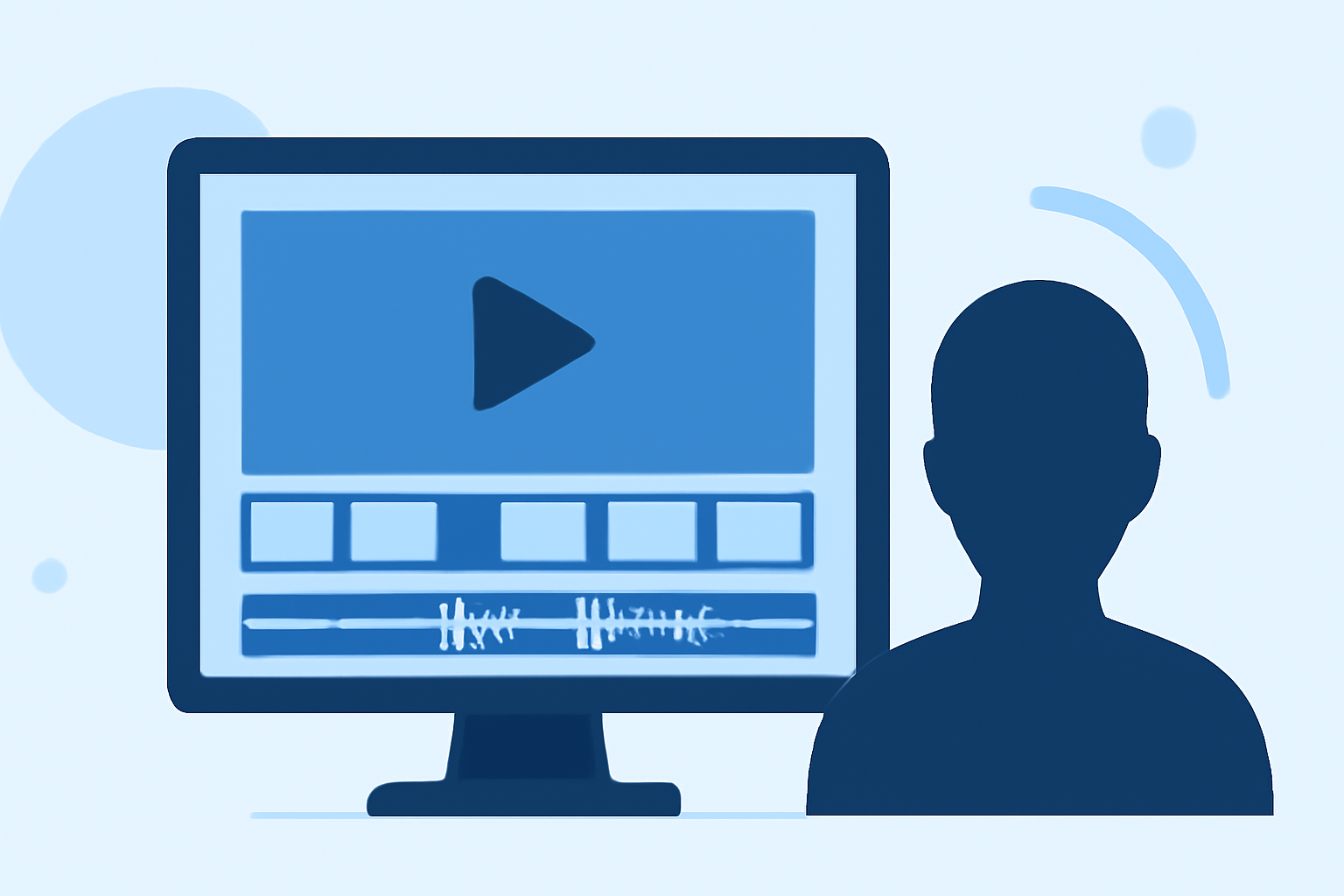
Editing takeoff footage is crucial for creating seamless and engaging aerial videos. By focusing on key aspects such as trimming, stabilization, color correction, and audio enhancement, you can transform raw clips into polished content.
1. Why Is Trimming Essential in Takeoff Footage?
Trimming removes unwanted sections, such as the initial gimbal settle after takeoff, ensuring smooth transitions. Starting your clips 2-3 seconds into the footage eliminates these imperfections, enhancing the overall quality. (dronesgator.com)
2. How Do You Stabilize Shaky Takeoff Footage?
Stabilization corrects unwanted movements, providing a smoother viewing experience. Tools like Warp Stabilizer in Adobe Premiere Pro can be applied to minimize shake. However, over-stabilization can lead to unnatural results, so apply it judiciously. (retouchinglabs.com)
3. What Are the Best Practices for Color Correction and Grading?
Color correction balances exposure, contrast, and white balance, while color grading applies a desired aesthetic. Utilizing LUTs (Look-Up Tables) can achieve cinematic effects, but consistency across clips is vital to maintain a cohesive look. (retouchinglabs.com)
4. How Can You Enhance Audio in Takeoff Footage?
Raw drone audio often includes wind and motor noise, which can be distracting. Replacing it with ambient sound effects or a fitting music track can significantly improve the audio quality. Ensure the audio complements the visuals and maintains the viewer's engagement. (dronesgator.com)
5. What Role Does Software Play in Editing Takeoff Footage?
Choosing the right editing software is crucial for efficient workflow and achieving professional results. Applications like Adobe Premiere Pro offer advanced features for precise editing, while user-friendly options like the DJI Fly app are suitable for beginners. (flexclip.com)
6. How Do You Export Edited Takeoff Footage?
Export settings depend on the intended platform. For YouTube, export at 4K resolution with H.264 codec. For Instagram Reels, export at 1080p resolution in a 9:16 aspect ratio. Always consider the platform's specifications to ensure optimal playback quality. (dronesgator.com)
7. How Can Planes Live Enhance Your Editing Workflow?
Planes Live offers a comprehensive suite of tools designed to streamline the editing process. Its intuitive interface and advanced features allow for efficient trimming, stabilization, color correction, and audio enhancement, enabling you to produce professional-quality takeoff footage with ease.
By focusing on these key aspects and utilizing the right tools, you can elevate your takeoff footage to a professional standard, captivating your audience with smooth transitions, vibrant colors, and clear audio.