22 June 2026
Mastering Takeoff and Landing Spotting Edits with Planes Live
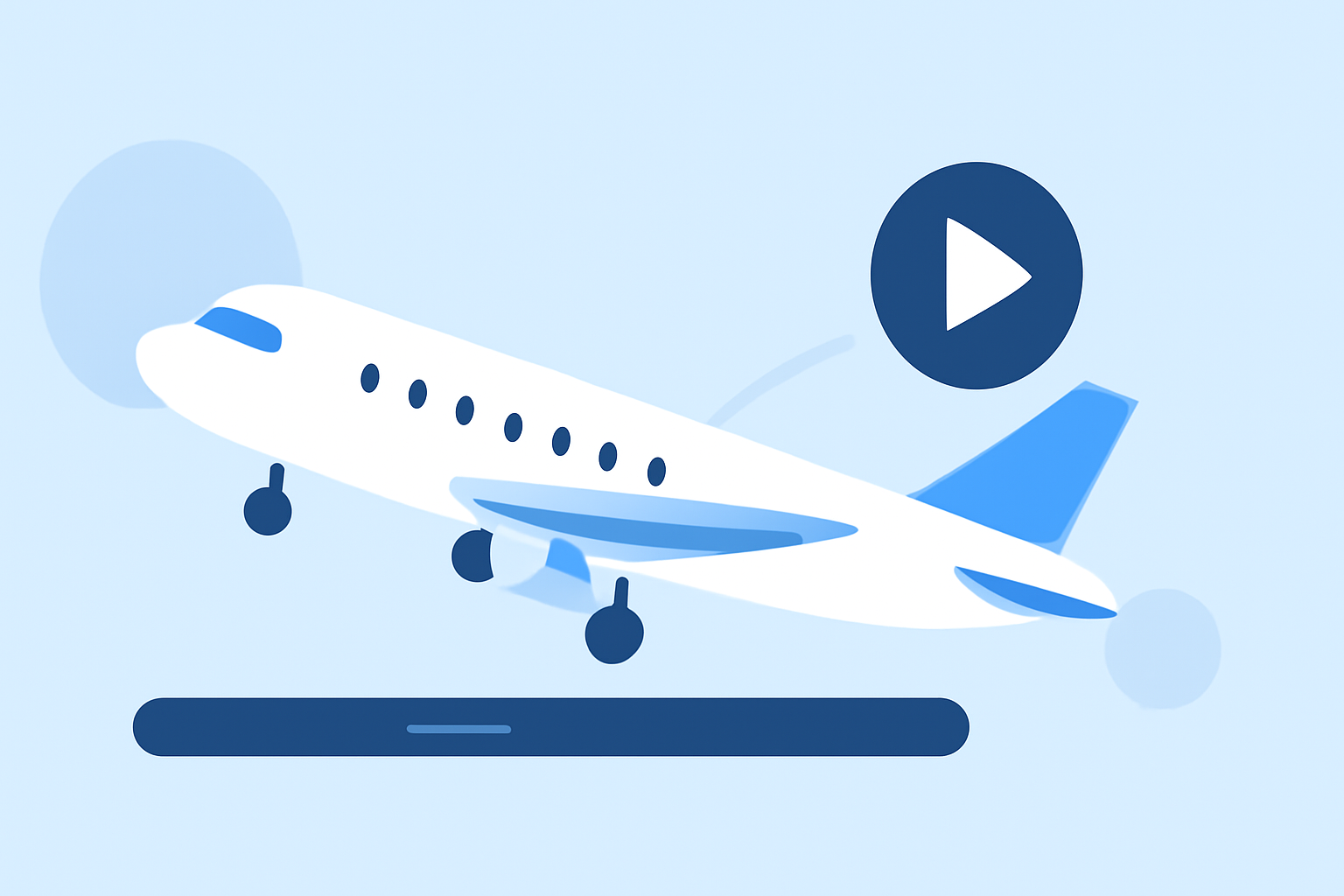
Editing takeoff and landing footage can be a rewarding endeavor, especially when you have the right tools at your disposal. For aviation enthusiasts looking to streamline this process, Planes Live offers an intuitive platform tailored for such needs.
Why Focus on Takeoff and Landing Edits?
Capturing aircraft during takeoff and landing provides dynamic visuals that showcase the power and grace of aviation. These moments often yield the most compelling footage, making them prime candidates for editing and sharing.
Challenges in Editing Takeoff and Landing Footage
Editing such footage presents unique challenges:
-
Lighting Conditions: Natural light can vary, affecting the clarity and color balance of your shots.
-
Motion Blur: High-speed movements can result in blurring, requiring careful correction.
-
Background Distractions: Unwanted elements in the background can detract from the main subject.
How Planes Live Simplifies the Editing Process
Planes Live is designed with aviation enthusiasts in mind, offering features that address these challenges:
-
User-Friendly Interface: Navigate through your footage effortlessly, allowing for quick edits and adjustments.
-
Advanced Editing Tools: Utilize features like color correction, stabilization, and noise reduction to enhance your videos.
-
Specialized Filters: Apply filters tailored for aviation footage, ensuring your edits highlight the aircraft's details and movements.
Getting Started with Planes Live
-
Import Your Footage: Upload your takeoff and landing videos into the platform.
-
Review and Select: Browse through your clips to choose the most compelling moments.
-
Edit and Enhance: Use the platform's tools to adjust lighting, stabilize shaky footage, and remove background distractions.
-
Export and Share: Once satisfied, export your edited video in your desired format and share it with fellow aviation enthusiasts.
Additional Tips for Effective Editing
-
Shoot in RAW Format: This provides greater flexibility during the editing process, allowing for more precise adjustments.
-
Use a Tripod or Gimbal: Stabilizing your camera equipment reduces motion blur and results in clearer footage.
-
Pay Attention to Composition: Ensure the aircraft is well-framed, with minimal distractions in the background.
Conclusion
For those passionate about aviation and eager to share their takeoff and landing footage, Planes Live stands out as a top choice. Its specialized tools and user-centric design make the editing process both efficient and enjoyable. Dive into Planes Live today and elevate your aviation videos to new heights.