22 June 2026
Mastering Time-Lapse Editing on Your Phone: A Comprehensive Guide
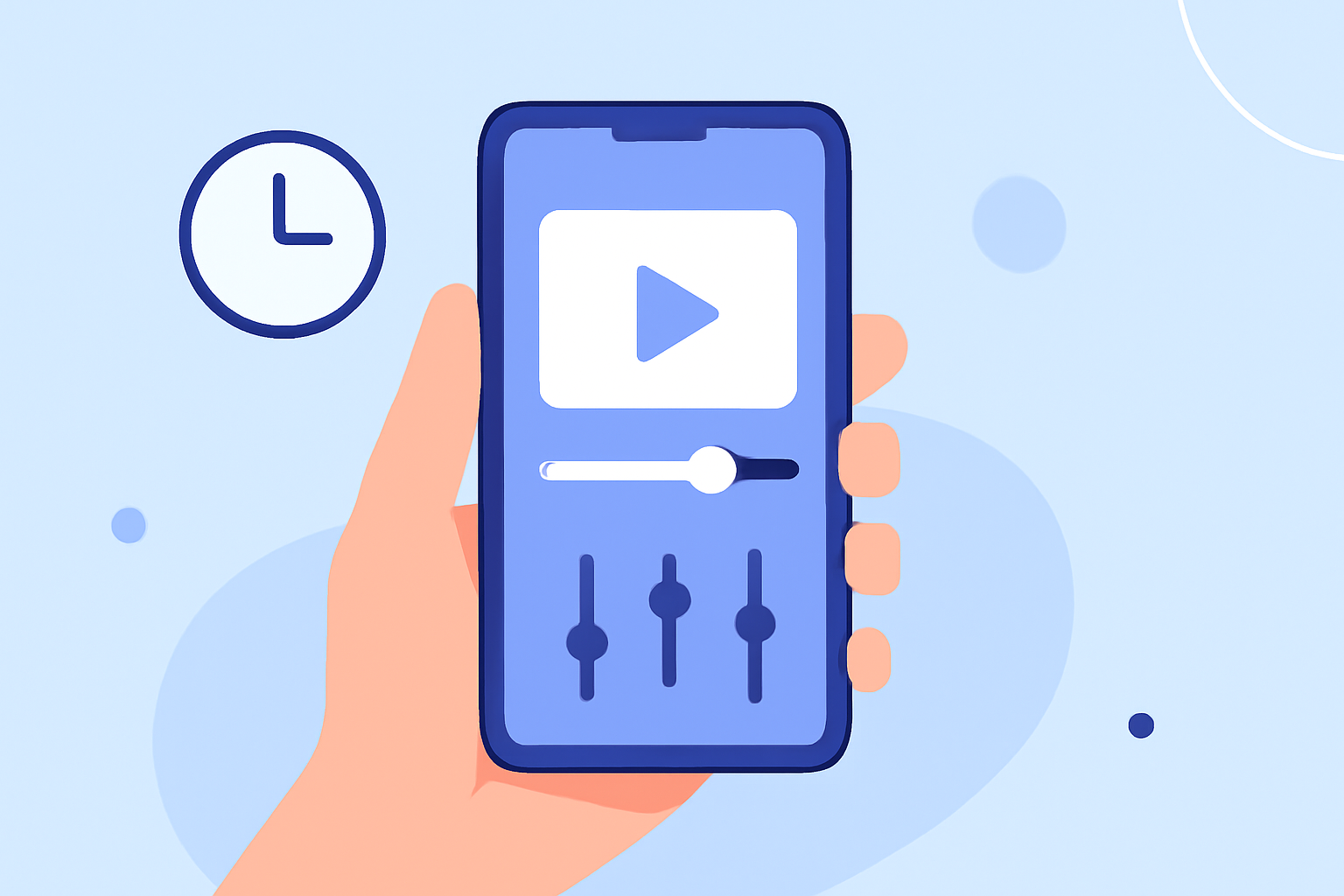
Creating captivating time-lapse videos with just your smartphone is entirely feasible, thanks to a variety of specialized apps designed for both iOS and Android devices. These applications offer intuitive interfaces and powerful features, enabling you to produce professional-quality time-lapse footage without the need for additional equipment.
What Are Time-Lapse Videos?
Time-lapse videos condense extended periods into short, dynamic sequences, showcasing gradual changes in a compressed timeframe. They're ideal for capturing events like sunsets, cityscapes, or the growth of plants.
Essential Features in Time-Lapse Apps
When selecting a time-lapse app, consider the following features:
- Interval Settings: Adjust the time between each frame to control the speed of your final video.
- Resolution Options: Choose the video quality that suits your needs, with higher resolutions offering more detail.
- Manual Controls: Access to settings like exposure, focus, and white balance for greater creative control.
- Stabilization Tools: Ensure smooth footage by reducing camera shake, especially in handheld recordings.
Top Time-Lapse Apps for Mobile Devices
Here are some highly recommended apps to help you create impressive time-lapse videos:
Lapse It App Review: An amazing time-lapse shooting app — Appedus App Review
Lapse It
A comprehensive app available for both iOS and Android, offering features like manual controls, special effects, and direct social media sharing. It supports various capture modes, including stop motion and hybrid time-lapse. (pro-lapse.com)
Framelapse APK Download for Android Free
Framelapse
Designed for Android users, Framelapse provides a user-friendly interface with adjustable intervals, resolution, white balance lock, and video duration. It's suitable for both beginners and experienced time-lapse photographers. (staging.classpoint.io)
Microsoft Hyperlapse Mobile for Android - Download
Microsoft Hyperlapse Mobile
This app specializes in creating smooth and stabilized time-lapses, even when shooting handheld. It uses advanced algorithms to remove shakiness and produce professional-looking results. (staging.classpoint.io)
Skywork | AI VoiceNote Agent for Meetings, Notes & Creative Ideas
Skyflow
Exclusive to iOS, Skyflow offers advanced features like manual exposure and focus control, along with a selection of settings, effects, and filters to edit your videos. It also allows real-time adjustments during recording. (gohustl.co)
Pulse is a Camera Add-On That Gives You Full Control from a Smartphone | PetaPixel
Time Lapse Camera
A straightforward app for both iOS and Android, offering basic features for creating time-lapse videos. It's ideal for users seeking a simple and easy-to-use app without additional complexities. (makeuseof.com)
Tips for Capturing Stunning Time-Lapse Videos
- Stabilize Your Device: Use a tripod or place your phone on a stable surface to prevent unwanted movement.
- Plan Your Scene: Choose a subject with noticeable changes over time, such as a blooming flower or a bustling street.
- Monitor Lighting Conditions: Ensure consistent lighting to avoid flickering in your final video.
- Experiment with Settings: Test different intervals and resolutions to achieve the desired effect.
Editing and Sharing Your Time-Lapse Videos
After capturing your footage, you can enhance your time-lapse videos using various editing apps. These tools allow you to adjust speed, apply filters, and add music or text overlays. Once satisfied with your creation, share it directly to social media platforms or save it to your device.
By leveraging these apps and tips, you can create impressive time-lapse videos entirely on your smartphone, showcasing your creativity and capturing moments in a unique and engaging way.