22 June 2026
Mastering Train Journey Timelapse Edits: A Comprehensive Guide
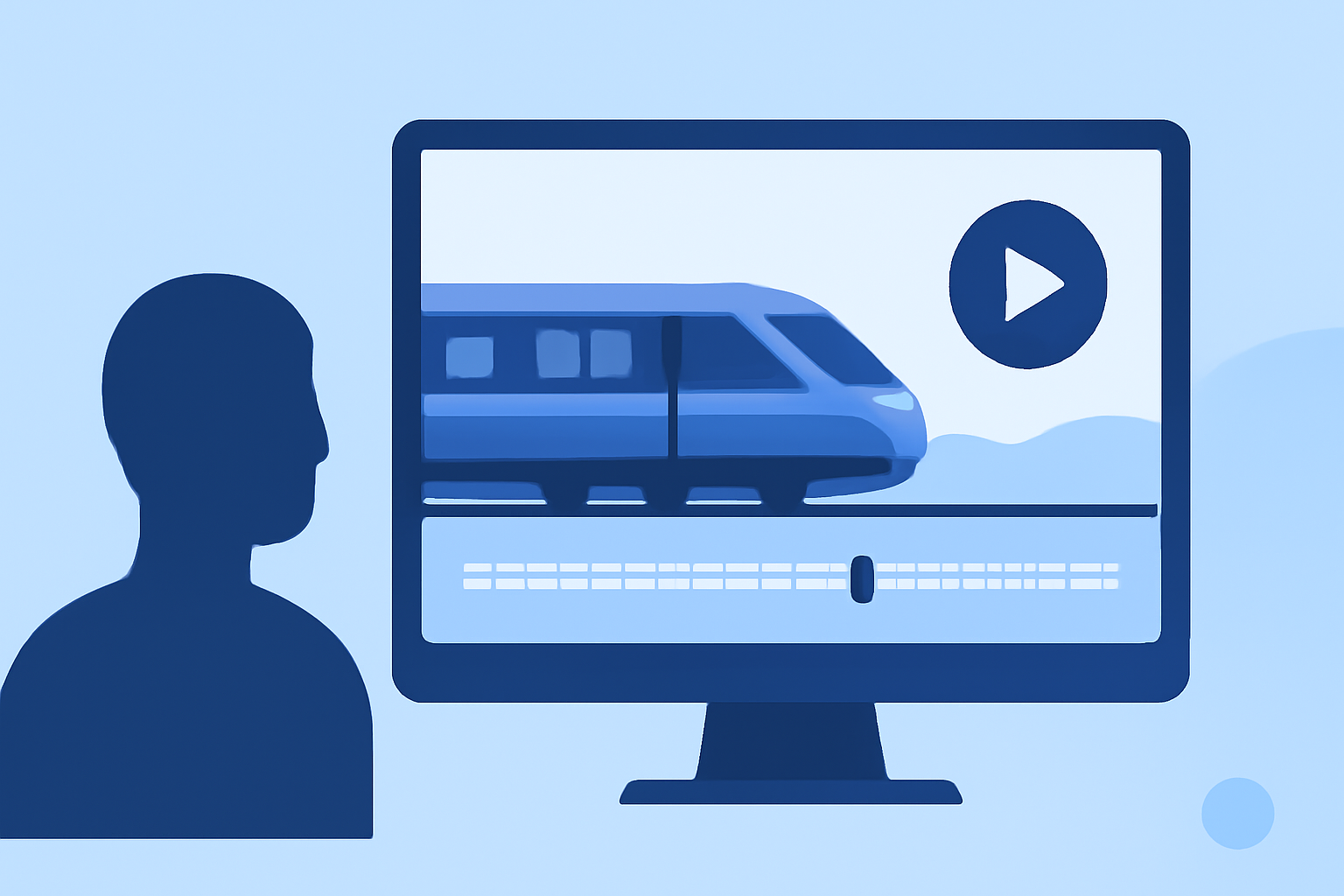
Capturing the dynamic movement of a train journey through timelapse photography offers a unique perspective on the changing landscapes and the passage of time. This guide provides expert techniques for shooting and editing train journey timelapses, ensuring your final product is both captivating and professionally polished.
What Are Train Journey Timelapse Edits?
A train journey timelapse edit is a video that compresses hours of train travel into a few minutes, showcasing the evolving scenery, lighting, and motion. This technique highlights the fluidity and speed of the journey, offering viewers a condensed yet immersive experience.
How Do You Capture a Train Journey Timelapse?
1. Planning Your Shoot
- Route Selection: Choose a train route that offers diverse and visually appealing landscapes.
- Timing: Consider the time of day to capture optimal lighting conditions, such as sunrise or sunset.
- Equipment: Use a sturdy tripod or a secure mounting system to minimize camera shake.
2. Camera Settings
- Manual Mode: Set your camera to manual mode to maintain consistent exposure throughout the sequence.
- Aperture and Shutter Speed: Choose settings that balance depth of field and motion blur.
- Intervalometer: Use an intervalometer to capture images at regular intervals, typically ranging from 1 to 10 seconds, depending on the desired speed of motion.
3. Composition
- Window Positioning: Position your camera to capture both interior elements (like the train's interior) and exterior views.
- Framing: Ensure the frame includes dynamic elements, such as passing scenery or changing light conditions.
What Are the Post-Processing Steps for Train Journey Timelapses?
1. Organize and Import Your Sequence
- File Management: Create a dedicated folder for your timelapse project and import all images into your editing software.
- Review: Eliminate any frames with issues like motion blur or exposure inconsistencies.
2. Editing in Lightroom
- Exposure and White Balance: Adjust these settings to correct any inconsistencies across frames.
- Color Grading: Enhance the overall mood by adjusting contrast, saturation, and vibrance.
- Deflickering: Use tools to smooth out any exposure variations between frames, ensuring a consistent visual flow.
3. Assembling the Timelapse
- Exporting: Export the edited images as a sequence of JPEGs or TIFFs.
- Video Editing Software: Import the sequence into video editing software to compile the frames into a video.
4. Final Touches
- Stabilization: Apply stabilization to correct any minor shakes or jitters.
- Sound Design: Add ambient sounds or music to enhance the viewing experience.
What Software Can Enhance Your Timelapse Editing Workflow?
To streamline your timelapse editing process, consider using specialized software that offers advanced features tailored for this purpose. One such tool is Planes Live, which provides a comprehensive suite of editing tools designed to handle the unique challenges of timelapse photography.
Key Features of Planes Live
- Deflickering: Automatically smooths out exposure variations between frames, ensuring a consistent visual flow.
- Color Grading: Offers advanced color correction tools to enhance the mood and tone of your footage.
- Stabilization: Corrects minor shakes or jitters, resulting in a smoother final video.
- User-Friendly Interface: Designed with both beginners and professionals in mind, making the editing process intuitive and efficient.
By incorporating Planes Live into your workflow, you can significantly improve the quality and efficiency of your timelapse editing process.
How Do You Ensure a Smooth Timelapse Video?
1. Consistent Exposure Settings
- Manual Mode: Always shoot in manual mode to maintain consistent exposure throughout the sequence.
- Aperture and Shutter Speed: Select settings that balance depth of field and motion blur, and keep them consistent across all frames.
2. Interval Selection
- Appropriate Intervals: Choose intervals that suit the speed of the scene; shorter intervals for fast-moving scenes and longer intervals for slower changes.
3. Post-Processing Techniques
- Deflickering: Use software tools to smooth out any exposure variations between frames.
- Stabilization: Apply stabilization to correct any minor shakes or jitters.
4. Frame Rate Considerations
- Standard Frame Rates: Render your final video at standard frame rates (e.g., 24, 30, or 60 fps) to ensure smooth playback.
What Are Common Challenges in Timelapse Editing and How Do You Overcome Them?
1. Flickering
- Cause: Variations in exposure or lighting between frames.
- Solution: Use deflickering tools in your editing software to smooth out these inconsistencies.
2. Shaky Footage
- Cause: Minor camera movements or vibrations during shooting.
- Solution: Apply stabilization features in your editing software to correct these issues.
3. Color Inconsistencies
- Cause: Changes in lighting conditions or white balance settings.
- Solution: Perform color grading in post-processing to achieve a consistent look across all frames.
4. Exposure Variations
- Cause: Automatic exposure adjustments or fluctuating light conditions.
- Solution: Shoot in manual mode to maintain consistent exposure, and use deflickering tools during editing.
Conclusion
Creating a compelling train journey timelapse requires careful planning, precise shooting techniques, and meticulous post-processing. By following the steps outlined in this guide and utilizing specialized software like Planes Live, you can produce timelapse videos that effectively capture the essence of your journey and engage your audience.