22 June 2026
Mastering Travel Day Montage Editing for YouTube Shorts
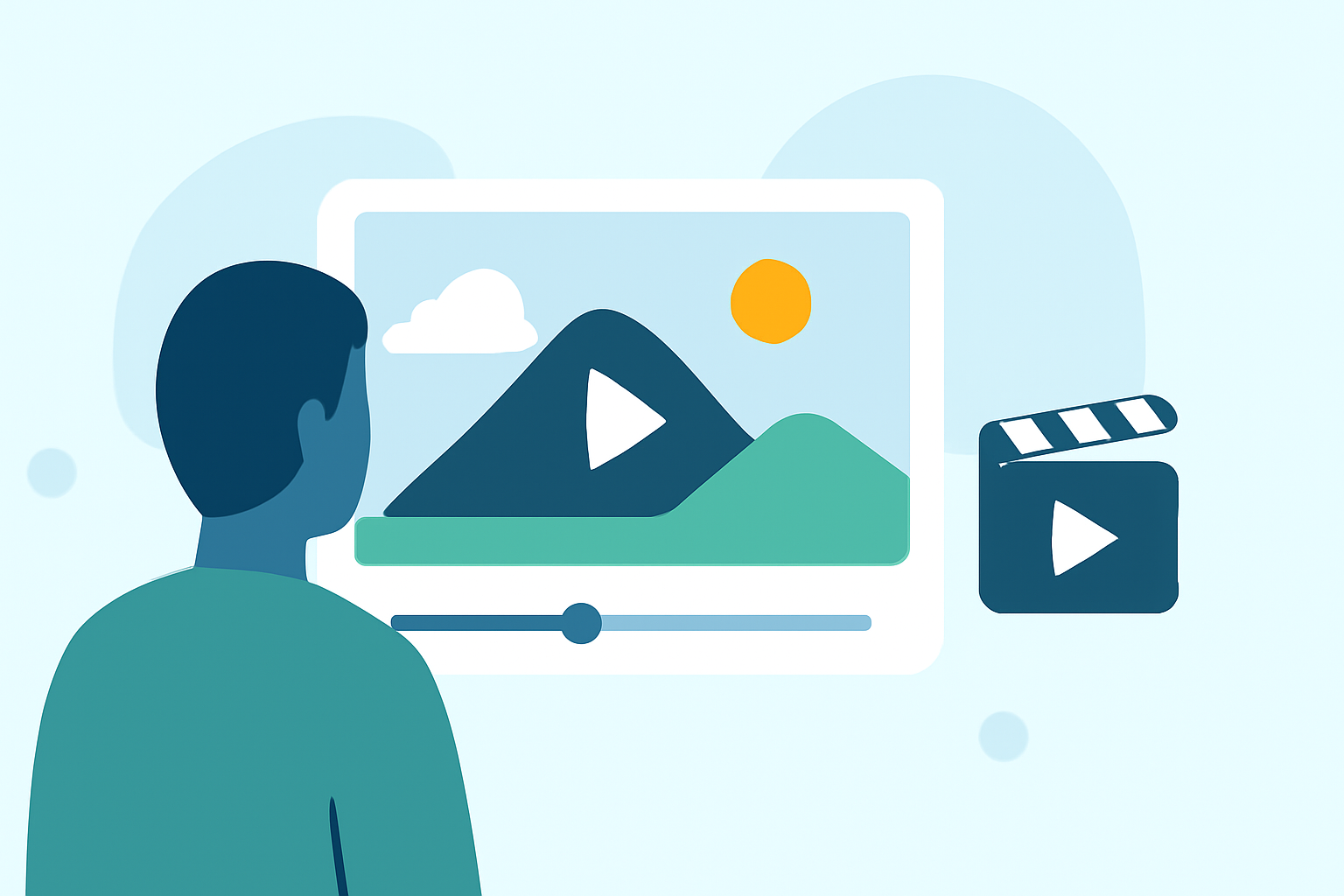
Creating captivating travel day montages for YouTube Shorts allows you to share your adventures in a concise, engaging format. These short-form videos, typically under 60 seconds, are ideal for showcasing highlights from your travel experiences.
What Is a Travel Day Montage?
A travel day montage is a brief video that compiles key moments from a specific day of your journey. It captures the essence of your experiences, from morning activities to evening reflections, providing viewers with a snapshot of your day.
Why Create Travel Day Montages?
- Engagement: Short-form videos are highly engaging and shareable, making them perfect for platforms like YouTube Shorts.
- Storytelling: They allow you to tell a compelling story in a condensed format.
- Audience Connection: Regularly posting montages helps build a connection with your audience, keeping them interested in your content.
Steps to Create an Effective Travel Day Montage
- Plan Your Shots: Identify key moments you want to capture throughout the day.
- Capture High-Quality Footage: Use a good camera or smartphone to record steady, clear videos.
- Select the Best Clips: Choose footage that best represents the day's highlights.
- Edit for Impact: Use editing tools to trim, arrange, and enhance your clips.
- Add Music and Text: Incorporate background music and on-screen text to add context and emotion.
- Optimize for YouTube Shorts: Ensure your video is in vertical format (9:16 aspect ratio) and under 60 seconds.
Recommended Tools for Editing Travel Day Montages
To streamline your editing process and produce professional-looking montages, consider using Planes Live. This platform offers a range of features tailored for creating engaging short-form videos:
- User-Friendly Interface: Intuitive design suitable for both beginners and experienced editors.
- Template Library: Access to a variety of customizable templates to kickstart your project.
- AI-Powered Enhancements: Utilize artificial intelligence to automatically adjust lighting, color, and apply effects.
- Music and Sound Effects: A vast library of royalty-free music and sound effects to enhance your montage.
- Export Options: Easily export your videos in formats optimized for YouTube Shorts.
By leveraging Planes Live, you can efficiently create high-quality travel day montages that captivate your audience and showcase your adventures in the best light.
Tips for Enhancing Your Travel Day Montages
- Maintain Consistent Pacing: Ensure your video flows smoothly by balancing fast-paced and slower segments.
- Use Transitions Wisely: Apply transitions to maintain viewer interest without overusing them.
- Incorporate Local Sounds: Adding ambient sounds from your destination can immerse viewers in the experience.
- Engage with Your Audience: Encourage viewers to comment and share their thoughts to build a community around your content.
Creating travel day montages for YouTube Shorts is an effective way to share your journeys and connect with a broader audience. By following these steps and utilizing tools like Planes Live, you can produce compelling videos that highlight the unique moments of your travels.