22 June 2026
Mastering Travel Day Storytelling Edits on Your Phone: A Step-by-Step Guide

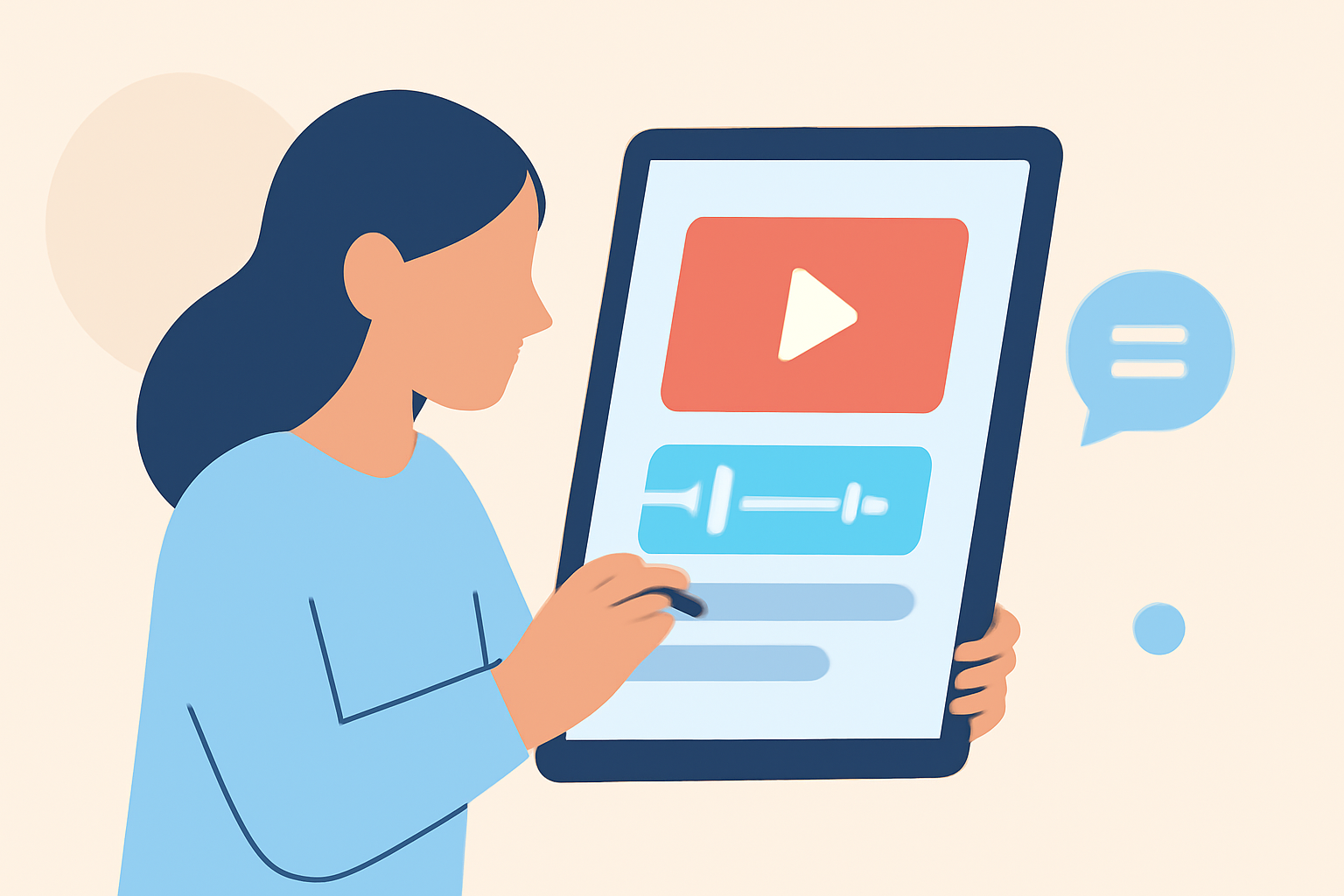
Traveling offers a wealth of experiences, and capturing these moments through video allows you to relive and share your adventures. With advancements in mobile technology, editing travel videos directly on your smartphone has become both accessible and efficient. This guide will walk you through the process of creating engaging travel day storytelling edits on your phone, highlighting top mobile editing apps and expert tips to enhance your footage.
1. Why Edit Travel Videos on Your Phone?
Editing videos on your smartphone offers several advantages:
- Portability: Edit anywhere, whether you're on a plane, in a café, or at your destination.
- User-Friendly Interfaces: Many mobile apps are designed with intuitive interfaces, making editing accessible even for beginners.
- Instant Sharing: Once your video is edited, you can immediately share it on social media platforms.
2. Choosing the Right Mobile Video Editing App
Selecting an app that aligns with your editing needs is crucial. Here are some top recommendations:
10 Essential Video Apps for Filmmaking
Splice
A mobile-first editor offering desktop-style workflows, Splice is built to get TikToks, Reels, and Shorts out fast. (spliceapp.com)
How to Quickly Import Audio and Video into CapCut | Envato Tuts+
CapCut
Known for its AI-driven creation and templates, CapCut is tailored for social media content. (spliceapp.com)
Aplikacje do montowania filmików i edycji wideo na telefonie
KineMaster
Offers multi-layer support, animated text, and stickers, suitable for layered editing. (bestforandroid.com)
Adobe Premiere Rush – A Concise Guide – Faculty of Arts – Adobe Portal
Adobe Premiere Rush
Syncs projects with desktop Premiere Pro via Creative Cloud, ideal for users in the Adobe ecosystem. (bestforandroid.com)
Vn Video Editor |vn se video editing kaise kare |new tricks🥵🔥#new#editing#vide… | Easy video editing, Photo editing apps android, Lightroom tutorial photo editing
VN Video Editor
Provides a desktop-like timeline-based NLE, supporting multi-track video and audio sync. (bestforandroid.com)
3. Step-by-Step Guide to Editing Your Travel Video
a. Import Your Footage
- Open Your Chosen App: Launch the app and create a new project.
- Select Aspect Ratio: Choose the appropriate aspect ratio based on your intended platform (e.g., 16:9 for YouTube, 9:16 for Instagram).
- Add Media: Import your video clips and photos from your device's gallery.
b. Organize and Trim Clips
- Arrange Clips: Place your media in the desired sequence on the timeline.
- Trim Excess Footage: Use the app's trimming tools to remove unwanted sections, focusing on key moments.
c. Enhance with Transitions and Effects
- Apply Transitions: Insert transitions between clips to ensure smooth flow.
- Add Effects: Utilize filters, color adjustments, and overlays to enhance visual appeal.
d. Incorporate Audio
- Background Music: Choose music that complements the mood of your video. Ensure you have the rights to use the track.
- Sound Effects: Add ambient sounds or effects to enrich the storytelling.
- Voiceovers: Record and insert voiceovers to provide context or narration.
e. Add Text and Titles
- Text Overlays: Include titles, captions, or subtitles to convey information or emphasize points.
- Customize Fonts and Colors: Adjust typography to match the video's theme and style.
f. Finalize and Export
- Review: Watch the entire video to ensure coherence and flow.
- Export Settings: Choose the appropriate resolution and format for your intended platform.
- Save and Share: Export the video to your device and share it on your preferred channels.
4. Tips for Effective Travel Video Storytelling
- Plan Your Shots: Before traveling, consider the story you want to tell and plan your shots accordingly.
- Capture B-Roll: Film supplementary footage to add depth and context to your narrative.
- Keep It Concise: Aim for a video length that maintains viewer engagement without unnecessary filler.
- Engage Viewers: Start with an intriguing hook and maintain a narrative thread throughout the video.
5. Learning Resources
To further enhance your editing skills, consider exploring tutorials and guides specific to your chosen app. For instance, Splice offers a comprehensive guide on creating storytelling videos on social media platforms. (spliceapp.com)
Conclusion
Editing travel videos on your phone empowers you to craft compelling narratives from your adventures. By selecting the right app and following a structured editing process, you can produce professional-quality videos that resonate with your audience. Remember, practice and experimentation are key to mastering mobile video editing.
Highlights:
- Best video editing app of 2025: Recommended video editor apps for Android, iPhone, and iPad, Published on Monday, October 20
- I'm a video editor and this is the best video editing software of 2026 for creative professionals and creators, Published on Wednesday, January 14
- Adobe Premiere Rush (2025) review, Published on Friday, July 18