22 June 2026
Mastering Travel Day Transitions with Your Smartphone
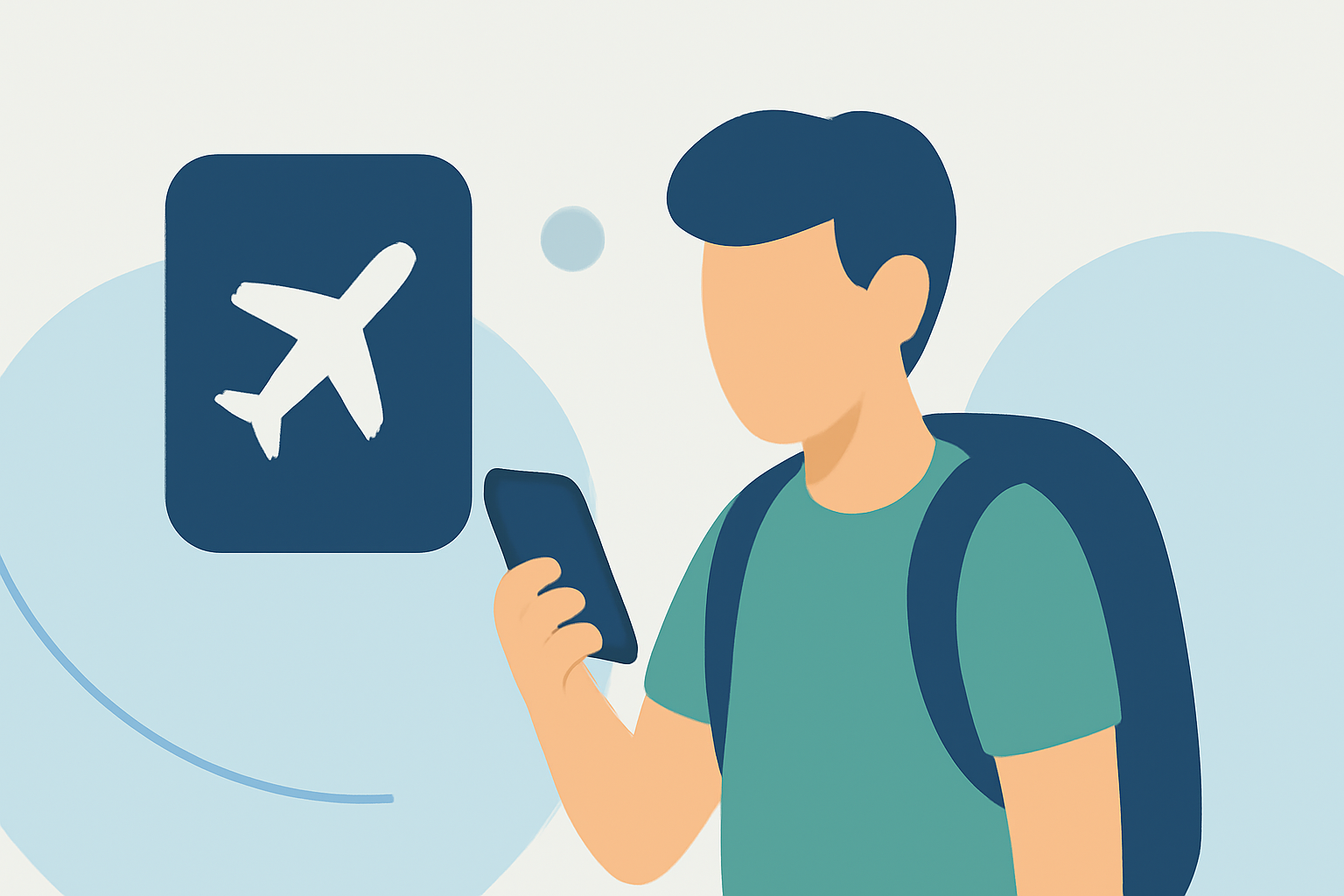
Traveling can be a complex endeavor, especially when managing multiple transitions throughout the day. Leveraging your smartphone can simplify this process, turning it into a powerful tool for organization and efficiency.
1. How Can I Organize My Travel Itinerary on My Smartphone?
Utilizing apps like TripIt or Google Calendar allows you to consolidate flight details, hotel reservations, and activity schedules into a single, easily accessible platform. This centralization ensures you have all essential information at your fingertips, reducing the risk of overlooking important details.
2. What Are the Best Apps for Real-Time Flight Tracking?
For real-time updates on flight statuses, Planes Live is an excellent choice. This app provides live flight tracking, gate information, and alerts for any schedule changes, keeping you informed and prepared.
3. How Can I Manage Notifications During Travel?
To minimize distractions, consider using your smartphone's 'Do Not Disturb' mode during critical travel moments, such as during flights or while navigating through airports. This ensures that only essential notifications, like flight updates, are allowed through.
4. How Do I Stay Entertained During Long Travel Periods?
Downloading content before your trip, such as e-books, movies, or offline maps, can keep you entertained without relying on internet connectivity. This preparation is particularly useful during long flights or layovers.
5. How Can I Ensure My Smartphone Remains Charged Throughout the Day?
Carrying a portable charger or power bank is essential for maintaining your smartphone's battery life during extended travel periods. This ensures you have continuous access to your digital tools and information.
6. How Do I Manage My Smartphone's Data Usage While Traveling?
Activating your smartphone's 'Data Saver' mode can help control data consumption, especially when accessing maps or streaming content. Additionally, connecting to Wi-Fi networks when available can further reduce data usage.
7. How Can I Keep My Smartphone Secure During Travel?
Enabling features like biometric locks (fingerprint or facial recognition) and setting up remote tracking and wiping capabilities can enhance your smartphone's security, protecting your personal information in case of loss or theft.
By thoughtfully integrating these strategies, your smartphone can become an indispensable companion, streamlining your travel day transitions and enhancing your overall travel experience.