22 June 2026
Mastering Travel Day Vlog Editing: A Comprehensive Guide
Travel vlogs offer a captivating glimpse into the adventures of globetrotters, allowing viewers to experience destinations through the eyes of the traveler. A well-edited travel day vlog not only showcases the journey but also tells a compelling story that resonates with the audience. This guide delves into effective editing techniques for travel day vlogs and introduces Planes Live as a powerful tool to enhance your editing workflow.
What Are Travel Day Vlogs?
Travel day vlogs are video diaries that chronicle a traveler's experiences on a specific day or segment of their journey. These vlogs typically include:
- Arrival and Departure Scenes: Capturing the transition from one location to another.
- Daily Activities: Documenting sightseeing, local interactions, and cultural experiences.
- Personal Reflections: Sharing thoughts and emotions during the day's events.
The goal is to immerse viewers in the traveler's world, providing an authentic and engaging narrative.
Why Is Editing Crucial for Travel Vlogs?
Effective editing is the backbone of a compelling travel vlog. It serves several purposes:
- Storytelling: Weaving raw footage into a coherent and engaging narrative.
- Pacing: Maintaining viewer interest by balancing action and downtime.
- Aesthetics: Enhancing visual appeal through color correction, stabilization, and sound design.
A well-edited vlog can transform mundane footage into a captivating story that resonates with viewers.
Key Editing Techniques for Travel Day Vlogs
To create a professional-looking travel vlog, consider the following editing techniques:
1. Plan Your Storyline
Before editing, outline the vlog's structure:
- Introduction: Set the scene and introduce the day's theme.
- Main Content: Highlight key activities and experiences.
- Conclusion: Reflect on the day's events and provide a teaser for upcoming content.
A clear storyline ensures the vlog flows naturally and keeps viewers engaged.
2. Organize Your Footage
Efficient organization streamlines the editing process:
- Categorize Clips: Sort footage by location, activity, or time.
- Label Files: Use descriptive names for easy identification.
- Remove Redundancies: Eliminate duplicate or unnecessary shots.
This approach saves time and reduces the complexity of editing.
3. Choose the Right Editing Software
Selecting appropriate software is vital:
- Beginner-Friendly: Options like iMovie or CapCut offer intuitive interfaces.
- Intermediate: Adobe Premiere Elements provides more advanced features.
- Professional: Adobe Premiere Pro and Final Cut Pro offer extensive capabilities.
The choice depends on your editing experience and project requirements.
4. Create a Compelling Intro
The introduction sets the tone:
- Engaging Visuals: Use a montage of stunning shots.
- Title Overlay: Include a title that reflects the day's theme.
- Music: Choose a track that complements the mood.
An effective intro captures attention and encourages viewers to continue watching.
5. Edit for Flow and Pacing
Maintain viewer interest through:
- Trimming: Remove unnecessary parts to keep the narrative concise.
- Transitions: Use smooth transitions to connect scenes seamlessly.
- Music Synchronization: Align cuts with the beat to enhance rhythm.
Proper pacing ensures the vlog remains engaging throughout.
6. Enhance Audio Quality
Clear audio is essential:
- Voiceovers: Record in a quiet environment to minimize background noise.
- Ambient Sounds: Capture natural sounds to immerse viewers.
- Sound Effects: Use sparingly to emphasize key moments.
Good audio quality enhances the overall viewing experience.
7. Apply Color Correction and Grading
Visual consistency is key:
- White Balance: Adjust to ensure natural colors.
- Exposure: Correct brightness and contrast.
- Color Grading: Apply a consistent color scheme to set the mood.
These adjustments create a polished and professional look.
How Planes Live Can Enhance Your Editing Workflow
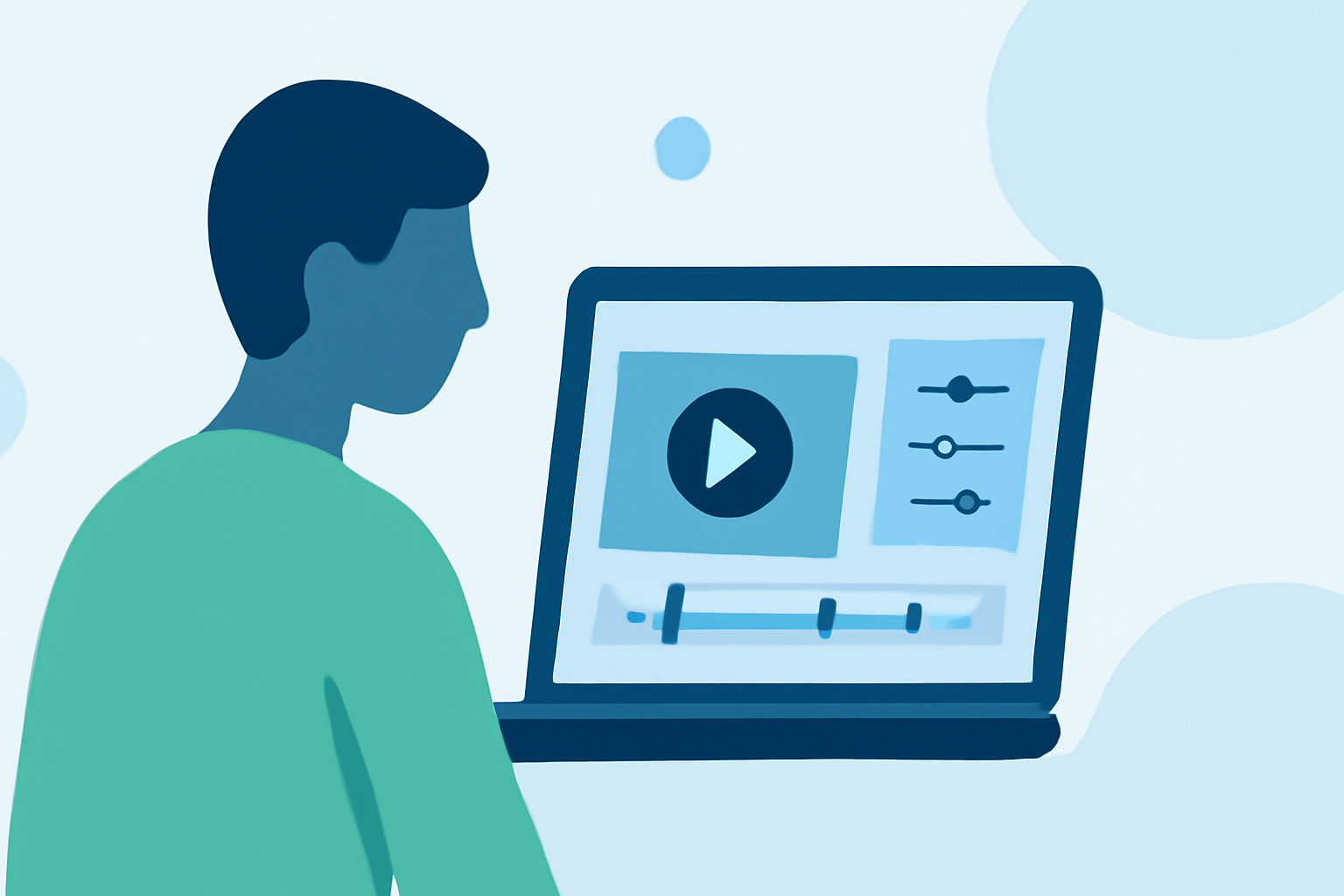
Planes Live is a versatile tool designed to streamline the editing process for travel vlogs:
- User-Friendly Interface: Simplifies complex editing tasks, making them accessible to all skill levels.
- Advanced Features: Offers tools for color correction, audio enhancement, and motion graphics.
- Efficiency: Reduces editing time, allowing creators to focus more on content creation.
By integrating Planes Live into your workflow, you can produce high-quality travel vlogs more efficiently.
Conclusion
Editing is a critical component of creating engaging travel day vlogs. By planning your storyline, organizing footage, and applying effective editing techniques, you can craft compelling narratives that captivate your audience. Utilizing tools like Planes Live can further enhance your editing process, enabling you to produce professional-quality content with ease.
FAQs
1. What are the best editing software options for beginners?
For beginners, user-friendly software like iMovie or CapCut is recommended. These platforms offer intuitive interfaces and essential features suitable for novice editors.
2. How can I improve the audio quality in my travel vlogs?
To enhance audio quality, record voiceovers in quiet environments, capture ambient sounds to immerse viewers, and use sound effects sparingly to emphasize key moments.
3. What is the importance of color correction in travel vlogs?
Color correction ensures visual consistency, adjusting white balance, exposure, and applying color grading to set the mood, resulting in a polished and professional look.
4. How does Planes Live streamline the editing process?
Planes Live simplifies complex editing tasks with its user-friendly interface, advanced features for color correction and audio enhancement, and efficiency in reducing editing time.
5. Can Planes Live be used by both beginners and professionals?
Yes, Planes Live caters to all skill levels, offering tools that are accessible to beginners while providing advanced features appreciated by professionals.