22 June 2026
Mastering Travel Day Vlog Editing: A Comprehensive Guide
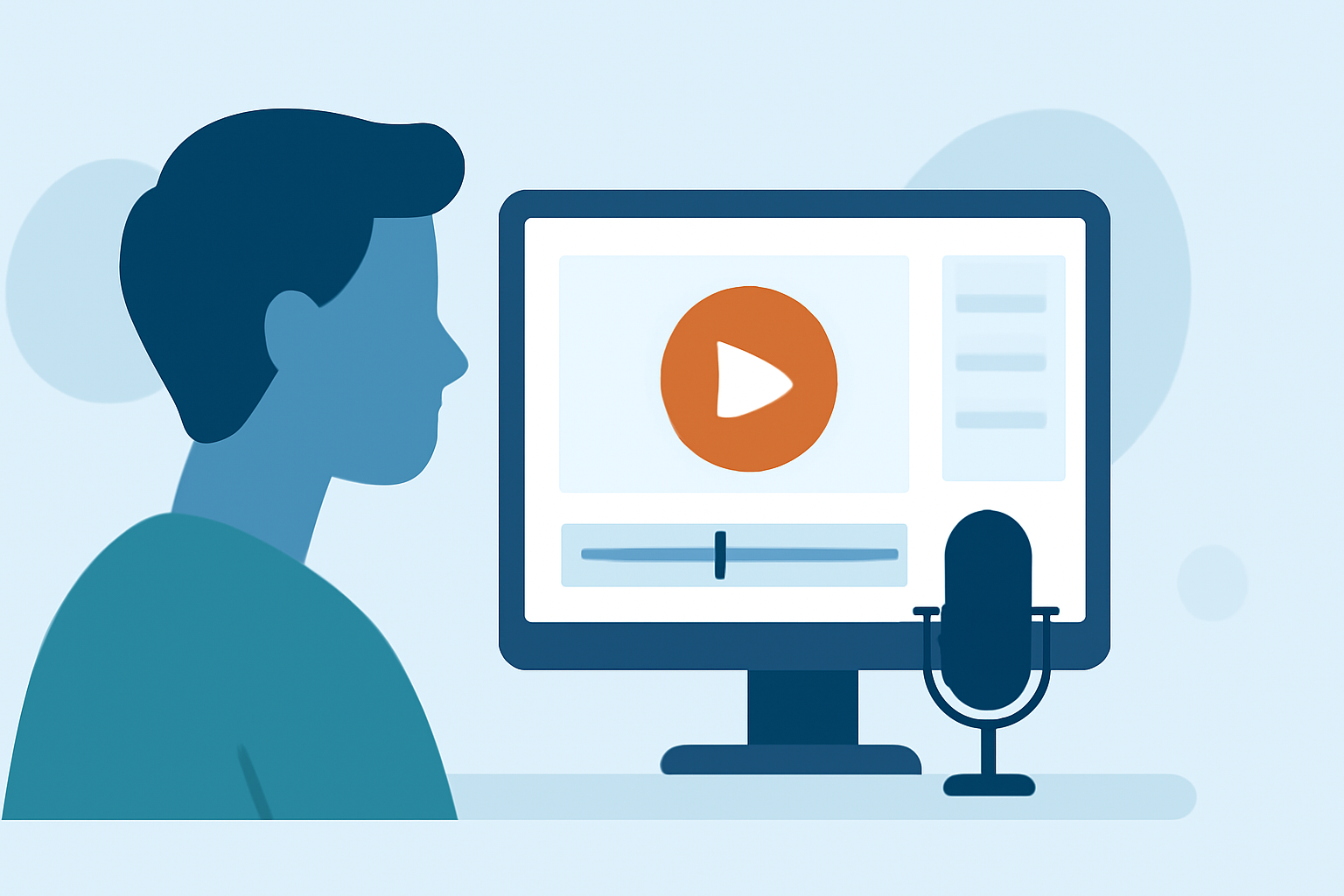
Creating an engaging travel day vlog involves meticulous planning, organized footage, and thoughtful editing. This guide provides step-by-step instructions to help you craft compelling vlogs that captivate your audience.
1. How Do I Plan My Travel Day Vlog?
Begin by outlining the narrative of your vlog. Decide on the theme—be it adventure, culture, or cuisine—and sketch a rough storyboard highlighting key moments. This pre-planning ensures a cohesive and engaging storyline.
2. How Do I Organize My Footage Efficiently?
After filming, systematically organize your clips:
-
Review and Sort: Go through your raw footage, discarding unnecessary or redundant shots.
-
Categorize: Create folders based on days, locations, or activities to streamline the editing process.
-
Rename Files: Assign descriptive names to each clip (e.g., "Day1_Beach_Sunset") for easy identification.
This methodical approach saves time and reduces confusion during editing.
3. What Editing Software Should I Use?
Choose editing software that aligns with your skill level:
-
Beginner: iMovie (Mac), Filmora, CapCut.
-
Intermediate: Adobe Premiere Elements, Final Cut Pro.
-
Professional: Adobe Premiere Pro, DaVinci Resolve.
Selecting the right tool enhances your editing efficiency and the quality of your final product.
4. How Do I Create an Engaging Intro?
Capture your audience's attention from the start:
-
Montage: Begin with a dynamic sequence of captivating shots.
-
Title: Include a clear title reflecting the vlog's theme or destination.
-
Music: Select background music that sets the tone and complements the visuals.
A compelling intro sets the stage for the rest of your vlog.
5. How Do I Edit for Flow and Pacing?
Maintain viewer engagement by:
-
Trimming Clips: Remove unnecessary segments to keep the narrative concise.
-
Transitions: Use smooth transitions between scenes to ensure a seamless flow.
-
Pacing: Vary the rhythm by alternating between slow and fast sequences, matching the energy of the content.
This approach keeps the audience interested and invested in your story.
6. How Do I Enhance My Vlog with Music?
Music adds depth and emotion to your vlog:
-
Selection: Choose royalty-free music that aligns with the vlog's mood and theme.
-
Synchronization: Align music changes with scene transitions or significant moments.
-
Audio Levels: Ensure background music complements, rather than overpowers, any dialogue or natural sounds.
Properly integrated music elevates the overall viewing experience.
7. How Do I Add Captions and Subtitles?
Incorporate text elements to provide context:
-
Captions: Use text overlays to highlight key locations, cultural insights, or important information.
-
Subtitles: Include subtitles for narration or dialogue, especially if the vlog features non-English-speaking environments.
-
Readability: Choose clear, legible fonts and ensure text contrasts well with the background.
Text elements enhance accessibility and viewer understanding.
8. How Do I Incorporate Visual Effects?
Enhance your vlog with subtle effects:
-
Slow Motion: Use sparingly to emphasize dramatic moments.
-
Timelapses: Incorporate to showcase changes over time, such as sunsets or bustling cityscapes.
-
Color Grading: Apply consistent color correction to maintain visual coherence.
These effects, when used judiciously, add a professional touch to your vlog.
9. How Do I Add Narration or Voiceovers?
Provide context and personal insights by:
-
Recording: Use a quality microphone to ensure clear audio.
-
Timing: Match narration with corresponding visuals to maintain coherence.
-
Tone: Maintain an engaging and authentic tone to connect with viewers.
Narration adds depth and personality to your vlog.
10. How Do I Export My Vlog in High Quality?
Finalize your vlog by:
-
Resolution: Export at a minimum of 1080p; 4K is preferable if your footage and equipment support it.
-
Format: Use widely accepted formats like MP4 for compatibility.
-
Settings: Adjust bitrate and frame rate to balance quality and file size.
High-quality export ensures your vlog looks professional across various platforms.
Conclusion
Editing a travel day vlog from scratch requires a blend of creativity, technical skills, and attention to detail. By following these steps, you can produce engaging and polished vlogs that effectively share your travel experiences with your audience.
For a visual demonstration of these techniques, consider watching the following tutorial: