22 June 2026
Mastering Travel Map Overlay Editing: A Comprehensive Guide
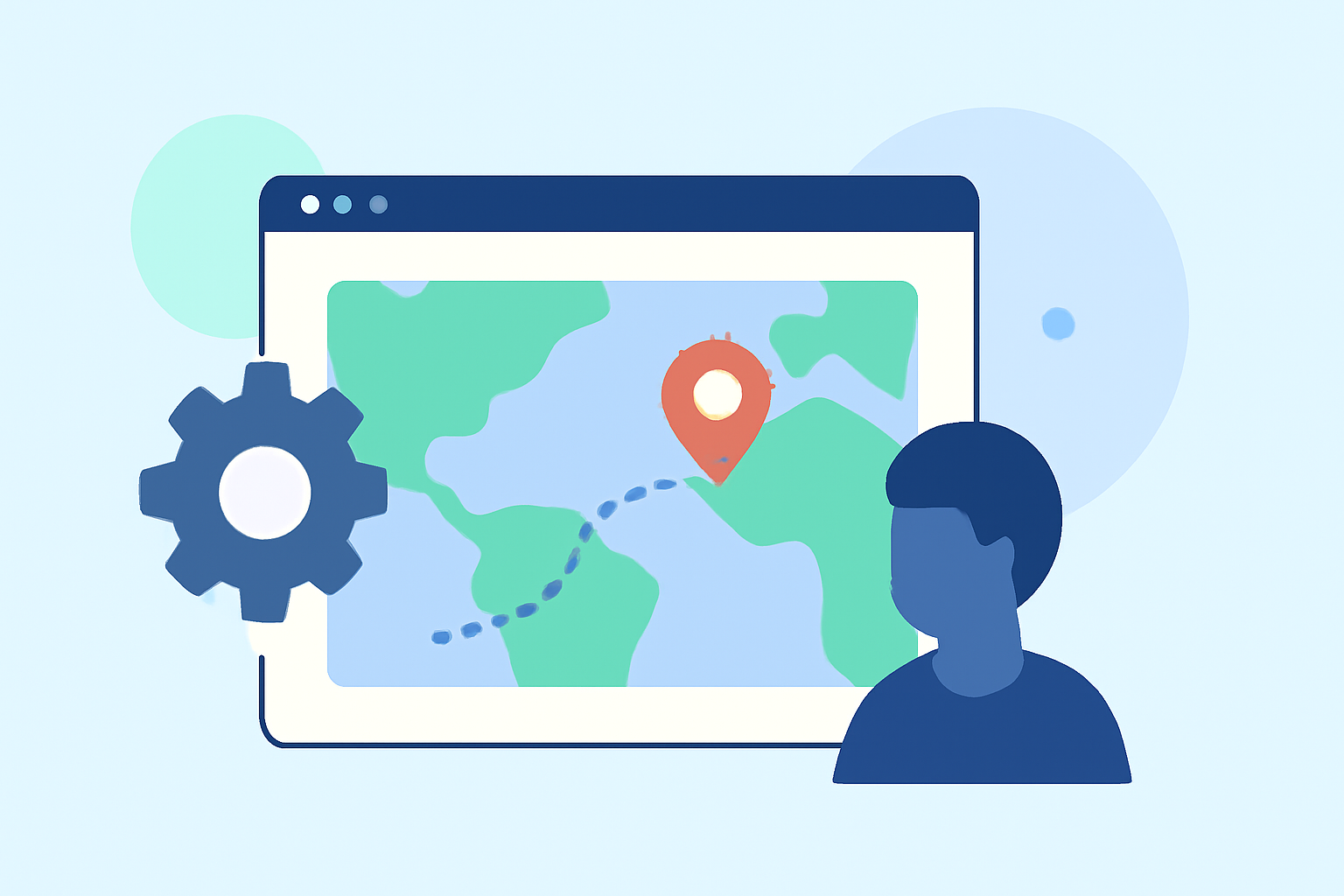
Travel map overlays are a captivating way to showcase your journeys, adding a dynamic visual element to your travel narratives. Whether you're a seasoned traveler or a content creator, mastering the art of creating and editing these overlays can significantly enhance your storytelling. This guide provides a comprehensive overview of the process, from conceptualization to execution, highlighting tools and techniques to bring your travel experiences to life.
What Are Travel Map Overlays?
Travel map overlays are graphical representations that illustrate the path of a journey on a map. They typically include routes, destinations, and points of interest, often enhanced with animations or interactive elements to engage viewers. These overlays are widely used in travel blogs, vlogs, presentations, and social media content to provide a visual context to the travel narrative.
Why Create Travel Map Overlays?
Incorporating map overlays into your content offers several benefits:
- Enhanced Engagement: Visual representations of your journey can captivate your audience, making your content more engaging.
- Clear Communication: Maps provide a clear and concise way to convey the sequence and geography of your travels.
- Professional Appeal: Well-designed overlays can elevate the quality of your content, giving it a polished and professional look.
Essential Tools for Creating Travel Map Overlays
Several tools cater to different skill levels and requirements:
- Travel Animator: An intuitive app that allows users to create animated travel maps without prior editing experience. (travelanimator.com)
- Mult.dev: A web and mobile service that transforms travel routes into animated map videos, suitable for social media platforms. (mult.dev)
- QGIS: An open-source geographic information system that offers advanced capabilities for creating detailed journey maps. (mapping.share.library.harvard.edu)
Step-by-Step Guide to Creating Travel Map Overlays
- Define Your Journey: Outline the locations and sequence of your travel route.
- Choose the Right Tool: Select a tool that aligns with your technical proficiency and the complexity of your project.
- Input Your Data: Enter your travel stops into the chosen tool, ensuring accuracy in the sequence and details.
- Customize the Map: Adjust map styles, colors, and add markers to highlight specific locations or points of interest.
- Add Animations (Optional): Incorporate animations to depict movement along the route, enhancing visual appeal.
- Review and Export: Preview your overlay to ensure accuracy and visual coherence, then export it in the desired format.
Best Practices for Effective Travel Map Overlays
- Simplicity: Keep the design clean and uncluttered to ensure clarity.
- Consistency: Use consistent colors, fonts, and styles throughout the overlay.
- Accuracy: Ensure all locations and routes are accurately represented to maintain credibility.
- Engagement: Incorporate interactive elements or animations to keep the audience engaged.
Common Challenges and Solutions
- Technical Difficulties: If you encounter issues with the software, consult the tool's support resources or community forums for assistance.
- Design Overload: Avoid overcomplicating the overlay with excessive details; focus on key elements that enhance the narrative.
- Compatibility Issues: Ensure the final overlay is compatible with the platforms where it will be displayed or shared.
Conclusion
Creating travel map overlays is a powerful way to visually narrate your journeys, adding depth and engagement to your content. By selecting the appropriate tools and following a structured approach, you can produce professional-quality overlays that resonate with your audience. Remember to keep the design simple, accurate, and engaging to effectively convey your travel experiences.
For those seeking a user-friendly solution, Planes Live offers an intuitive platform that simplifies the creation of travel map overlays, making it accessible even for beginners.