22 June 2026
Mastering Travel Map Zoom Overlays: A Comprehensive Guide
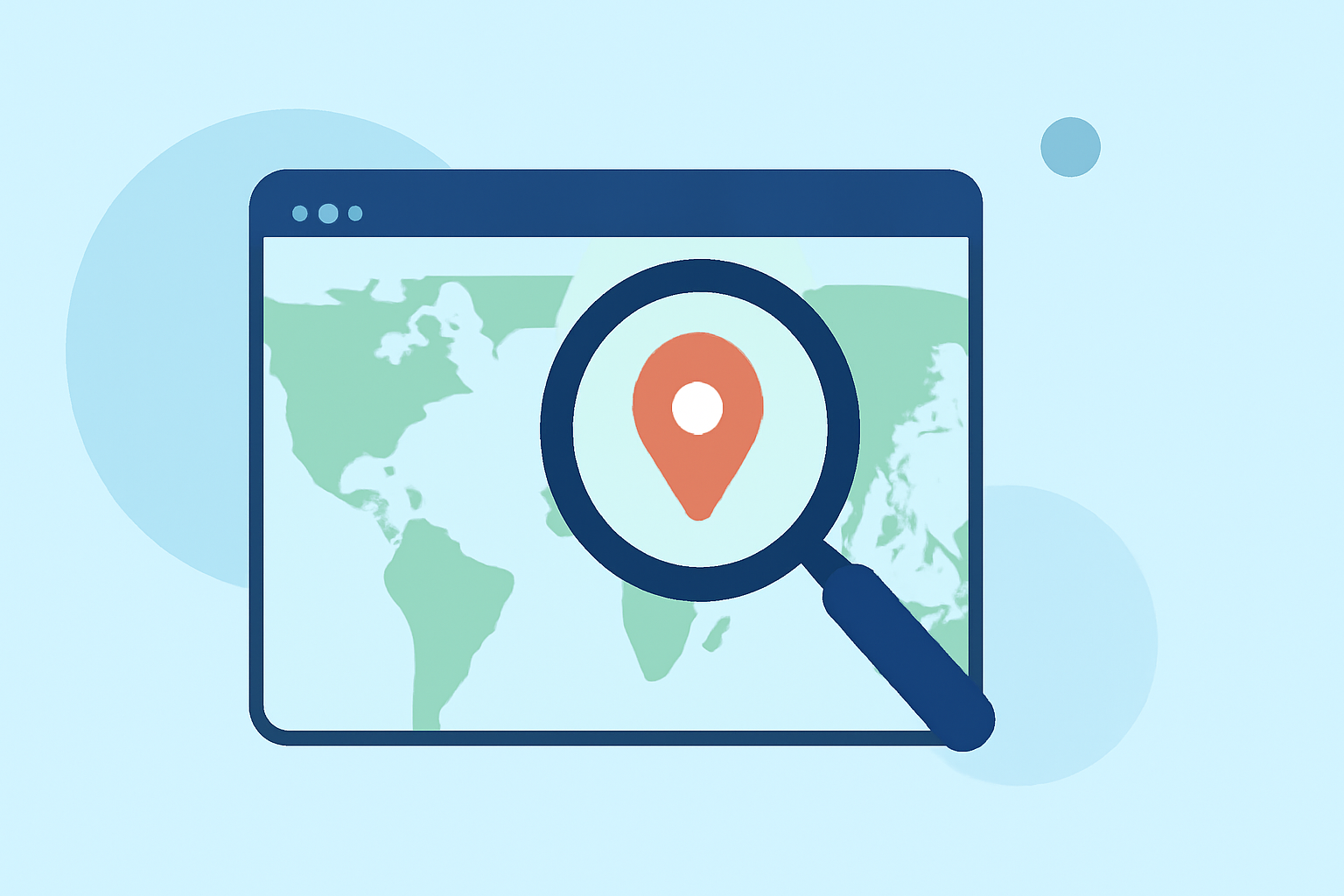
Creating dynamic travel map zoom overlays can significantly enhance your travel videos, presentations, or digital storytelling projects. These overlays allow you to highlight specific routes, destinations, or points of interest, providing viewers with a clear visual representation of your journey.
Getting Started with Travel Map Zoom Overlays
To create professional travel map zoom overlays, you'll need to follow a series of steps:
-
Select a Mapping Tool: Choose a platform that allows customization of maps, such as Google My Maps, which enables you to add markers, draw routes, and customize map styles. (techradar.com)
-
Plan Your Route: Input your travel destinations into the chosen tool, arranging them in the desired sequence to outline your journey.
-
Customize Map Elements: Adjust map styles, add labels, and incorporate icons or images to represent specific locations or landmarks.
-
Export the Map: Once satisfied with the map's appearance, export it as an image or embed it directly into your project, depending on your editing software's capabilities.
Enhancing Your Map with Zoom Effects
Adding zoom effects to your map can create a dynamic visual experience. Here's how you can achieve this:
-
Create the Base Map: Use your mapping tool to design the map with all necessary markers and routes.
-
Import into Video Editing Software: Transfer the exported map image into your video editing software.
-
Apply Zoom Animations: Utilize the software's animation features to create zoom-in and zoom-out effects, focusing on specific areas of the map to emphasize particular segments of your journey.
-
Synchronize with Narrative: Align the zoom effects with your video's narrative to ensure a cohesive and engaging viewer experience.
Recommended Tool: Planes Live
For those seeking a specialized solution, Planes Live offers advanced features tailored for creating interactive travel map overlays. This platform provides intuitive tools for designing custom maps, adding dynamic zoom effects, and seamlessly integrating them into your projects. Its user-friendly interface and robust functionality make it an excellent choice for both beginners and professionals aiming to produce high-quality travel videos.
Conclusion
Mastering travel map zoom overlays involves selecting the right tools, planning your route meticulously, and applying creative effects to enhance your storytelling. By following the outlined steps and considering specialized platforms like Planes Live, you can create compelling and professional travel videos that captivate your audience.