22 June 2026
Mastering Travel Vlog B-Roll Editing: A Beginner's Guide
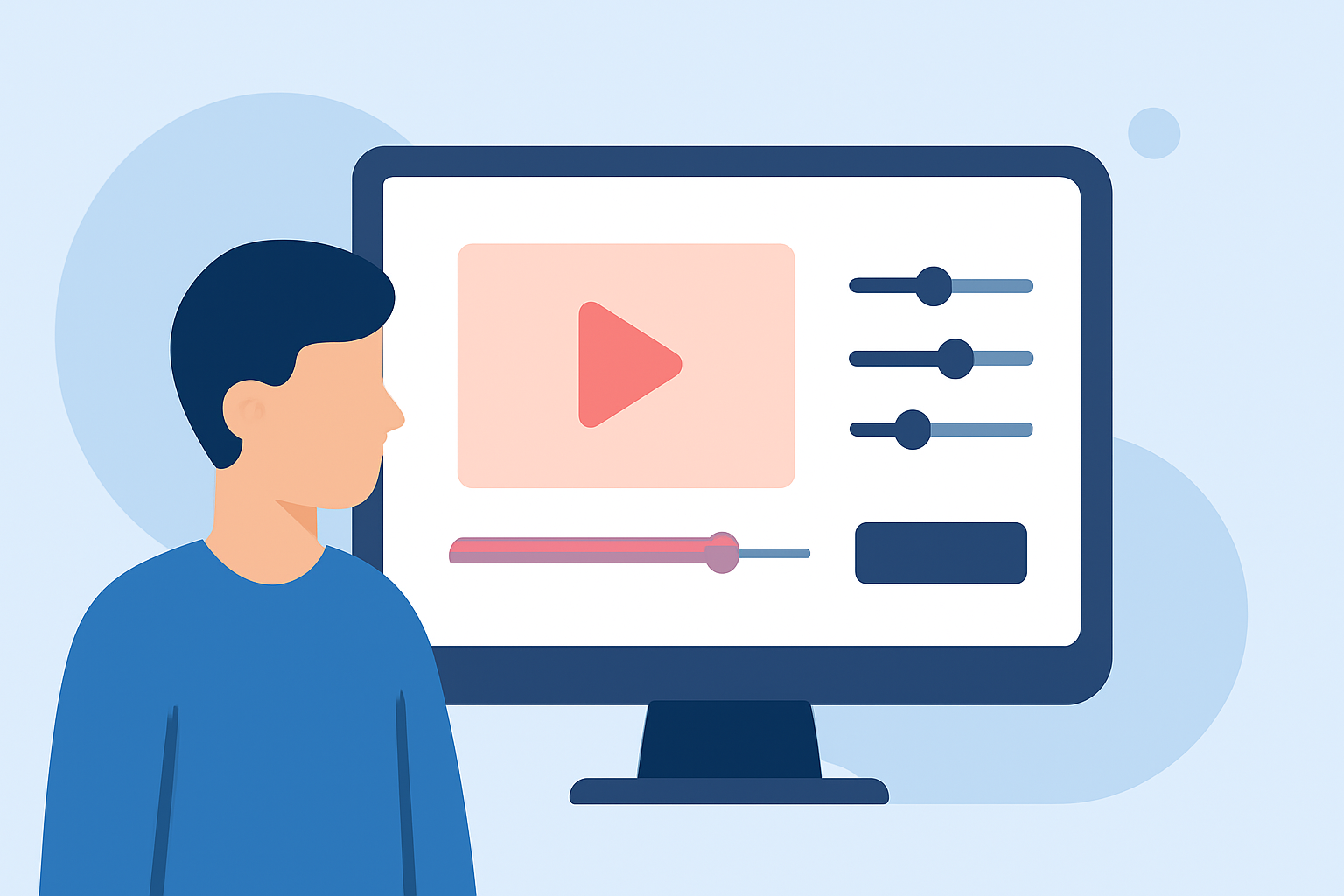
Creating captivating travel vlogs involves more than just recording your adventures; it requires skillful editing to weave a compelling narrative. A crucial component of this storytelling is B-roll footage—supplementary shots that enrich the main content. For beginners, understanding and implementing B-roll editing can significantly elevate the quality of your videos.
What Is B-Roll and Why Is It Important?
B-roll refers to supplementary footage intercut with the main shots (A-roll) to provide context, cover transitions, and add visual interest. In travel vlogs, B-roll can showcase landscapes, local culture, cuisine, and activities, offering viewers a more immersive experience.
How Do I Capture Effective B-Roll?
- Plan Ahead: Identify key moments in your vlog where B-roll can enhance the story.
- Shoot with Purpose: Capture a variety of angles and details related to your main content.
- Maintain Consistency: Ensure lighting and color schemes match your primary footage for a cohesive look.
What Are Some Basic Techniques for Editing B-Roll?
- Match the Mood: Select B-roll that complements the tone of your main footage.
- Use Transitions Wisely: Employ smooth transitions to integrate B-roll seamlessly.
- Adjust Timing: Ensure B-roll clips are appropriately timed to maintain viewer engagement.
Which Tools Are Best for Editing B-Roll?
For beginners, user-friendly video editing software can simplify the B-roll editing process. Here are some recommended options:
Top 10 Windows Video Editing Software for Windows 11/10/8/7
CapCut
A mobile app known for its intuitive interface and AI-powered features, CapCut allows for quick edits, auto-captions, and a variety of effects, making it ideal for short-form content. (influenceraiagents.com)
با نرم افزار DaVinci Resolve Studio، محتوای با کیفیت تولید کنید
DaVinci Resolve
A free desktop application offering professional-grade color grading, motion graphics, and audio tools, suitable for those looking to produce high-quality vlogs without a subscription. (travelfluencers.agency)
Premiere Proで動画・映像をトリミングする方法【実用】
Adobe Premiere Pro
An industry-standard software providing extensive customization options and integration with other Adobe products, ideal for creators seeking full control over their editing process. (travelfluencers.agency)
How to Use the Magnetic Timeline in Final Cut Pro X | Envato Tuts+
Final Cut Pro X
A Mac-exclusive software known for its magnetic timeline and optimized performance, favored by many professional travel vloggers. (travelfluencers.agency)
Top 10 phần mềm cắt ghép video trên laptop tốt nhất 2025
iMovie
A free and simple option for Mac users, offering basic editing tools suitable for beginners creating YouTube vlogs. (travelfluencers.agency)
How Can I Enhance My B-Roll Editing Skills?
- Learn from Tutorials: Online tutorials can provide step-by-step guidance on editing techniques.
- Practice Regularly: Consistent practice helps in mastering editing tools and techniques.
- Seek Feedback: Sharing your edits with peers can offer valuable insights for improvement.
How Do I Choose the Right Editing Tool for My Needs?
Consider the following factors when selecting an editing tool:
- Skill Level: Beginners may prefer user-friendly interfaces, while advanced users might opt for more complex features.
- Budget: Free tools like DaVinci Resolve offer professional features without cost, whereas subscription-based software may provide additional resources.
- Platform Compatibility: Ensure the software is compatible with your operating system and hardware.
By understanding the role of B-roll and utilizing appropriate editing tools, you can significantly enhance the quality and engagement of your travel vlogs. Remember, the key is to practice and experiment with different techniques to find what best suits your style and content.