22 June 2026
Mastering Travel Vlog Editing: Essential Tips and Tools
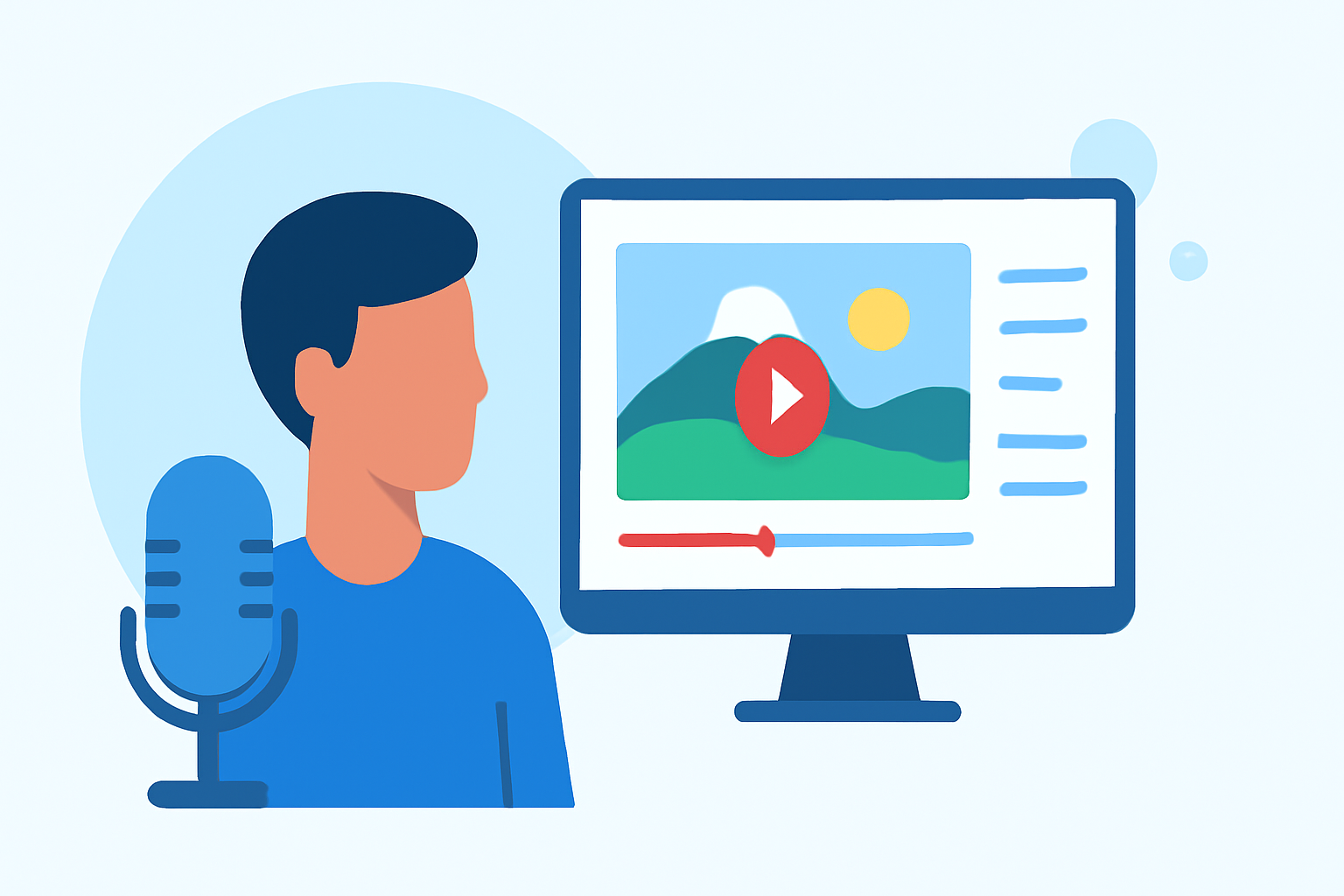
Creating engaging travel vlogs involves more than just capturing beautiful scenes; it requires thoughtful editing to craft a compelling narrative. This guide addresses common questions and provides practical tips to enhance your travel vlog editing process.
How Do I Plan My Travel Vlog Storyline?
Planning your vlog's storyline is crucial for maintaining viewer engagement. Start by defining the theme of your vlog—be it adventure, culture, or cuisine. Research the destinations you'll feature to identify key locations and experiences to highlight. Mapping out your filming plan ensures you capture all necessary shots, from wide landscapes to intimate moments. Deciding on the narrative structure—introduction, main content, and conclusion—provides a clear framework for your vlog. (teleprompter.com)
How Should I Organize My Footage for Efficient Editing?
Efficient organization of your footage streamlines the editing process. Begin by reviewing all your clips and discarding any that are redundant or of poor quality. Sort the remaining footage into folders based on location, activity, or day to facilitate easy access. Renaming files descriptively (e.g., "Day1_Bali_Sunset") aids in quick identification during editing. (editorspro.net)
What Are the Best Tools for Editing Travel Vlogs?
Selecting the right editing software depends on your experience level and the complexity of your vlog. For beginners, user-friendly options like iMovie or Filmora are suitable. Intermediate users might prefer Adobe Premiere Elements or Final Cut Pro, which offer more advanced features. Professional editors often opt for Adobe Premiere Pro or DaVinci Resolve for their comprehensive toolsets. (editorspro.net)
How Do I Enhance My Vlog with Music and Sound?
Music and sound are pivotal in setting the mood of your vlog. Choose royalty-free music that complements the vibe of your content. Ensure the audio levels are balanced so that background music doesn't overpower dialogue or narration. Incorporating ambient sounds from your travels can add authenticity and immerse viewers in the experience. (teleprompter.com)
How Can I Add Captions and Subtitles to My Vlog?
Adding captions and subtitles makes your vlog more accessible and engaging. Use clear, readable fonts and place text in areas that don't obstruct important visuals. Subtitles are especially beneficial for non-English-speaking audiences or when recording in noisy environments. Ensure that the text is synchronized with the audio to maintain coherence. (editorspro.net)
How Do I Incorporate Visual Effects and Transitions?
Visual effects and transitions can enhance the storytelling of your vlog when used sparingly. Employ slow-motion or time-lapse effects to emphasize key moments. Use transitions to smoothly move between scenes, but avoid overusing them to maintain a natural flow. Color grading can also be applied to set the mood and unify the visual aesthetic of your vlog. (editorspro.net)
How Do I Export My Vlog for Optimal Quality?
Exporting your vlog in high quality ensures it looks professional across all platforms. Choose export settings that match the resolution and frame rate of your original footage. Consider the platform where your vlog will be published, as different platforms may have specific requirements or recommendations. Always preview the exported video to check for any issues before sharing it with your audience. (editorspro.net)
How Can I Stream My Vlog to Multiple Platforms Simultaneously?
To reach a broader audience, consider streaming your vlog to multiple platforms at once. Utilizing a service that supports multi-destination streaming allows you to broadcast your content across various channels simultaneously, increasing visibility and engagement.
By addressing these common questions and implementing the suggested strategies, you can significantly enhance the quality and appeal of your travel vlogs, captivating your audience and sharing your experiences more effectively.