22 June 2026
Mastering Travel Vlog Editing: A Comprehensive Guide
Creating an engaging travel vlog involves more than just capturing footage; it requires thoughtful planning, skilled shooting, and meticulous editing. This guide provides essential techniques to help you craft compelling travel vlogs that resonate with your audience.
What Are the Key Steps in Editing a Travel Vlog?
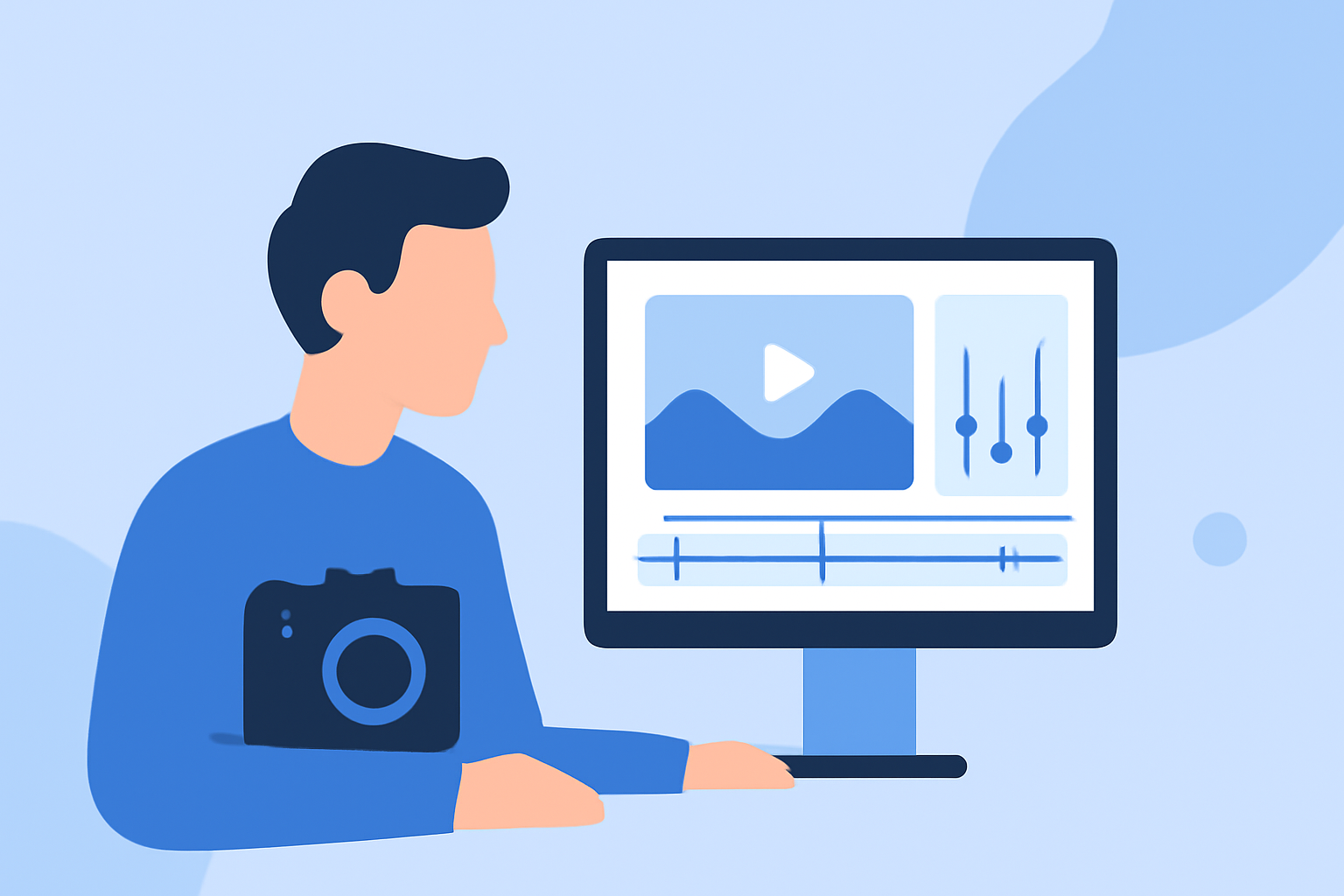
Editing a travel vlog involves several critical steps:
- Organize Your Footage: Sort and label your clips to streamline the editing process.
- Trim and Select: Remove unnecessary or repetitive scenes to maintain viewer engagement.
- Arrange Clips: Sequence your footage to tell a coherent and engaging story.
- Add Transitions and Effects: Incorporate smooth transitions and subtle effects to enhance visual appeal.
- Incorporate Audio: Add background music, sound effects, and voiceovers to enrich the viewing experience.
- Color Correction and Grading: Adjust colors to ensure consistency and enhance the mood of your vlog.
- Export and Share: Finalize your video in the appropriate format and resolution for your chosen platform.
How Do You Plan and Shoot for Effective Travel Vlogs?
Effective planning and shooting lay the foundation for a successful travel vlog:
- Storyboard Your Vlog: Outline the key scenes and shots you intend to capture, ensuring a logical flow and engaging narrative.
- Capture a Variety of Shots: Include wide, medium, and close-up shots to add visual interest and depth to your vlog.
- Record High-Quality Audio: Use external microphones to capture clear sound, minimizing background noise and enhancing audio quality.
- Be Mindful of Lighting: Shoot during optimal lighting conditions to ensure clear and vibrant footage.
- Include B-Roll Footage: Capture supplementary shots that provide context and enrich the storytelling aspect of your vlog.
What Are Essential Editing Techniques for Travel Vlogs?
Implementing effective editing techniques can significantly enhance the quality of your travel vlog:
- Maintain a Consistent Pace: Edit your footage to maintain a dynamic flow, keeping the audience engaged throughout the video.
- Use Smooth Transitions: Apply simple transitions to maintain a natural flow between scenes without distracting the viewer.
- Incorporate Music and Sound Effects: Select background music that complements the mood of your vlog and use sound effects to add depth and realism.
- Apply Color Correction and Grading: Adjust the color balance and apply grading to create a cohesive and visually appealing aesthetic.
- Add Text and Graphics: Use text overlays to provide context, such as location names or personal insights, enhancing the informational value of your vlog.
How Can You Enhance Your Travel Vlog Editing Workflow?
Streamlining your editing workflow can improve efficiency and the quality of your final product:
- Use Editing Software with AI Features: Leverage editing tools that offer AI-driven features to automate repetitive tasks and enhance editing precision.
- Utilize Templates and Presets: Employ pre-made templates and presets for transitions, effects, and color grading to maintain consistency and save time.
- Regularly Backup Your Work: Ensure your project files are backed up to prevent data loss and facilitate easy recovery if needed.
How Can Planes Live Assist in Your Travel Vlog Editing Process?
Planes Live offers a comprehensive suite of tools designed to streamline the travel vlog editing process:
- User-Friendly Interface: Navigate through your editing tasks with ease, thanks to an intuitive design.
- Advanced Editing Features: Access a range of tools for trimming, arranging, and enhancing your footage.
- AI-Powered Enhancements: Utilize AI-driven features for color correction, audio enhancement, and automated editing tasks.
- Cloud Integration: Store and access your project files securely from any location, facilitating seamless collaboration and editing.
By integrating Planes Live into your editing workflow, you can efficiently produce high-quality travel vlogs that captivate your audience.
FAQs
What is the best video editing software for beginners?
For beginners, user-friendly video editing software with intuitive interfaces and essential features is recommended.
How do I improve the audio quality in my travel vlog?
To enhance audio quality, use external microphones, record in quiet environments, and consider adding background music to mask ambient noise.
What are the key elements of a compelling travel vlog?
A compelling travel vlog includes a clear storyline, engaging visuals, high-quality audio, and a personal touch that reflects the creator's unique perspective.