22 June 2026
Mastering the Art of Travel Vlog Editing: A Comprehensive Workflow Guide
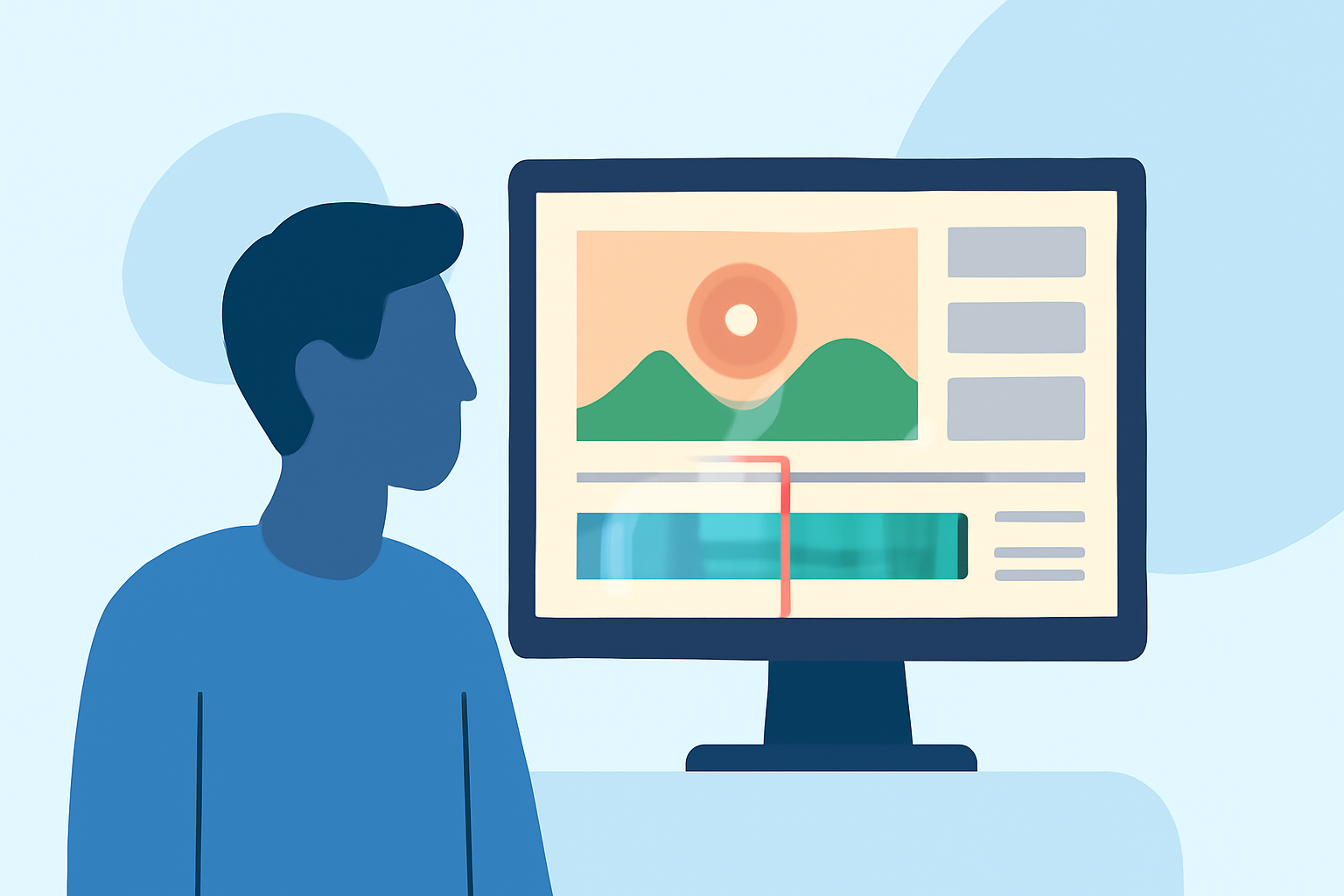
Creating an engaging travel vlog involves more than just capturing beautiful footage; it requires a structured editing workflow to transform raw clips into a compelling narrative. This guide outlines a comprehensive approach to editing travel vlogs, highlighting each step from organizing footage to adding effects, and introduces Planes Live as a powerful tool to streamline the process.
1. Organize Your Footage
Before diving into editing, it's crucial to organize your raw footage. This initial step sets the foundation for an efficient workflow.
-
Transfer and Backup: Copy all your footage to a dedicated folder on your computer or external drive. Ensure you have backups to prevent data loss.
-
Categorize Clips: Sort your footage into subfolders based on days, locations, or activities. This makes it easier to locate specific clips during editing.
-
Review and Select: Quickly skim through your clips to identify the best shots. Mark or tag these clips for easy access later.
2. Plan Your Storyline
A well-structured narrative keeps viewers engaged. Planning your storyline involves:
-
Defining the Theme: Decide on the central theme or focus of your vlog, such as adventure, culture, or cuisine.
-
Creating a Storyboard: Outline the sequence of scenes, including introductions, main activities, and conclusions. This serves as a roadmap for your editing process.
-
Identifying Key Moments: Highlight specific events or experiences you want to feature prominently in your vlog.
3. Choose the Right Editing Software
Selecting appropriate editing software is essential for a smooth editing experience. For instance, Planes Live offers a user-friendly interface with a range of features suitable for both beginners and experienced editors.
4. Assemble the Rough Cut
Begin by laying out your selected clips in the timeline:
-
Arrange Clips: Place your clips in the order that aligns with your storyboard.
-
Trim Unnecessary Footage: Remove any redundant or off-topic sections to maintain a concise narrative.
-
Adjust Pacing: Ensure the flow of the vlog keeps viewers engaged, balancing slower and faster-paced sequences.
5. Enhance with Transitions and Effects
Adding transitions and effects can elevate the visual appeal of your vlog:
-
Smooth Transitions: Use simple transitions like crossfades or cuts to maintain a natural flow between scenes.
-
Visual Effects: Incorporate effects such as slow motion or time-lapses to emphasize key moments.
-
Color Grading: Adjust the color settings to achieve a consistent and cinematic look throughout your vlog.
6. Incorporate Audio Elements
Audio plays a pivotal role in setting the mood of your vlog:
-
Background Music: Select music that complements the theme and pacing of your vlog. Ensure you have the rights to use the music to avoid copyright issues.
-
Sound Effects: Add ambient sounds or effects to enhance realism and immersion.
-
Voiceovers: Record and integrate voiceovers to provide context or personal insights, enriching the storytelling.
7. Add Titles and Graphics
Titles and graphics can provide additional information and polish to your vlog:
-
Intro and Outro Titles: Create engaging opening and closing titles that reflect the theme of your vlog.
-
Lower Thirds: Use lower thirds to introduce locations, people, or key points without distracting from the visuals.
-
Graphics and Overlays: Incorporate maps, arrows, or other graphics to highlight specific details or directions.
8. Review and Export
Before finalizing your vlog:
-
Review: Watch your vlog multiple times to catch any errors or areas for improvement.
-
Export Settings: Choose the appropriate resolution and format for your intended platform, ensuring optimal quality and compatibility.
-
Backup: Save the final version and keep backups to prevent data loss.
Conclusion
Editing a travel vlog is a creative process that combines technical skills with storytelling. By following a structured workflow and utilizing powerful tools like Planes Live, you can produce engaging and professional-quality vlogs that captivate your audience.