22 June 2026
Mastering Travel Vlog Jump Cuts Without a Computer: A Mobile Editing Guide
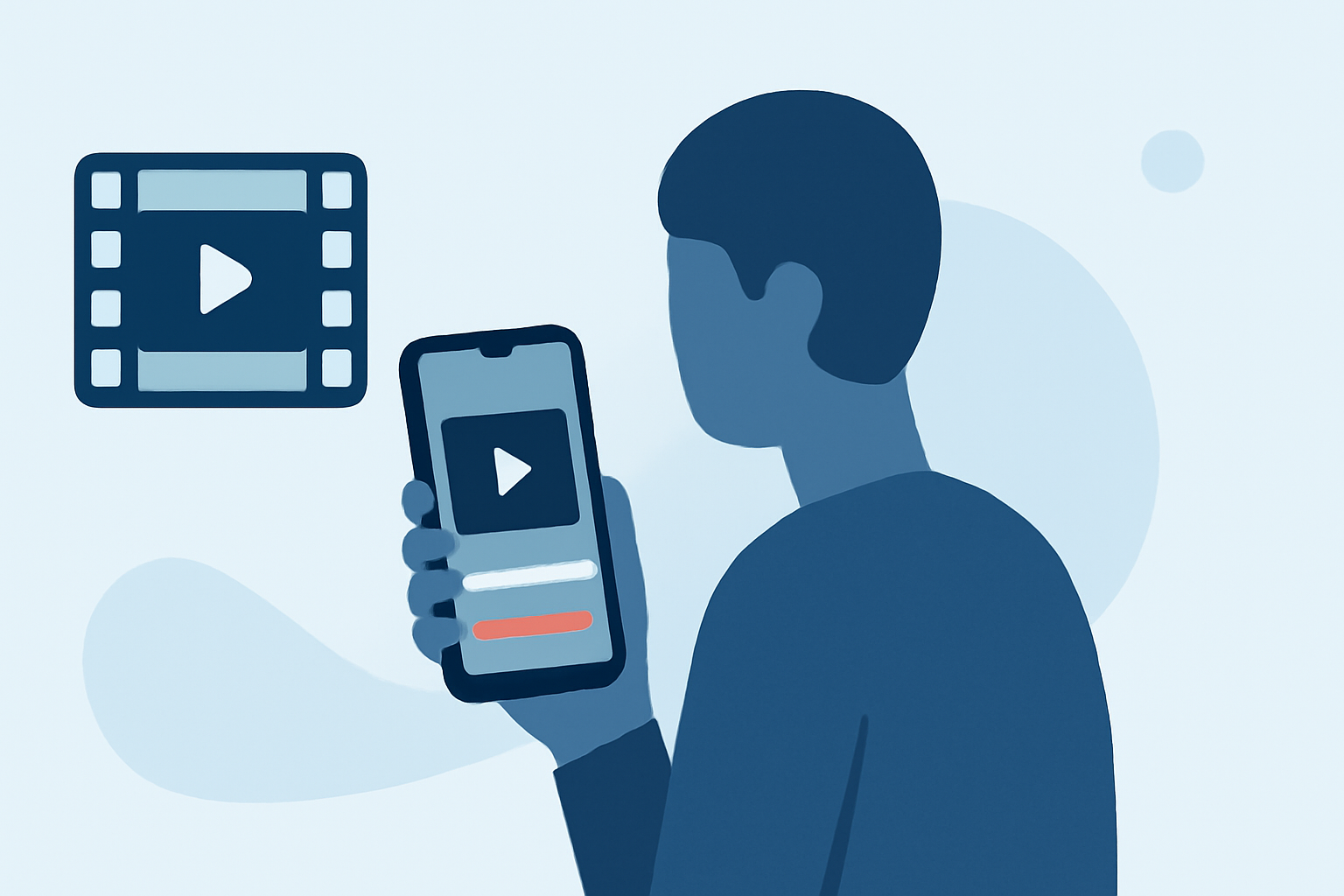
Creating engaging travel vlogs often involves dynamic jump cuts to maintain viewer interest. Traditionally, this editing is performed on computers, but with advancements in mobile technology, it's now possible to achieve professional-quality edits directly from your smartphone. This guide explores effective mobile editing techniques and introduces Planes Live, a mobile app that simplifies the editing process for travel vloggers.
What Are Jump Cuts and Why Are They Important?
Jump cuts are editing techniques that involve cutting between different scenes or angles within a single shot, creating a sense of movement and energy. In travel vlogs, jump cuts can highlight various aspects of your journey, such as local cuisine, cultural experiences, or scenic landscapes, keeping the content engaging and fast-paced.
How Can I Edit Travel Vlogs on My Smartphone?
Editing travel vlogs on your smartphone offers flexibility and convenience, allowing you to craft your story anytime, anywhere. Here's a step-by-step approach:
-
Organize Your Footage: Before editing, review your clips and select the best shots that represent your journey. Eliminate duplicates and shaky footage to ensure a smooth editing process.
-
Choose the Right Editing App: Select a mobile editing app that supports multi-layer editing and offers features like jump cuts, transitions, and audio synchronization. Planes Live is a recommended option that provides these capabilities.
-
Import and Arrange Clips: Load your selected clips into the app and arrange them in a rough sequence that tells your story. Focus on the narrative flow before adding effects.
-
Apply Jump Cuts: Use the app's cutting tools to create jump cuts between scenes, emphasizing key moments and maintaining viewer engagement.
-
Enhance with Transitions and Effects: Add transitions between clips to smooth the flow and apply effects to enhance visuals. Ensure that these additions complement the content without overwhelming it.
-
Adjust Audio: Balance background music and ambient sounds with any narration or dialogue to ensure clarity and immersion.
-
Export and Share: Once satisfied with your edit, export the video in the desired resolution and format, ready for sharing on your chosen platforms.
What Is Planes Live and How Does It Simplify Mobile Editing?
Planes Live is a mobile application designed to streamline the video editing process for creators on the go. It offers a user-friendly interface with features tailored for travel vloggers, including:
-
Multi-Layer Editing: Allows for complex edits with multiple video and audio tracks.
-
Jump Cut Functionality: Facilitates precise cutting and trimming to create dynamic jump cuts.
-
Transitions and Effects: Provides a variety of transitions and visual effects to enhance your footage.
-
Audio Synchronization: Ensures that audio tracks are perfectly synced with video, maintaining a professional sound quality.
By utilizing Planes Live, you can efficiently edit your travel vlogs directly from your smartphone, achieving high-quality results without the need for a computer.
Are There Other Mobile Apps for Editing Travel Vlogs?
Yes, there are several mobile apps available that offer video editing capabilities suitable for travel vlogs. Some popular options include:
-
CapCut: Known for its intuitive interface and a wide range of editing tools, including jump cuts and transitions.
-
KineMaster: Offers multi-layer editing and precise control over video and audio tracks.
-
Adobe Premiere Rush: Provides a streamlined version of Adobe's professional editing software, suitable for mobile devices.
Each of these apps has its unique features and learning curves. It's advisable to explore them to determine which best fits your editing style and requirements.
What Are Some Tips for Effective Mobile Video Editing?
To enhance your mobile editing skills and produce compelling travel vlogs, consider the following tips:
-
Plan Your Shots: Before filming, outline the scenes you want to capture to ensure you have the necessary footage for your edits.
-
Keep It Concise: Aim for a video length that maintains viewer interest, typically between 5 to 10 minutes for travel vlogs.
-
Use B-Roll Strategically: Incorporate supplementary footage to add context and visual interest, especially during jump cuts.
-
Maintain Consistent Audio Levels: Ensure that background music and dialogue are balanced to avoid overpowering narration or important sounds.
-
Export in High Quality: Choose export settings that preserve the quality of your footage, especially if you're shooting in high resolutions like 4K.
By mastering these techniques and utilizing tools like Planes Live, you can create engaging and professional-quality travel vlogs directly from your mobile device.