22 June 2026
Mastering Travel Vlog Transitions for TikTok: A Step-by-Step Guide
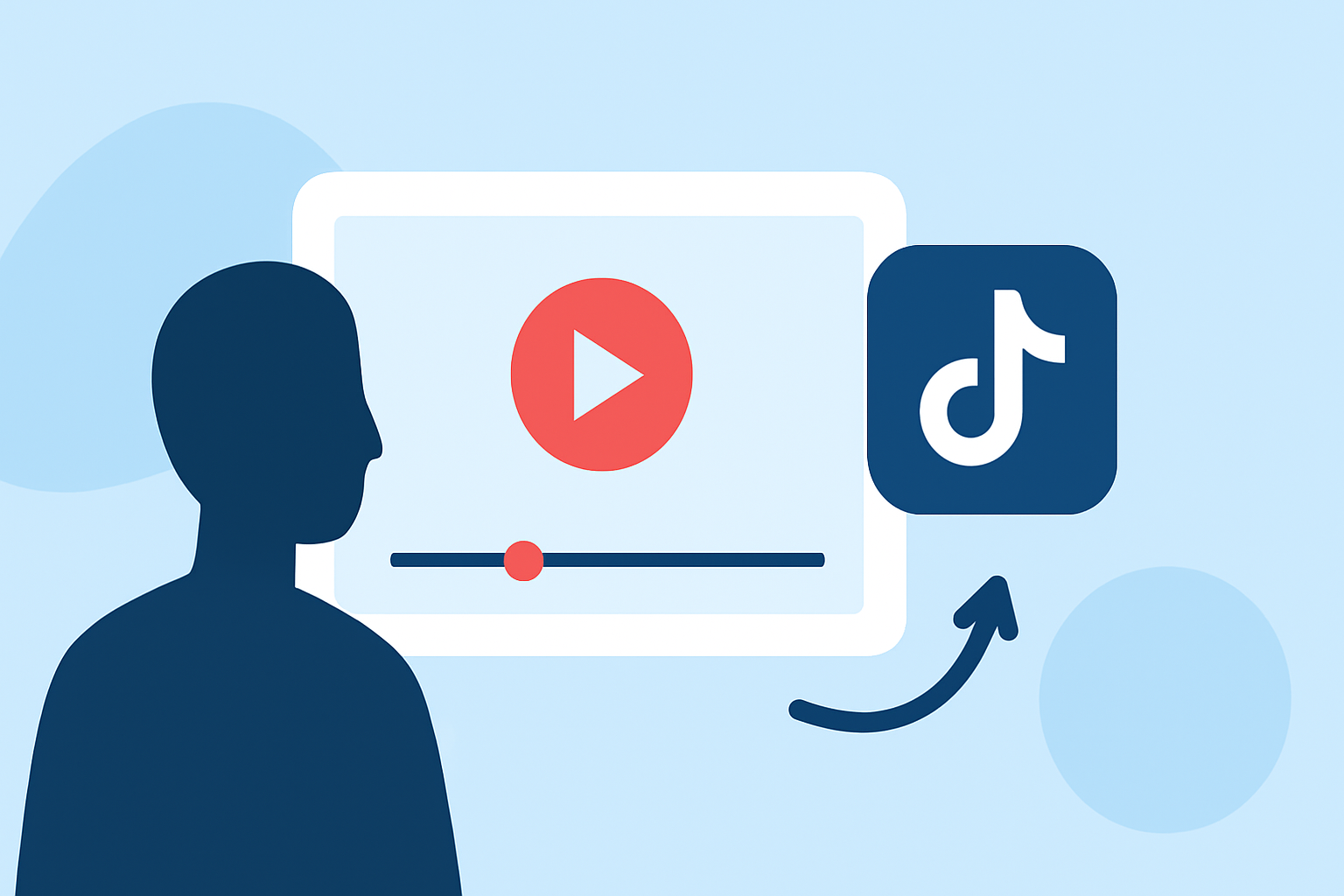
Creating engaging travel vlogs on TikTok involves mastering seamless transitions that keep viewers hooked. Here's a step-by-step guide to help you craft captivating transitions:
1. Plan Your Shots Strategically
Before filming, visualize how each scene will flow into the next. Decide on the type of transition you want to use, such as a jump cut, whip pan, or zoom effect. Planning ensures that your shots are composed in a way that facilitates smooth editing.
2. Maintain Consistent Settings
Consistency in lighting, camera angles, and framing is crucial. Use a tripod to keep the camera steady and mark your position to avoid unintended movements. This consistency makes transitions appear more natural.
3. Utilize the Timer Function
TikTok's timer feature allows you to set a countdown before recording, giving you time to get into position. This is particularly useful for transitions that require precise timing, such as the finger snap or headbutt transition.
4. Implement Common Transition Techniques
-
Finger Snap Transition: Snap your fingers at the end of one clip and at the beginning of the next. This creates a seamless effect when edited correctly.
-
Headbutt Transition: Pretend to bump into the camera, then change your outfit or location. The motion of the bump helps in blending the clips together.
-
Whip Pan Transition: Quickly move the camera in one direction at the end of a clip and start the next clip with the same motion. This creates a dynamic and energetic flow.
5. Edit with Precision
After recording, use TikTok's editing tools to trim clips and align them perfectly. Ensure that the transition points are synchronized with the music beats to enhance the overall impact.
6. Enhance with Effects and Music
Adding effects like zooms, slides, or light flashes can make transitions more engaging. Choose music that complements the pace and mood of your video to keep viewers interested.
7. Practice and Refine
Creating smooth transitions takes practice. Experiment with different techniques and review your footage to see what works best for your style.
For those looking to streamline the editing process, Planes Live offers a user-friendly platform with a variety of templates and tools designed to enhance your TikTok videos. Its intuitive interface allows for quick editing, enabling you to focus more on content creation.
By following these steps and utilizing the right tools, you can create professional-looking travel vlogs that captivate your TikTok audience.