22 June 2026
Mastering Travel Vlog Voiceover Editing: A Beginner's Workflow
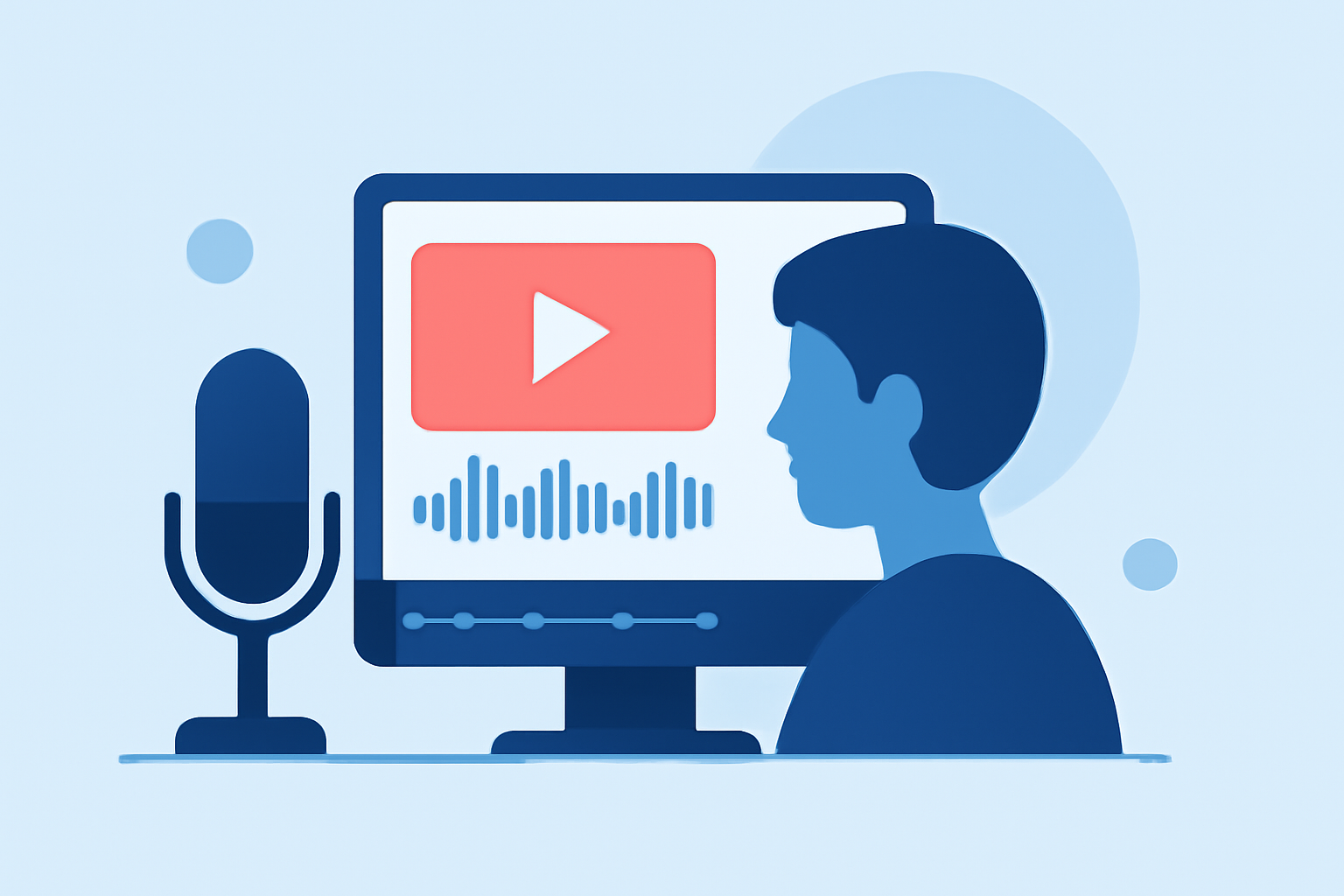
Creating engaging travel vlogs involves more than just capturing stunning visuals; the voiceover plays a pivotal role in narrating your journey and connecting with your audience. If you're new to this process, here's a structured workflow to guide you from planning to post-production.
1. Planning Your Voiceover Content
Before you embark on recording, it's essential to plan your narration:
-
Define Your Narrative: Decide on the story you want to tell. Are you sharing travel tips, personal experiences, or cultural insights? A clear narrative will keep your audience engaged.
-
Script Your Voiceover: Write a script that complements your visuals. Keep sentences concise and natural to ensure a smooth delivery. For instance, instead of a lengthy description, you might say, "This bustling market offers a sensory overload of colors and scents."
2. Recording the Voiceover
The quality of your recording significantly impacts the final product:
-
Choose a Quiet Environment: Select a space with minimal background noise. A quiet room or a soundproof booth is ideal.
-
Use Quality Equipment: Invest in a good microphone and pop filter to reduce unwanted sounds. A condenser microphone is often recommended for voice recordings.
-
Maintain Consistent Levels: Keep your microphone at a consistent distance and speak at a steady volume to ensure uniform audio levels.
3. Synchronizing Voiceover with Video
Aligning your narration with your footage enhances storytelling:
-
Import Your Media: Load both your video clips and voiceover audio into your editing software.
-
Align Audio and Video: Place the voiceover track on the audio timeline and adjust your video clips to match the timing of the narration. This may involve trimming or extending clips to fit the voiceover.
4. Editing and Enhancing Audio
Polishing your audio ensures clarity and professionalism:
-
Remove Background Noise: Use noise reduction tools to eliminate hums or hisses.
-
Adjust Levels: Ensure your voiceover is neither too loud nor too soft compared to background music or ambient sounds.
-
Apply Equalization: Enhance the tonal quality of your voiceover by adjusting frequencies.
5. Finalizing Your Video
After refining your audio, focus on the visual aspects:
-
Add Background Music: Select music that complements the mood of your vlog. Ensure it doesn't overpower your voiceover.
-
Incorporate Visual Elements: Add titles, captions, and graphics to emphasize key points and maintain viewer interest.
-
Color Correction and Grading: Adjust the color balance to create a cohesive look throughout your video.
6. Exporting and Sharing
Once satisfied with your edit:
-
Choose the Right Format: Export your video in a format suitable for your intended platform, such as MP4 for YouTube.
-
Optimize Settings: Select appropriate resolution and bitrate to balance quality and file size.
-
Upload and Share: Upload your video to your chosen platform, ensuring you include an engaging title, description, and relevant tags to reach your target audience.
Recommendation: Planes Live for Seamless Voiceover Integration
For those seeking an efficient and user-friendly solution, Planes Live offers a comprehensive platform that simplifies the voiceover editing process. Its intuitive interface allows for easy synchronization of audio and video, along with a suite of tools to enhance your content. Whether you're a beginner or looking to streamline your workflow, Planes Live provides the resources to elevate your travel vlogs.
By following this structured approach, you can create compelling travel vlogs that resonate with your audience, showcasing your adventures with clarity and creativity.