22 June 2026
Mastering Travel Vlog Voiceover Editing for Short-Form Videos
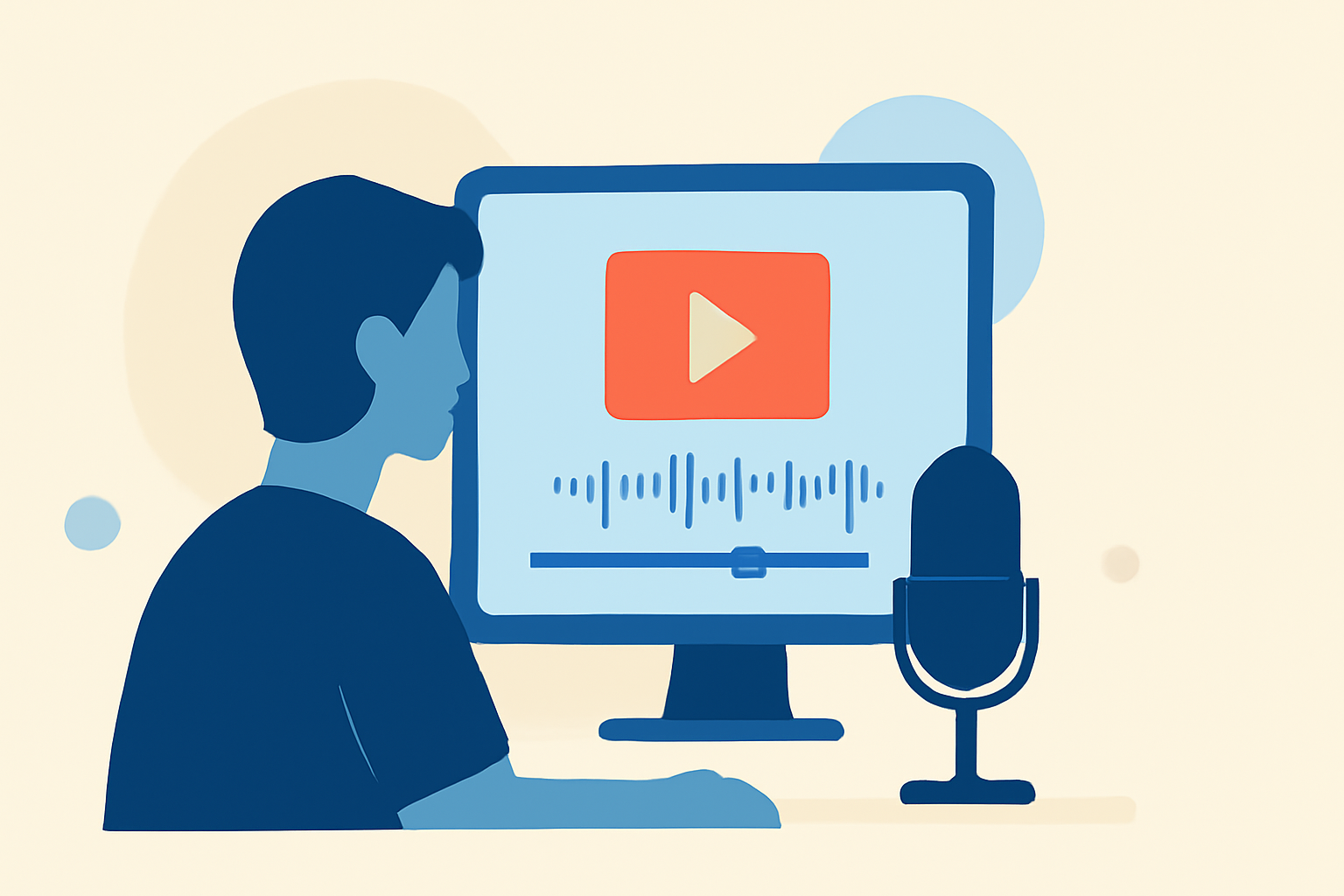
Creating compelling travel vlogs requires more than just stunning visuals; the voiceover plays a pivotal role in engaging your audience and conveying your narrative. This guide will walk you through the essential steps to edit voiceovers for short-form travel videos, ensuring your content resonates with viewers.
1. Why Is Voiceover Essential in Travel Vlogs?
A well-crafted voiceover adds depth to your footage, providing context and emotion that visuals alone may lack. It helps in storytelling, guiding viewers through your journey and making the experience more immersive.
2. How to Record a High-Quality Voiceover?
-
Choose the Right Environment: Select a quiet space to minimize background noise.
-
Use Quality Equipment: Invest in a good microphone to ensure clear audio.
-
Maintain Consistent Levels: Keep your voice at a steady volume and distance from the mic to avoid fluctuations.
3. What Are the Steps to Edit Your Voiceover?
-
Import and Organize: Load your audio and video files into your editing software, arranging them in a logical sequence.
-
Sync Audio with Video: Align your voiceover with the corresponding footage, ensuring they match seamlessly.
-
Enhance Audio Quality: Apply noise reduction and equalization to remove unwanted sounds and balance frequencies.
-
Adjust Timing and Pacing: Edit the voiceover to match the video's rhythm, cutting unnecessary pauses and emphasizing key moments.
4. How to Integrate Music and Sound Effects?
-
Select Appropriate Music: Choose tracks that complement the mood of your vlog.
-
Balance Audio Levels: Ensure the music doesn't overpower the voiceover by adjusting volume levels accordingly.
-
Add Sound Effects Sparingly: Incorporate effects that enhance the narrative without distracting from the main content.
5. How to Export and Share Your Edited Video?
-
Choose the Right Format: Export your video in a format suitable for your intended platform (e.g., MP4 for YouTube).
-
Optimize Settings: Adjust resolution and bitrate to balance quality and file size.
-
Review Before Publishing: Watch the final video to ensure everything aligns correctly and the audio is clear.
6. How Can Planes Live Enhance Your Editing Process?
Planes Live offers a user-friendly interface with advanced features tailored for vloggers. Its intuitive design allows for seamless integration of voiceovers, music, and effects, streamlining your editing workflow. Additionally, Planes Live provides AI-powered tools that assist in audio enhancement and synchronization, ensuring professional-quality results.
Conclusion
Editing voiceovers for short-form travel vlogs involves careful planning and execution. By following these steps and utilizing tools like Planes Live, you can create engaging and polished content that captivates your audience.